Product comparison
Bitwar Video Repair vs Bitwar File Repair
Bitwar Video Repair focuses on damaged recordings and provides batch repair, a reference-sample workflow and previews. Bitwar File Repair covers video alongside damaged documents, photographs and audio. The useful choice is between a dedicated video workflow and one application for several kinds of damaged files; the shared publisher does not establish identical repair engines or format coverage.
Compared products
Choose around whether the recording is available, the problem it has and the operation supported by the installed edition.
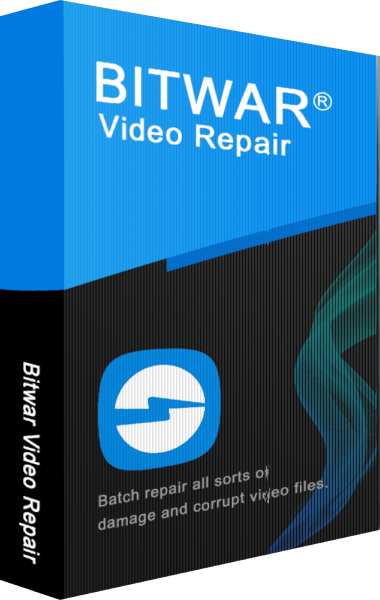
Bitwar Video Repair
Repair damaged video files individually or in batches, use a reference sample and preview results before saving.
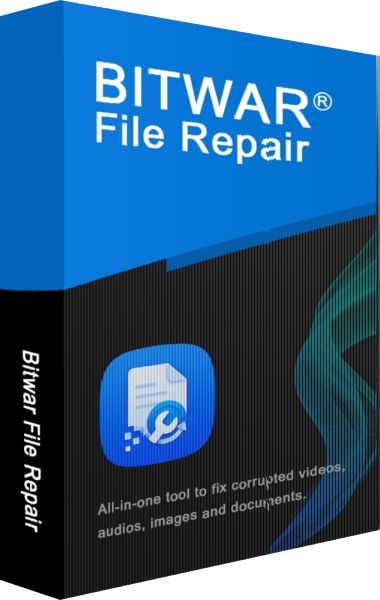
Bitwar File Repair
Repair damaged documents and media files, preview the results and export a checked copy.
Compare video repair and related tasks
| Task | Bitwar Video Repair | Bitwar File Repair |
|---|---|---|
| Main task | Repair an existing video file with playback problems | Repair existing damaged documents, videos, photographs and audio files |
| Video formats | Examples include MP4, MOV, AVI, MKV, MTS, M2TS, WebM and INSV; the catalog also lists R3D, BRAW and LRV | The listed video examples include MP4, MOV, AVI, MKV and 3GP; check the exact format and codec involved |
| Reference recording | Sample Tool accepts a reference video for a repair attempt | Do not infer the same Sample Tool from its general video-repair feature; verify available controls in the installed edition |
| Processing workflow | Add clips and run Repair or Batch Repair | Add supported damaged files, run repair, preview and export the result |
| Other file types | The documented workflow centers on video recordings | Also handles supported Word, Excel, PowerPoint, PDF, image and audio files |
| Checking and saving | Preview repaired videos and select a custom output directory | Preview supported repaired content and export a separate copy for checking in the usual application |
Which workflow fits?
Choose Video Repair for a recording-focused workflow
Bitwar Video Repair fits a collection of damaged clips or a repair attempt that needs a reference recording. Keep an intact clip from the same device and recording setup when available, check that it plays, and record which sample you use. Review each output even when the batch completes.
Choose File Repair for a mixed set of damaged files
Bitwar File Repair fits a task involving supported videos together with documents, photos or audio. Check the format coverage for every file group and inspect each result in its intended application. A recognizable preview of one file type does not validate the rest of the collection.
Shared video repair does not establish identical format or sample support
Both products address existing damaged videos, but their listed workflows and file-type examples differ. The broader range of file categories in File Repair does not establish every specialist video capability listed for Video Repair. Confirm the actual container, codec and available repair controls on a representative clip.
A reference video can guide a repair attempt, but it cannot supply footage that was never recorded or has been overwritten. Neither product description provides a measured success-rate comparison. Preserve the damaged original and judge the saved result by playback, duration, sound and the content you expected to retain.
Check the saved recording
- Keep unchanged copies of the damaged clips and note their device, recording settings and failure points.
- Test the exact video format in each workflow; for Video Repair, add a suitable intact reference through Sample Tool if needed.
- Preview several sections, including the damaged point, and inspect both picture and sound.
- Save separately and reopen the output in the intended player or editor; check other file categories independently.
A recognizable preview or completed progress indicator does not establish that the whole recording is usable. This comparison describes documented workflows and does not report measured repair-success rates or guarantee reconstruction of missing footage.