Corel software for design, photos, video and office work
Explore Corel applications for vector illustration, technical graphics, photo editing, digital painting, video projects and document creation. The catalog includes individual applications, suites and photo-video bundles, grouped by the work they help you complete.
Start with your source material and intended output, then compare the edition and included applications. Product names alone do not describe the complete package: check each product page for its tools, included releases and common questions.
Vector design, page layout and technical illustration
CorelDRAW Graphics Suite combines vector illustration, page layout and photo editing for logos, publications and other design projects. Essentials and Standard offer different scopes for everyday and small-business graphics; compare the tools in the exact edition.
CorelDRAW Technical Suite adds dedicated technical illustration with Corel DESIGNER for annotated drawings, manuals and visual instructions. Advanced native 3D CAD assembly support belongs to a separate edition. Check source formats and deliverables before choosing a suite, or read our Technical Suite vs Graphics Suite comparison.
Related Products
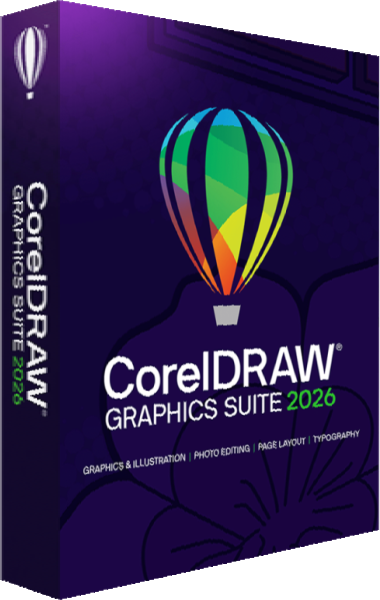
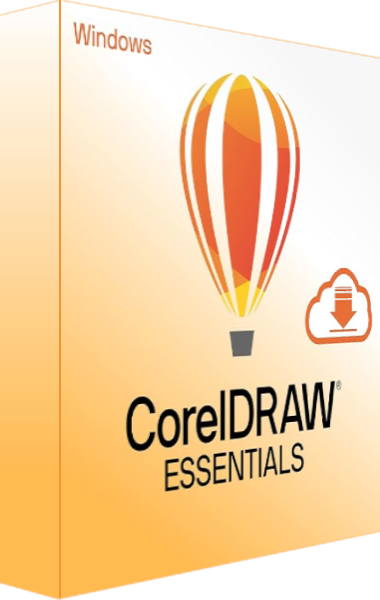
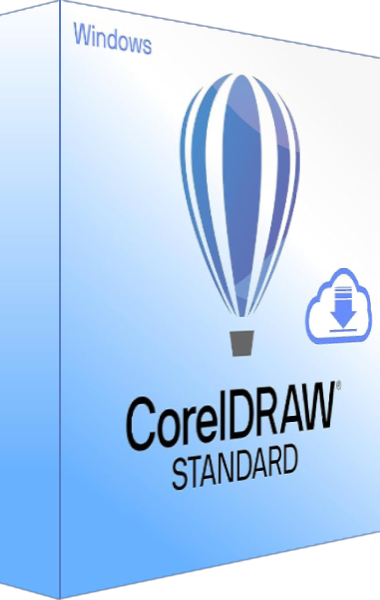
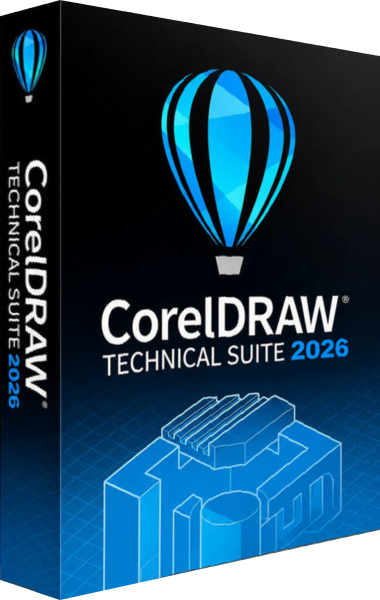
Photo editing, organization and RAW processing
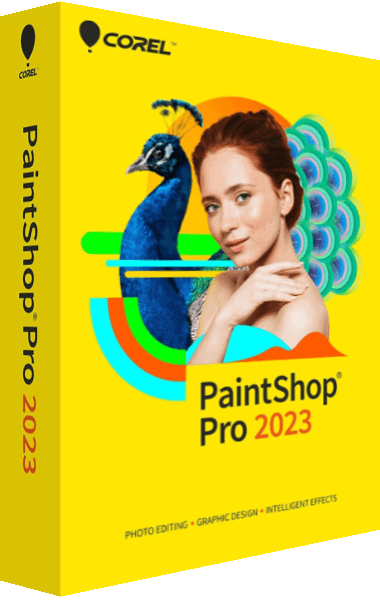
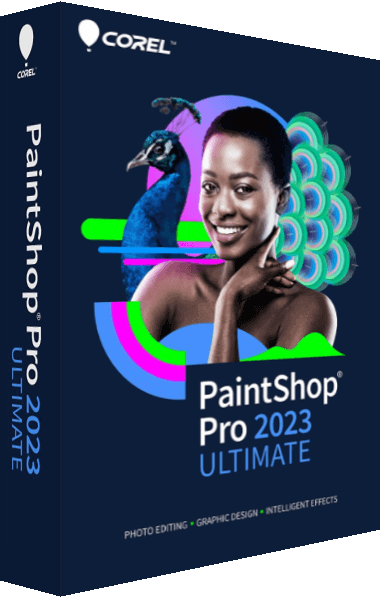
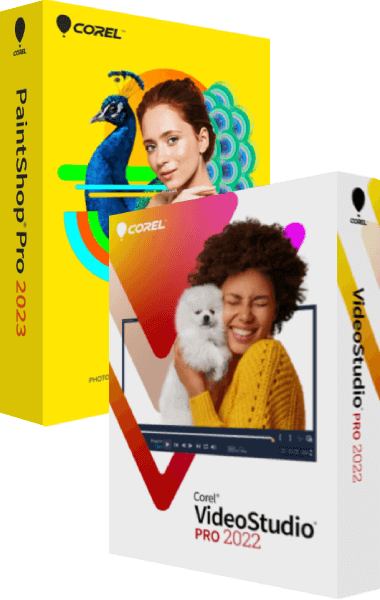
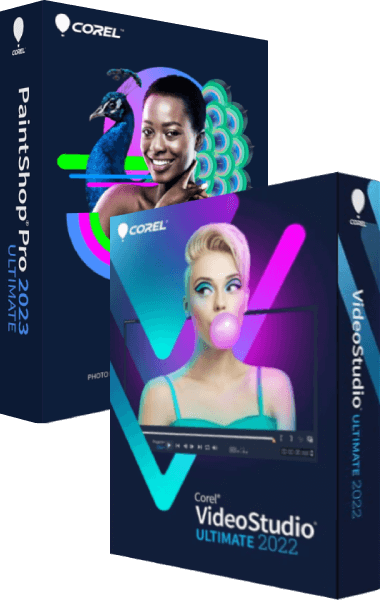
PaintShop Pro provides photo editing and graphic-design tools. PaintShop Pro Ultimate includes the core editor with additional software and content. Check the included extras against your workflow rather than assuming every Ultimate component is a feature of the base editor.
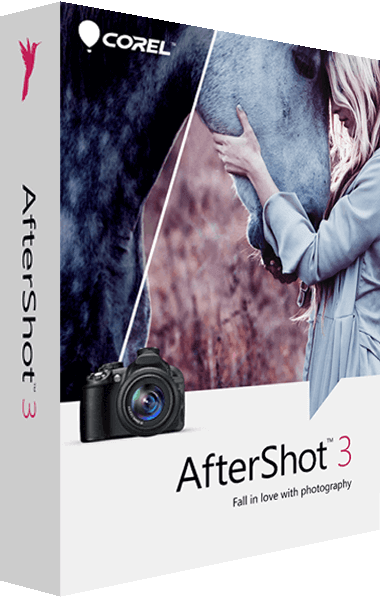
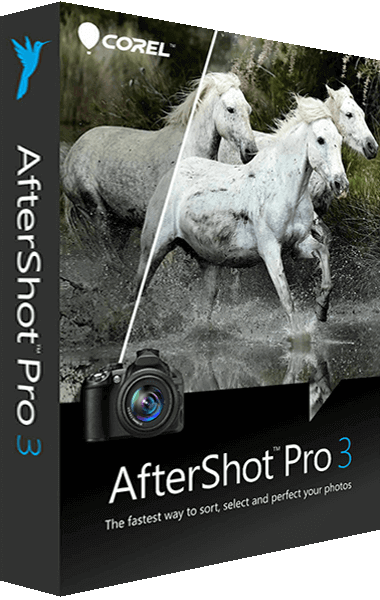
AfterShot and AfterShot Pro focus on organizing photographs, RAW adjustments and repeated processing tasks. Confirm support for your camera files and keep the originals when preparing exports. Explore photo editing software to compare collection management, detailed retouching and batch-processing workflows.
Related Products
Digital painting and animated photographs
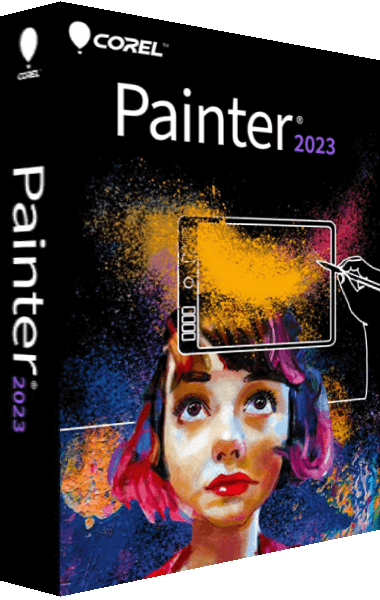
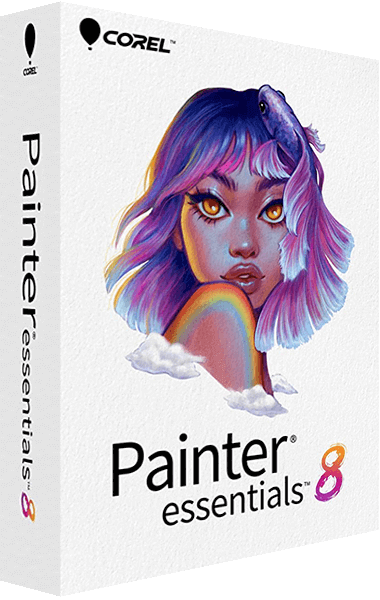
Painter provides digital brushes and tools for developing original artwork. Painter Essentials offers a beginner-oriented painting and photo-art workflow. Choose around the brushes and controls you expect to use, and keep an editable working file alongside exported pictures.
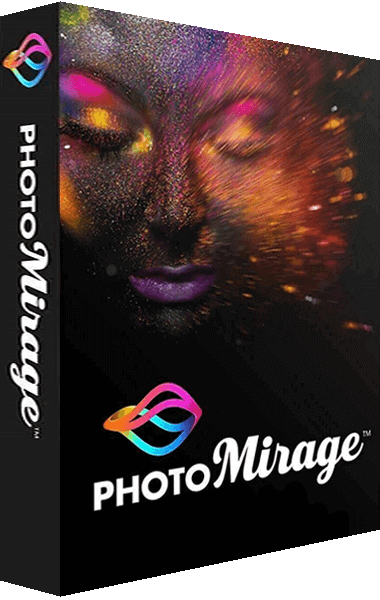
PhotoMirage animates selected areas of a photograph. It serves a different creative task from painting an illustration or assembling a movie timeline. Plan which parts of the image should move and inspect the finished animation at the size and duration you intend to share.
Related Products
Video editing and photo-video bundles
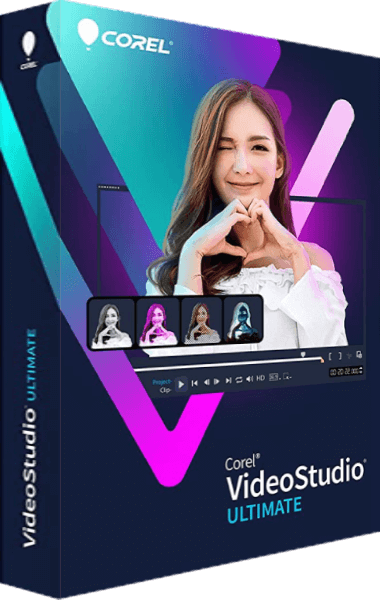
VideoStudio Pro and VideoStudio Ultimate support movie projects with clips, titles, transitions and audio. Compare the selected edition for the effects and editing controls your project needs, then test a short export using representative footage.
The Photo Video Editor Bundle Pro and Ultimate bundle combine photo and video applications. Review their included releases and extras; a bundle does not automatically contain every newer standalone release. Browse video editing software for related tools, and retain source footage separately from project files and exports.
Related Products

Office documents, spreadsheets and PDF workflows
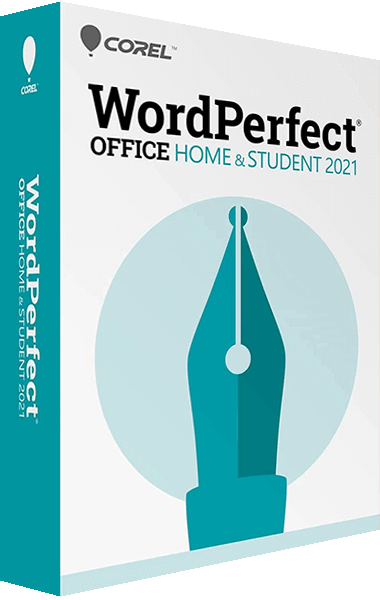
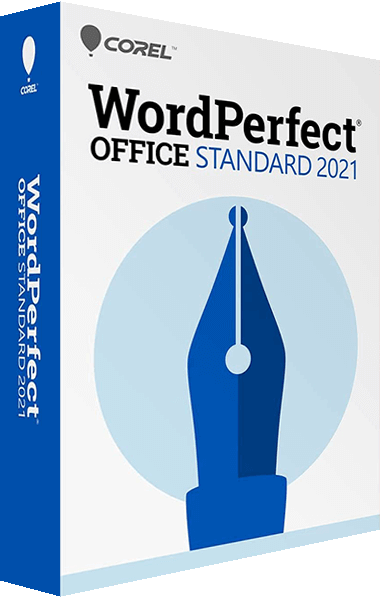
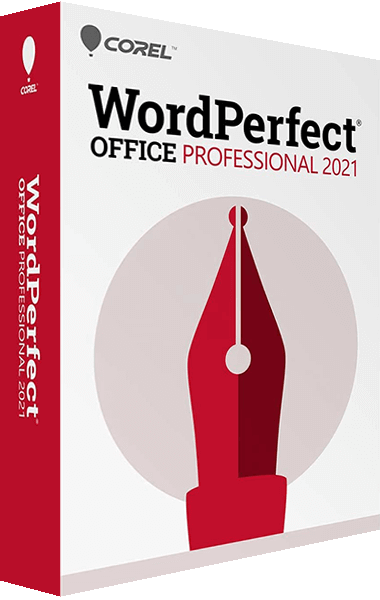
Compare WordPerfect Office Home & Student, Standard and Professional for document, spreadsheet and presentation work. Included applications and PDF tools vary by edition; Professional also includes Paradox database management. Check the exact package before planning a document or database workflow.
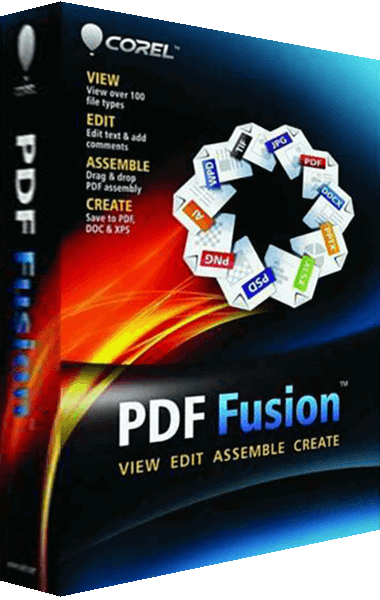
PDF Fusion provides PDF assembly, editing and creation tools. Use the PDF software category to compare related workflows. When exchanging documents, inspect the final layout, fonts and page order in the delivered file, and retain the editable source for later revisions.
Related Products
Find an earlier Corel edition
Use the Corel product archive to identify a release you already own. Match the edition and version before following a feature description: an older license does not automatically include the tools or extras described for a newer package.