Video Editing Software
Choose a video editor around your source footage and intended output. Timeline editing, titles, sound and subtitles form different parts of a production; check the tools available in the selected edition.
What to compare
- Editing: Review timeline controls, titles, effects and the tools needed for your sequence.
- Media: Test representative footage and audio before starting a long project.
- Export: Check the intended aspect ratio, output format and a sample finished file.
Explore catalog products
Cards follow the editions selected in our catalog. Review the product page for its version and included tools before choosing a workflow.
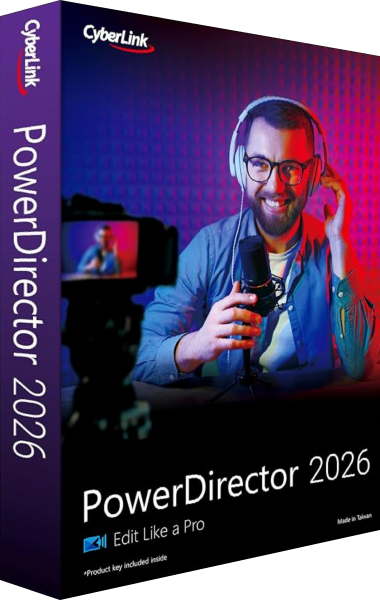
CyberLink PowerDirector 2026
Video editing, titles and audio with edition-specific tools
CyberLink PowerDirector 2026 provides video editing, keyframe animation, motion tracking, multicamera tools and 4K production. Compare Ultra, Ultimate and Ultimate Suite for automated audio tools and bundled applications, separately from PowerDirector 365.
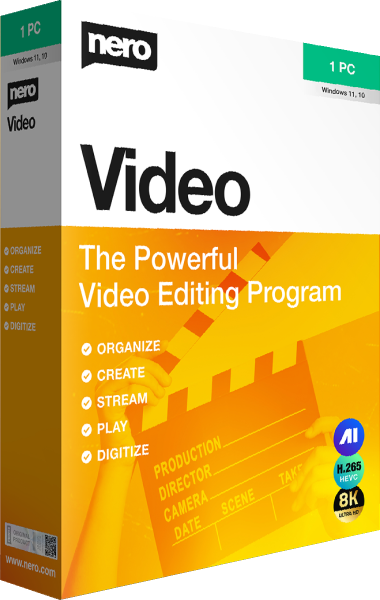
Nero Video
Limited time offer: Save 59%
Build movies and slideshows with express or advanced multi-track editing. Add titles and effects, prepare portrait videos, and author DVD or Blu-ray projects with menus.
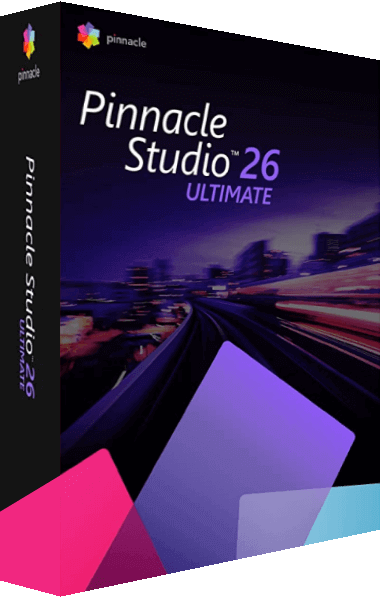
Pinnacle Studio Ultimate
Discount 10%
Pinnacle Studio Ultimate combines unlimited-track editing with video masking, 360-degree editing, and full color grading. Use motion tracking, multi-camera tools, and grouped keyframes to refine complex projects.
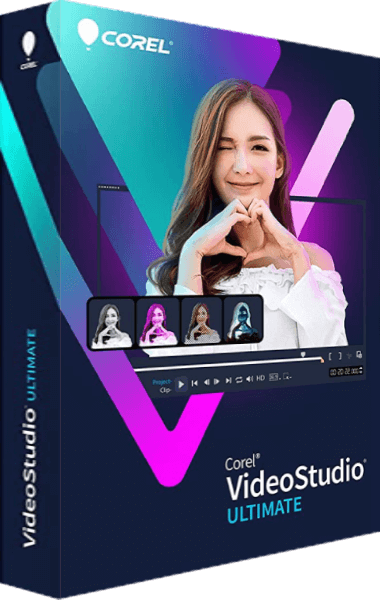
VideoStudio Ultimate
Limited time offer: Save 55%
VideoStudio Ultimate provides video editing with color grading, video masking, 3D Titler, and Audio Cues. Combine footage with titles and effects to prepare finished movies.
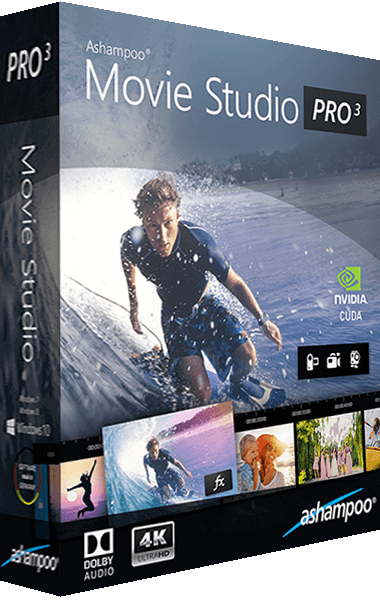
Ashampoo Movie Studio Pro
Limited time offer: Save 70%
Create high-resolution videos with individual cuts, transitions and effects! With support for 4K resolutions, Dolby 5.1 and lightning-fast conversion, Ashampoo Movie Studio Pro is the tool of choice for high-end video creation
EaseUS Video Editor
Video editing and conversion
Trim, crop, rotate, and convert video files with EaseUS Video Editor. Assemble video projects and adjust recorded clips with video editing tools.
Check the result
Keep source footage, editable projects and exports separately. Review the finished video for sound, captions, timing and playback in the intended player.