Media Players and Library Software
Choose playback software around the sources in your collection. Movie discs, disc images and local video files have different compatibility and navigation needs.
What to compare
- Playback sources: Distinguish DVD, Blu-ray, disc images and local files; confirm support in the selected edition.
- Library tools: Review browsing, albums and playlists around the way you organize media.
- Home viewing: Check edition access for TV modes, casting and network playback before planning around them.
Explore catalog products
Cards follow the editions selected in our catalog. Review the product page for its version and included tools before choosing a workflow.
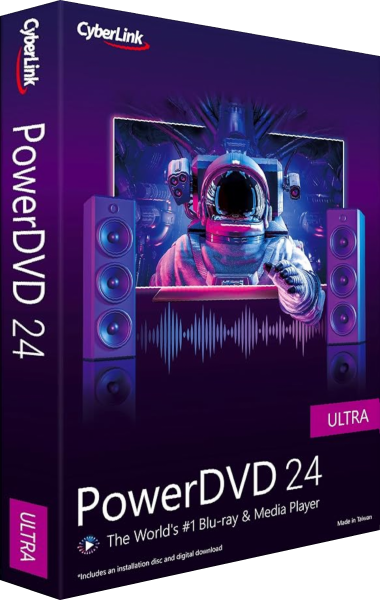
CyberLink PowerDVD 24
DVD and local media playback with edition-specific features
CyberLink PowerDVD 24 plays DVDs and local media. Pro and Ultra add Blu-ray playback; Ultra also includes movie ISO playback, 8K, TV Mode and casting. TrueTheater controls and supported formats vary by edition.
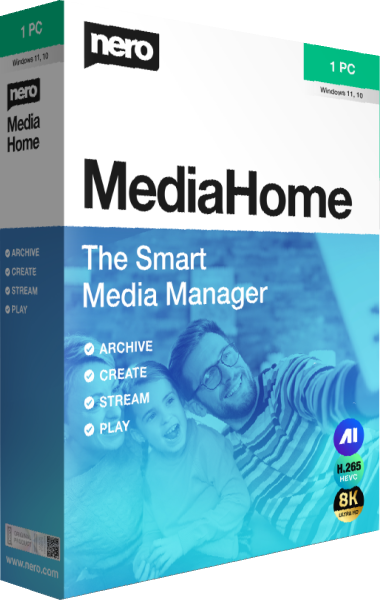
Nero MediaHome
Discount 20%
Manage photos, videos, and music in a browsable library. Create albums and playlists, prepare slideshows, and play media on your PC or compatible home-network devices.
Check the result
Test a representative title in the intended viewing setup, including audio, subtitles and navigation. File resolution and movie-disc format are separate compatibility questions.