Photo Editing Software
Choose photo software around the pictures and outputs you work with. Organizing a library, adjusting individual photographs and preparing layered compositions call for different tools.
What to compare
- Source files: Confirm camera and format support with representative images.
- Editing tools: Check whether layers, batch operations and local adjustments are included in the edition.
- Output: Review dimensions, crop and file format in the exported image.
Explore catalog products
Cards follow the editions selected in our catalog. Review the product page for its version and included tools before choosing a workflow.
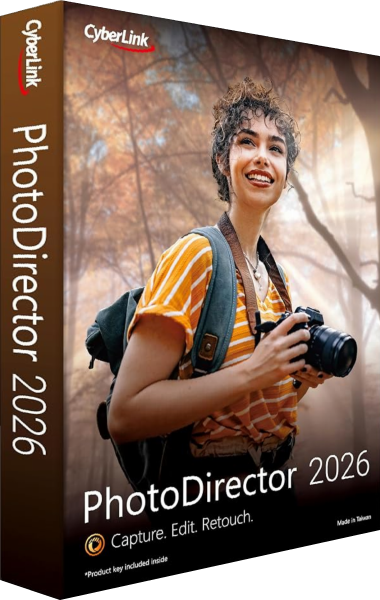
CyberLink PhotoDirector 2026
CyberLink PhotoDirector 2026 combines photo organization and editing with RAW support for compatible cameras. Ultra adds layer editing and batch workflows; Standard and Ultra have different tool sets and are separate from the PhotoDirector 365 subscription.

PaintShop Pro
Edit photographs and create image projects with PaintShop Pro. Adjust images and develop photo-based designs with image editing tools.
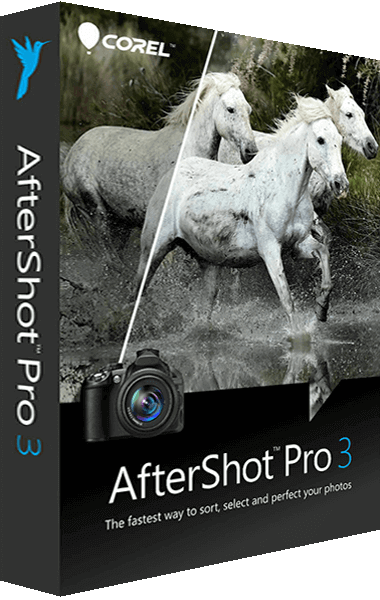
AfterShot Pro
Edit photographs and process image collections with AfterShot Pro. Apply photo corrections and use batch processing to adjust multiple images.
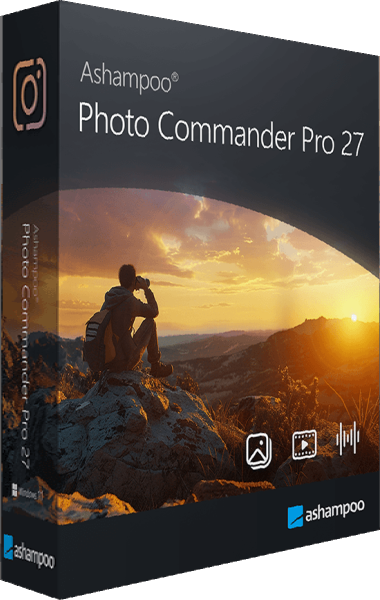
Ashampoo Photo Commander Pro
View, organize, edit, and present photos in one Windows application with local portrait detection, batch processing, duplicate search, and modern image format support.
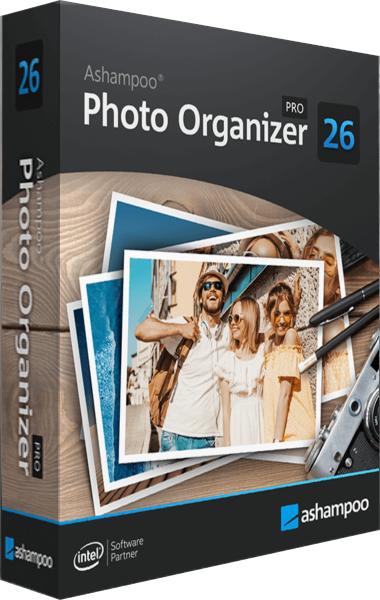
Ashampoo Photo Organizer Pro
Ashampoo Photo Organizer Pro helps organize photo collections with smart albums, duplicate detection and focus assessment. Browse folders, connect cloud storage and manage tags and locations in batches.
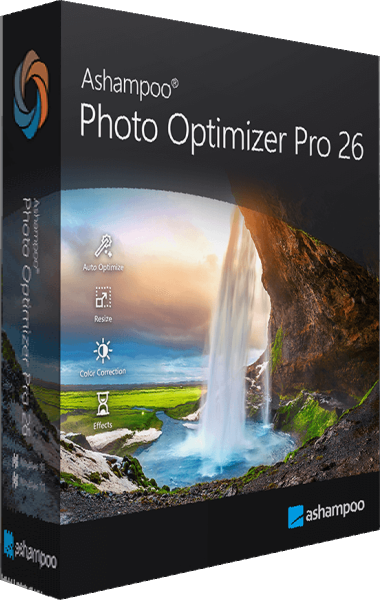
Ashampoo Photo Optimizer Pro
Optimize individual photos or entire folders. Compress JPG, PNG, and WebP with live preview, apply LUTs, and refine images with manual editing tools.

Ashampoo ZOOM #3
Ashampoo ZOOM #3 enlarges photographs with SSSP scaling, deblurring and Intelligent Details synthesis. Work with RAW images, correct sensor-related blemishes and inspect results with comparison views and a magnifier.
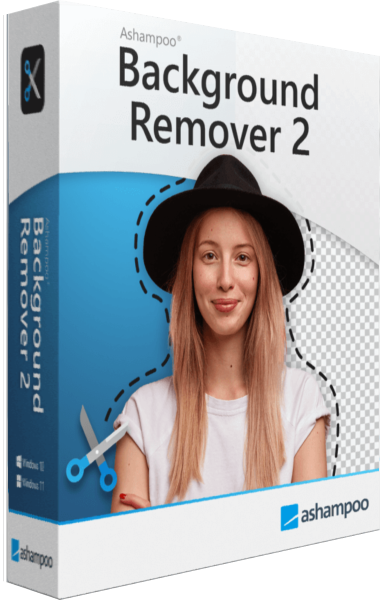
Ashampoo Background Remover 2
Ashampoo Background Remover 2 isolates people and objects in photos. Refine selections with a frame and brushes, replace backgrounds, apply background effects and enlarge cutouts with AI processing on your computer.
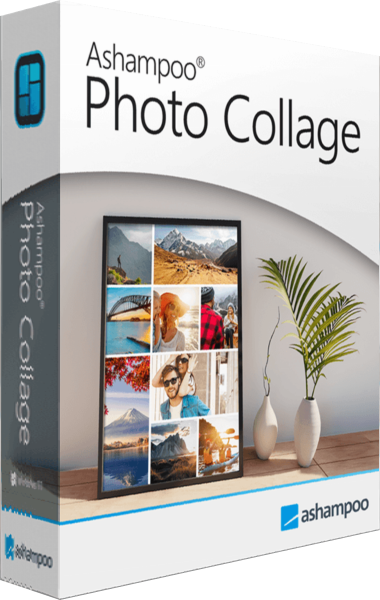
Ashampoo Photo Collage
Ashampoo Photo Collage combines photos in adjustable grids with text and backgrounds. Choose a preset or custom size, refine crops and styling, and save the editable project to continue later.
Check the result
Retain originals and editable work separately from finished pictures. Test a small group before applying the same adjustments to a complete collection.
Related comparisons
- Ashampoo Background Remover 2 vs CyberLink PhotoDirector 2026
- Ashampoo Background Remover 2 vs Corel PaintShop Pro 2023
- Ashampoo Background Remover 2 vs Ashampoo ZOOM #3
- Ashampoo ZOOM #3 vs Nero AI Image Upscaler 2027
- Ashampoo ZOOM #3 vs Ashampoo ZOOM #2
- Ashampoo ZOOM #3 vs Ashampoo Photo Converter 3
- Ashampoo ZOOM #3 vs Ashampoo Photo Optimizer Pro 26
- Ashampoo Photo Organizer Pro 26 vs Ashampoo Photo Commander Pro 27
- Ashampoo Photo Organizer Pro 26 vs Nero AI Photo Tagger 2026
- Ashampoo Photo Organizer Pro 26 vs Corel AfterShot Pro 3
- Ashampoo Photo Organizer Pro 26 vs CyberLink PhotoDirector 2026
- Ashampoo Photo Organizer Pro 26 vs Nero DuplicateManager Photo
- CyberLink PhotoDirector 2026 vs Ashampoo Photo Commander Pro 27
- CyberLink PhotoDirector 2026 vs Ashampoo Photo Optimizer Pro 26
- CyberLink PhotoDirector 2026 vs Corel AfterShot Pro 3
- CyberLink PhotoDirector 2026 vs Corel PaintShop Pro 2023