Product comparison
CyberLink PhotoDirector 2026 vs Ashampoo Photo Commander Pro 27
These products overlap in organizing and editing a photo collection. Compare how you find a picture, make a correction and prepare a set for sharing; the tasks after browsing distinguish a library-centered workflow from a layered editing project.
Feature comparison
| Task | CyberLink PhotoDirector 2026 | Ashampoo Photo Commander Pro 27 |
|---|---|---|
| Collection workflow | Photo-library organization and image adjustments | Viewing, browsing, metadata and collection management |
| People and groups | Library tools; review the installed 2026 edition | Local portrait detection for selfies, portraits, couples and groups |
| Duplicate review | Evaluate the required library operations separately | Duplicate filtering for large collections |
| Individual edits | Background and object removal; layers in Ultra | Crop, tonal corrections, retouching and effects |
| Batch work | Crop, resize, filters, denoise and deblur in Ultra | Resize, convert, watermark and apply repeated corrections |
| Presentation | Photo editing and edition-dependent slideshow tools | Slideshows, collages, calendars and greeting cards |
| Modern formats | Check the required import and export formats | Native JPEG XL loading/saving and AVIF loading |
PhotoDirector edition scope
This comparison covers the perpetual 2026 release. Standard and Ultra include background and object removal, while Expert-module layer editing and the listed Batch Editor tools belong to Ultra. Check the selected edition before planning a layered or batch-processing project.
PhotoDirector 365 is a separate subscription. Its GenAI Studio, subscription stock content and monthly AI-credit benefits should not be attributed to the perpetual Standard or Ultra editions.
Organize a collection or develop selected images?
Consider Photo Commander Pro 27 when finding files, reviewing duplicates and preparing albums, collages or slideshows are frequent tasks. Its local portrait detection groups photographs by portrait type; this should not be confused with identifying every person by name.
Consider PhotoDirector Ultra when selected pictures need layer editing, guided retouching or its denoise and deblur workflow. For simple corrections, compare the actual steps before assuming the more extensive editing workspace is necessary.
Compare image formats by operation. Support for loading an image does not establish that it can be saved in the same format, and a supported RAW extension does not guarantee support for every camera model.
Review CyberLink PhotoDirector 2026 and Ashampoo Photo Commander Pro 27 for the compared catalog entries.
Try a representative folder of mixed photos
- Use a copy of a folder containing portraits, landscapes, similar shots and several file formats.
- Find a selected event or image and review proposed duplicate groups manually.
- Apply a small batch operation and inspect individual results before processing the full folder.
- Prepare a presentation or edited image and check the output while retaining the originals.
This comparison follows documented tools and workflows. We have not benchmarked processing speed, automatic selection accuracy, denoising quality or RAW rendering using identical files. Keep original photographs, editable work and delivery copies separately, with independent backups.
Compared products
The PhotoDirector card identifies the 2026 product line. Check Standard and Ultra features separately.
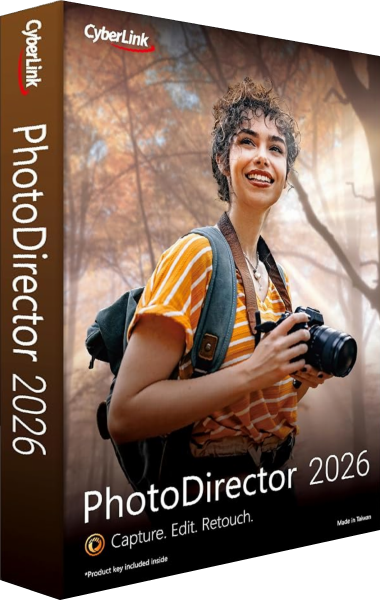
CyberLink PhotoDirector 2026
Organize and edit photographs, refine selected images and export finished pictures with tools that vary by edition.
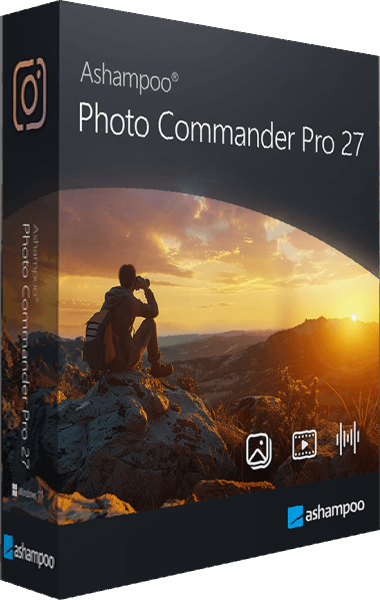
Ashampoo Photo Commander Pro
Organize, edit, and present your photo collection with tools for batch processing and duplicate search.