Ashampoo software for everyday PC and creative tasks
Explore Ashampoo applications for Windows maintenance, backups, photo and video work, documents, disc creation and building design. This catalog groups the products by task so you can compare their roles before opening the details.
Start with the work you want to complete: organize a photo collection, prepare a PDF, remove unwanted software or preserve a recovery copy. The product pages explain individual features and common questions for the editions listed here.
Windows cleanup, program removal and driver updates
WinOptimizer Pro 29 combines cleanup, startup controls, software updates and system analysis. UnInstaller Pro 27 focuses on removing unwanted applications and reviewing installation changes. Driver Updater checks hardware drivers and provides backup and restore tools.
Choose the task around the issue you observe: limited storage, unwanted software or a device problem. Review proposed changes before applying them. Explore PC optimization software, uninstallers and driver updaters for related tools.
Backups and recovery of deleted files
Ashampoo Backup and Backup Pro provide backup and restoration workflows. Backup Pro 27 supports selected files and partitions with local, network and supported cloud destinations, together with a bootable rescue system.
Photo Recovery and Undeleter search for deleted data. Their results depend on the source and whether the data remains recoverable. Keep independent copies before a problem occurs; our file-backup guide explains how to plan them. Browse backup software and data recovery tools to compare workflows.
Related Products

Photo organization, correction and batch processing
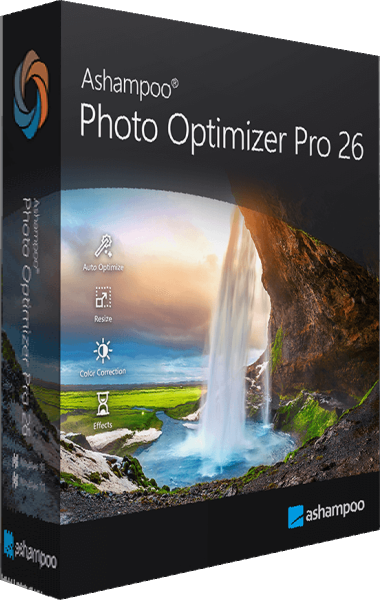
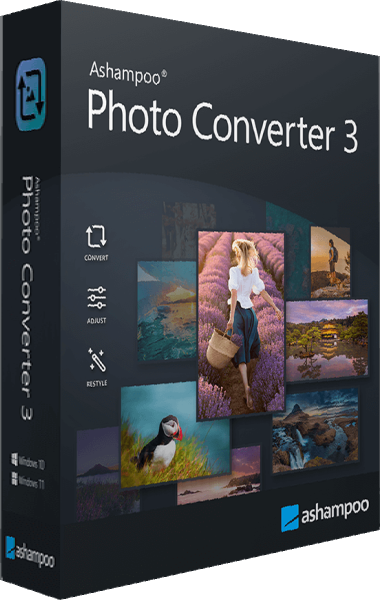
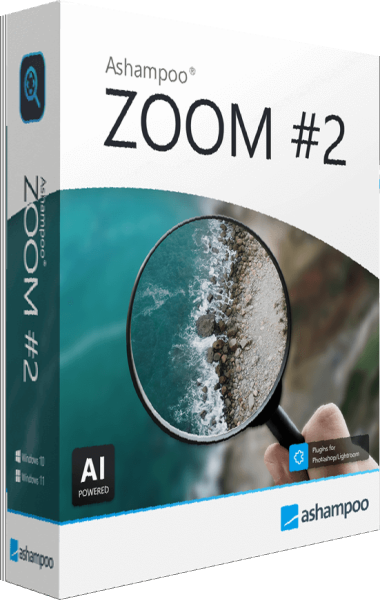
Photo Commander Pro 27 combines viewing, organization, editing and presentation tools. Photo Optimizer Pro 26 focuses on image correction, while Photo Converter 3 handles repeated conversion, resizing and watermarking tasks. Photos and ZOOM provide additional collection-management and enlargement workflows.
Photo Organizer Pro 26 helps maintain a searchable photo collection with smart albums, tags, metadata and duplicate detection.
Keep original images when preparing edited or enlarged copies. Stop AI Training applies image-specific changes intended to hinder AI analysis; it does not prevent downloading or guarantee protection against every model. Explore photo editing software for related applications.


Video editing, footage correction and slideshows
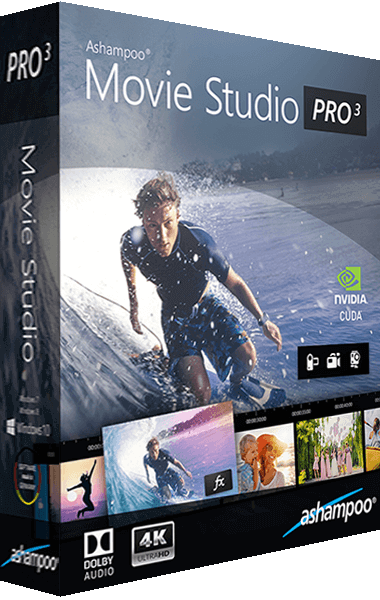
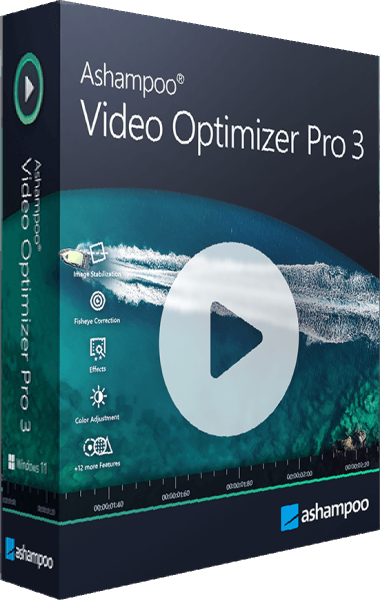
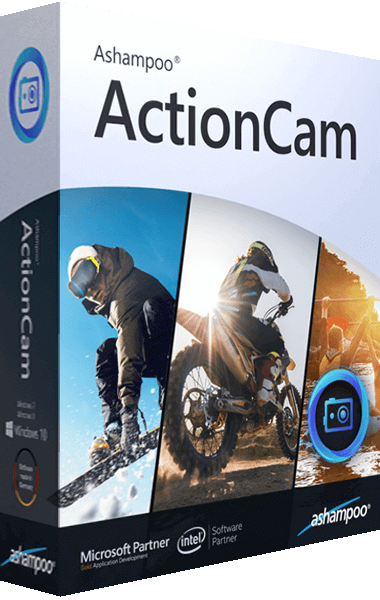
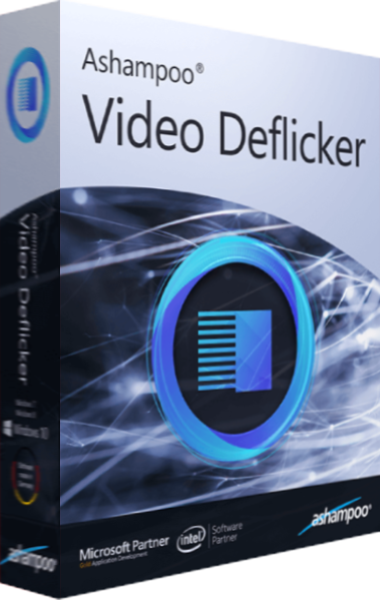
Movie Studio Pro 3 supports cutting and arranging clips with sound and transitions. Video Optimizer Pro 3 brings together color correction, stabilization, noise reduction and flicker reduction. ActionCam and the dedicated video utilities address more specific footage corrections or effects.
Cinemagraph creates animated photographs, while Slideshow Studio HD builds presentations from photos with music and transitions. Choose around the output you need, preserve source footage and check a short export before processing a large project. Browse video editing software for related workflows.




Audio projects and disc creation
Music Studio 12 provides recording, CD ripping, trimming, mixing and audio conversion tools. Soundstage Pro processes headphone playback with virtual surround effects. These products address audio production and listening, respectively.
Burning Studio 27 handles data and multimedia disc projects, audio extraction and disc images. Choose the appropriate project type: a data disc, audio CD and authored video disc serve different playback workflows. Check the finished output on the intended player.


Documents, PDF editing, screen capture and archives
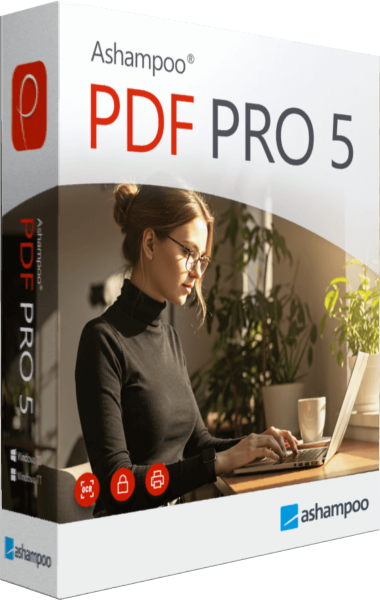
Office 27 creates documents, spreadsheets and presentations with support for Microsoft Office formats. PDF Pro 5 edits and converts PDFs, arranges pages and recognizes scanned text with OCR. Check converted layouts and recognized text before sharing important documents.
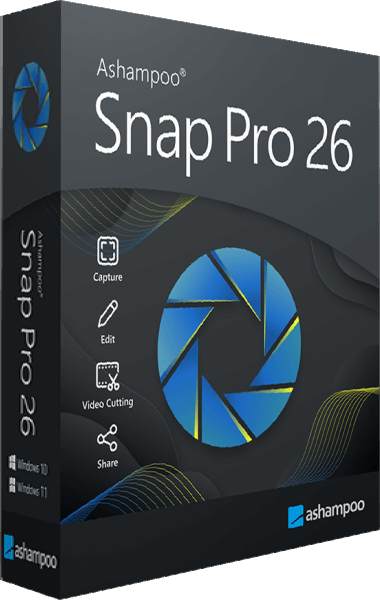
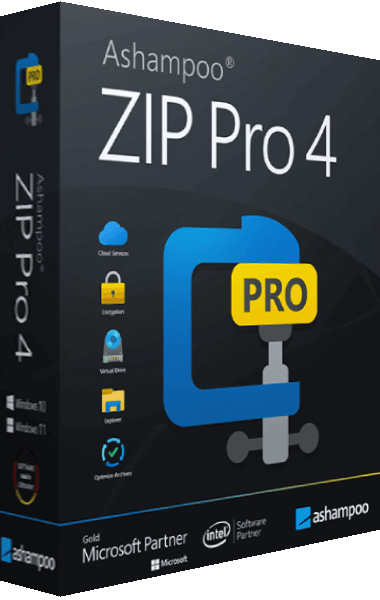
Snap Pro 26 captures screenshots and screen recordings with annotation tools. ZIP Pro 4 provides archive compression, extraction and encryption workflows. Browse PDF software or file compression tools to compare these tasks with related applications.
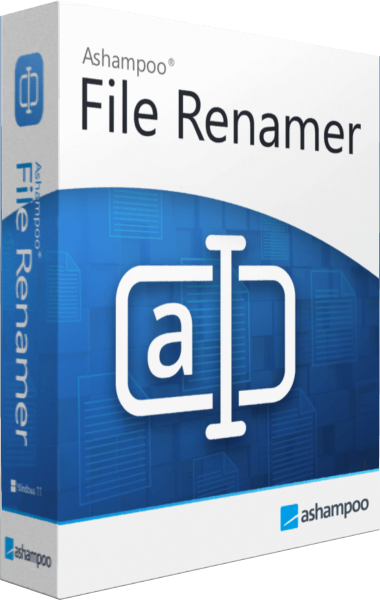
File Renamer helps organize filenames with batch naming rules and a preview. Explore file management software for this workflow.
Home design and CAD planning
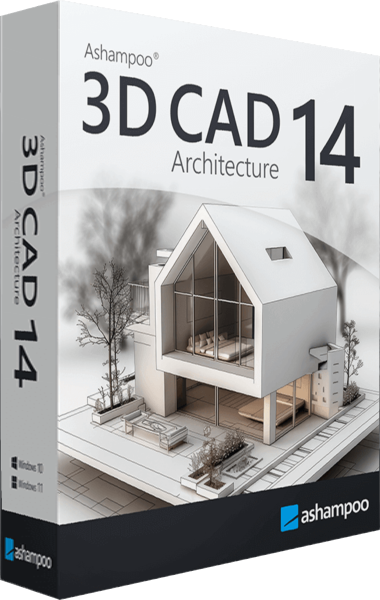
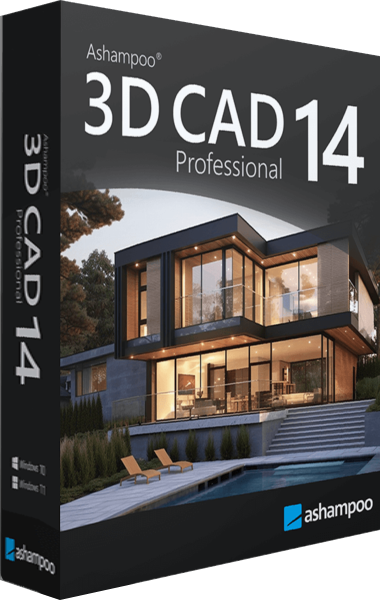
Home Design 10 supports room layouts, furniture placement and 3D views. 3D CAD Architecture 14 develops building plans and visualization, while 3D CAD Professional 14 adds specialist drawing and exchange workflows, including 2D DXF/DWG exchange and IFC export.
Choose around the drawings and files your project needs. Check dimensions, exported plans and the receiving application before using the output for a handoff. Explore the CAD software category for related planning tools.

Privacy settings and local activity review
AntiSpy Pro reviews tracking and telemetry settings. Privacy Inspector 2 examines local activity records and browser traces, while WebCam Guard provides controls for Windows camera and microphone access settings.
Review the affected settings before changing access or clearing local records. These controls do not erase information already held by online services or replace independent backups. Open each product page to check its scope and the choices available in that workflow.