Disk Imaging and Backup Software
Choose a backup tool by what you need to recover. A disk image can capture the operating system, applications and files on selected disks or partitions. File backup protects selected folders and documents. Disk cloning prepares another disk for replacement or migration.
Choose the recovery task
| Task | Method | Check before choosing |
|---|---|---|
| Recover a working system | Disk image and bootable recovery media | Include the partitions needed for startup and test access to the archive. |
| Recover a deleted or edited document | File backup with version history | Check folder coverage, retention and file restoration. |
| Replace a hard drive or SSD | Cloning or image restoration | Verify the replacement can start independently. |
Disk images do not always copy every physical sector. Many tools copy used data, with separate options for raw or sector-based imaging. Recovery time depends on the archive, destination and connection.
Disk imaging and system recovery
These catalog families cover disk imaging or system-recovery workflows. Read the exact edition page before selecting backup destinations, encryption or recovery-media options.
For personal disk images, file backups and rescue-media recovery, explore Macrium Reflect X Home.
Ashampoo Backup Pro
Ashampoo Backup Pro backs up files, folders and system partitions to local, network or supported cloud storage. Manage plans through an updated dashboard, recover selected files with Backup Explorer and prepare bootable rescue media for system recovery.
Ashampoo Backup
Ashampoo Backup easily backs up and restores full disk partitions, including Windows installations, with few clicks. Auto-updates incrementally maintain backup files to avoid data loss
O&O DiskImage
Back up Windows systems, drives, partitions, and selected files with O&O DiskImage. Configure backup history and second copies, clone drives, and prepare recovery media. Fortress Mode requires Premium Edition.

Acronis True Image
Acronis True Image provides file backup, disk imaging, recovery and disk cloning for personal data protection. Schedule backup jobs and prepare rescue media, with cloud services and additional security features depending on the selected edition and platform.
Macrium Reflect X Home
Macrium Reflect X Home provides disk imaging, file backups, cloning and rescue-media recovery for personal Windows computers. Schedule backups and retain recovery history, use resumable imaging and protect supported backup files with Image Guardian.
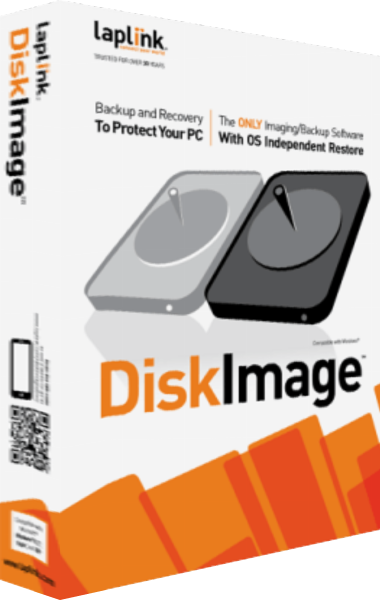
Laplink DiskImage
Laplink DiskImage provides whole-computer, drive and file backups with bootable recovery media and machine-independent restoration. Configure a backup routine, prepare recovery access and test restores before relying on the saved copies.
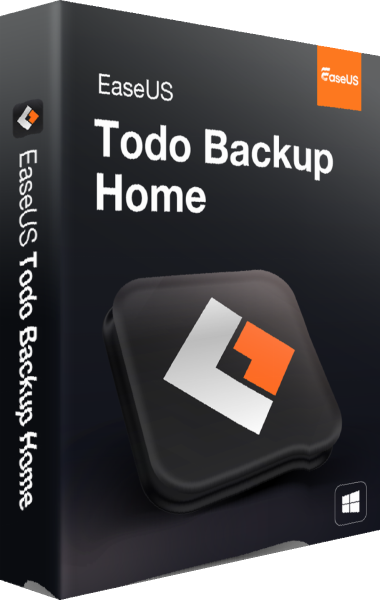
EaseUS Todo Backup Home
Back up Windows systems, disks, partitions, and selected files with EaseUS Todo Backup Home. Configure full or change-based backups, prepare emergency media, and review cloning and Security Zone workflows.
R-Drive Image
R-Drive Image creates image backups of drives. Save backup images to separate storage so that disk contents can be restored when needed.
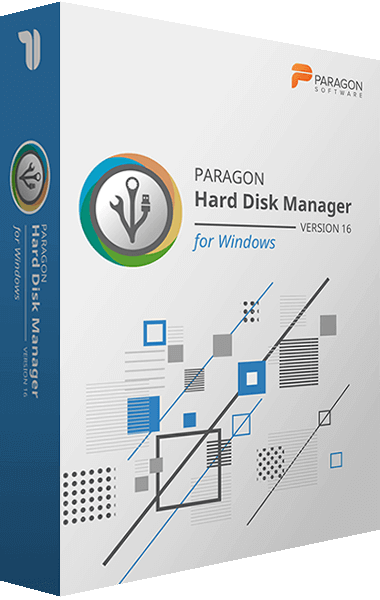
Paragon Hard Disk Manager
Paragon Hard Disk Manager combines partition management, system transfer, and backup tools in one storage utility. It supports disk preparation, ongoing data protection, and recovery when a system fails to start.
File-focused backup options
For regular document recovery, a file-focused tool may be enough. Do not assume that a file-backup job can restore an installed operating system.
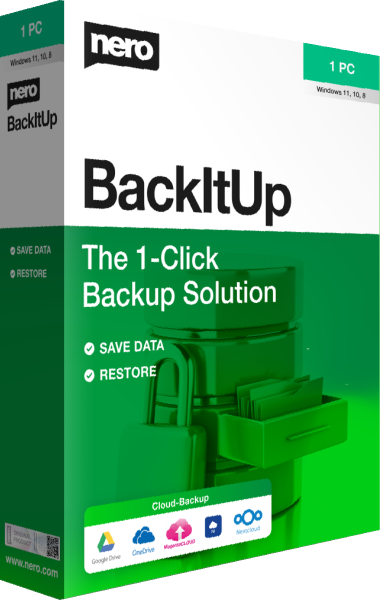
Nero BackItUp
Schedule file backups to local drives, USB storage, NAS, or cloud accounts. Retain local file versions, encrypt backups, and restore selected data.
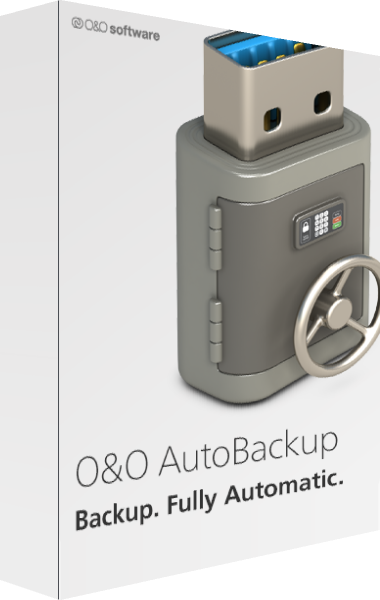
O&O AutoBackup
Automate file and folder backups with O&O AutoBackup. Copy or synchronize locally available OneDrive data, use local, external, or S3-compatible destinations, and configure encryption and automatic tasks.
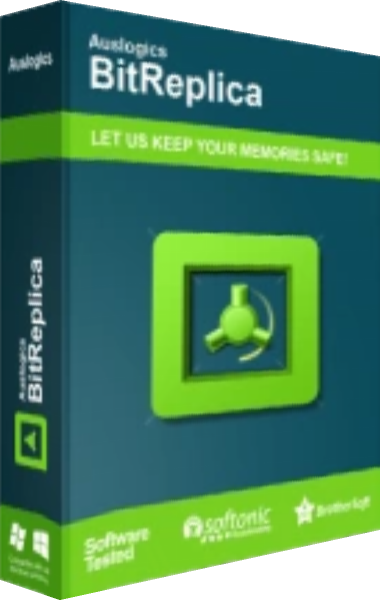
Auslogics BitReplica
Organize Windows file backups with Auslogics BitReplica. Create separate profiles, choose full, incremental, or differential methods, schedule recurring tasks, and verify restoration from your saved backups.
Verify the recovery path
- Keep a copy on storage independent of the source disk.
- Restore a sample file before relying on scheduled jobs.
- For system images, test that recovery media can see the archive and destination.
- Keep more than one recovery date, with credentials accessible during recovery.