Antivirus Software
Antivirus software detects and responds to malicious files and activity. Choose a product by the devices you need to protect, the controls you want to manage and the features included in the exact edition.
What to compare
- Device coverage: confirm which platforms and how many devices the license covers.
- Protection features: distinguish file scanning from web filtering, firewall controls and other extras.
- Administration: compare notifications, scheduled scans and management across multiple devices.
- Evidence: assess protection and performance using dated, reproducible tests for the relevant edition.
Check your existing protection
Windows Security includes Microsoft Defender Antivirus and Windows Firewall. Adding a third-party product is a feature and management choice; built-in protection should not be dismissed without evidence. Check the active protection status before changing applications.
Antivirus catalog
Browse the editions listed below for their documented features. Placement on this page is not a protection or performance ranking. For additional tools, compare internet-security suites.
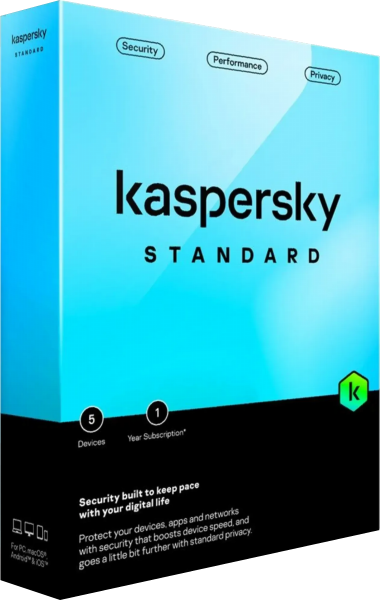
Kaspersky Standard
Kaspersky Standard combines antivirus and anti-ransomware protection with anti-phishing and device-maintenance tools. Supported Windows features include firewall and Safe Money payment protection; available functions vary by platform and regional package.
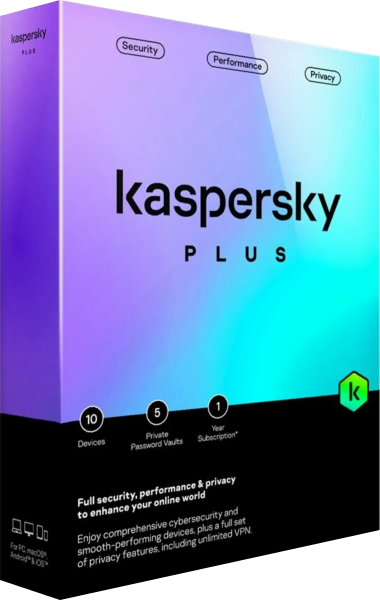
Kaspersky Plus
Kaspersky Plus combines antivirus, anti-ransomware and browsing protection with an unlimited VPN and a password manager. Review device-maintenance tools and privacy services in one plan, with functions and availability varying by platform and region.
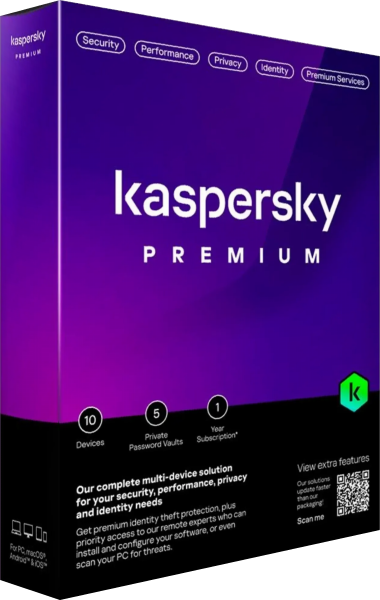
Kaspersky Premium
Kaspersky Premium combines antivirus and browsing protection with an unlimited VPN, Password Manager, identity-related tools and Premium Support Services. Available functions and service entitlements vary by platform and regional package.
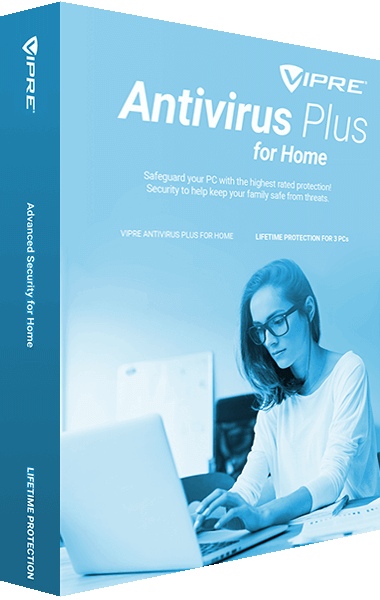
VIPRE Antivirus Plus
Protect devices and personal data against online threats with VIPRE Antivirus Plus. Use security tools to help detect malware and safeguard everyday online activity.

Malwarebytes for Windows
Malwarebytes Premium provides malware and ransomware protection for Windows. Use its scanning and prevention tools to help address threats to everyday computer use.
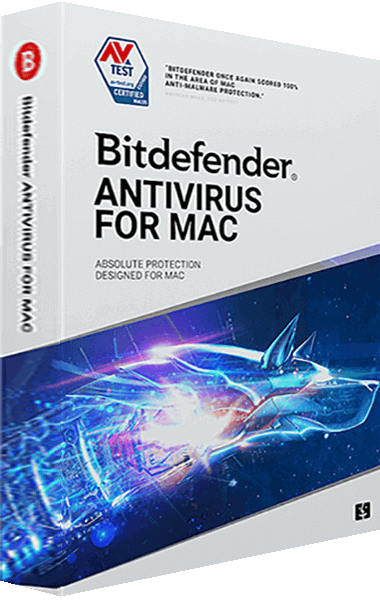
Bitdefender Antivirus for Mac
Bitdefender Antivirus for Mac provides real-time malware protection and adware blocking and removal. Use its browsing protection tools when shopping and banking online.
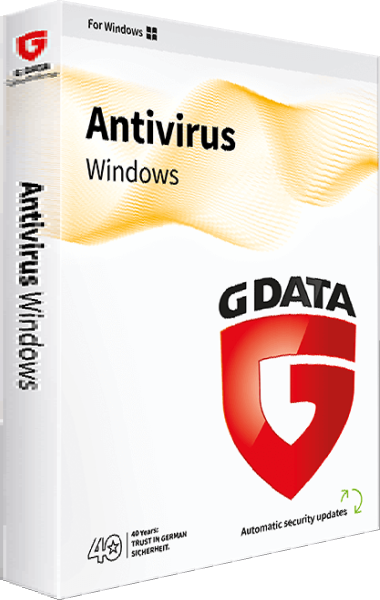
G DATA Antivirus for Windows
Protect a Windows PC with malware scanning, DeepRay and BEAST analysis, email scanning, exploit protection, BankGuard, anti-ransomware protection, and USB Keyboard Guard.
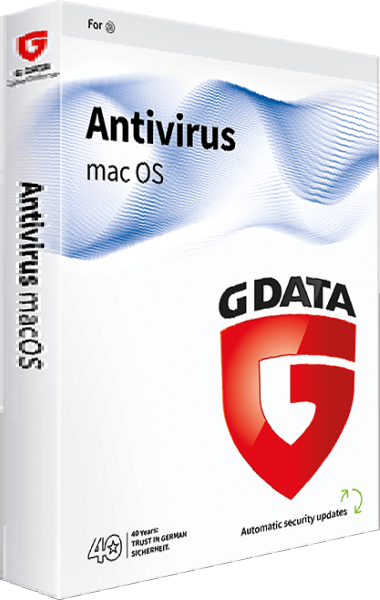
G DATA Antivirus for Mac
Protect your Mac with real-time malware scanning, phishing protection, quarantine, manual file and removable-media scans, and automatic updates. Detect Mac and Windows threats in shared files.

Trend Micro Antivirus+ Security
Trend Micro Antivirus+ Security provides protection against viruses, spyware, ransomware, and web threats. Its tools help address unsafe links encountered during online activities.
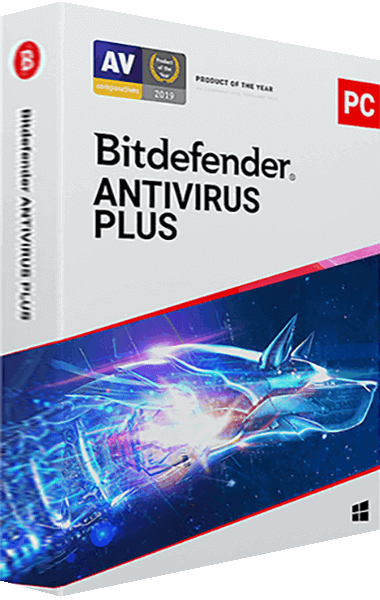
Bitdefender Antivirus Plus
Bitdefender Antivirus provides real-time malware and ransomware protection. It also includes tools to help identify phishing and fraudulent websites.
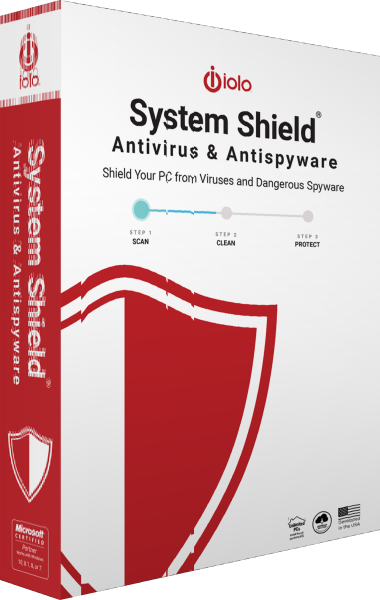
iolo System Shield
iolo System Shield provides real-time antivirus and antispyware protection for Windows. It uses virus definitions and heuristic analysis to detect malicious software, including viruses, Trojans, spyware and keyloggers, and supports removal of detected infections.
On-demand malware investigation and removal
On-demand scanning addresses suspected infections already present on a computer. It serves a different role from continuous antivirus protection. Review the active protection setup and the selected scan findings.
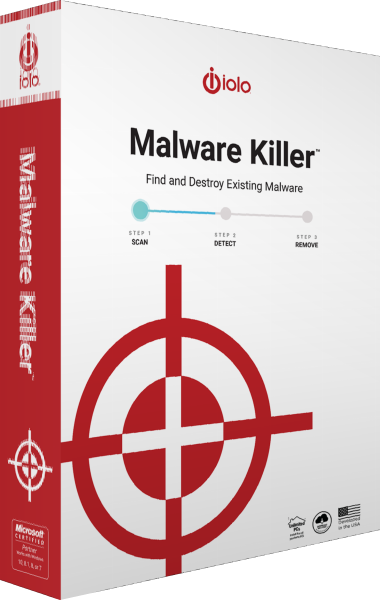
iolo Malware Killer
iolo Malware Killer scans Windows computers on demand to detect and remove existing malware. Its threat-analysis methods use machine learning and a reputation database to assess suspicious files and emerging threats alongside your ongoing antivirus protection.
Keep protection and recovery separate
Security software does not replace a backup. Maintain recoverable copies of important files, keep applications updated and review alerts. A wider feature list does not establish better detection quality.
Some catalog entries describe older product names. Confirm the vendor documentation for the edition you intend to use rather than assuming that a familiar family name guarantees current availability.