Partition Manager Software
Partition managers change how storage is divided into volumes. Common tasks include creating, resizing, moving and merging partitions. Disk cloning, operating-system migration and lost-volume recovery are separate features that may be included in a particular suite.
Choose the operation before the application
- For a crowded volume, check whether resizing is supported for its layout and file system.
- For a replacement drive, look for a documented cloning or migration workflow.
- For a missing partition, distinguish volume recovery from recovering individual deleted files.
- For a broken installation, a system-image restore may be more appropriate than changing partitions.
Partition-management catalog
These cards show editions selected by the catalog. A suite can cover more than one task, but its exact edition determines which operations are available.
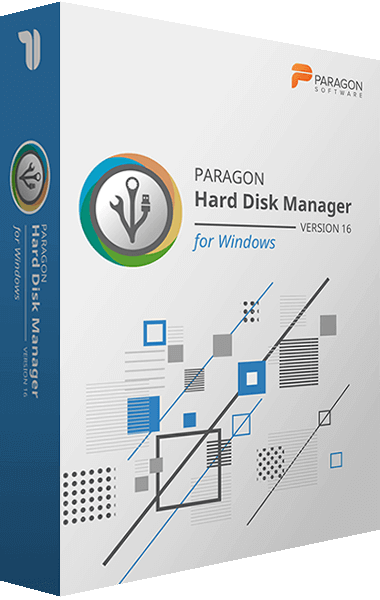
Paragon Hard Disk Manager
Data safety made simple for novice users and experts alike
Paragon Hard Disk Manager combines partition management, system transfer, and backup tools in one storage utility. It supports disk preparation, ongoing data protection, and recovery when a system fails to start.
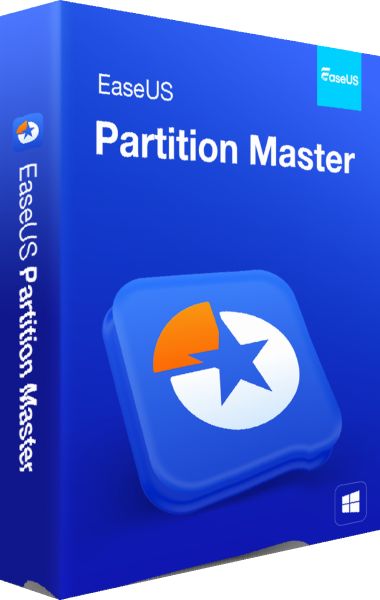
EaseUS Partition Master
Windows partition management and disk-layout planning
Manage Windows disk layouts with EaseUS Partition Master. Review partition resizing and moving, creation and formatting tasks, and edition-dependent migration or conversion workflows before applying changes.
Prepare before changing the layout
Make an independent backup and verify that files can be restored. Record the current layout, identify disks by model and capacity, and inspect pending operations before applying them. Partition changes are not guaranteed to preserve data in every situation.
If the disk is failing, preserve valuable data before trying repairs or partition changes. Keep the original backup until the new layout and normal startup have been checked.