Nero software for media projects, disc creation and backups
Explore Nero applications for editing movies, organizing a media library, enhancing photographs, preparing disc and USB copies, backing up files and reviewing PC maintenance tasks. This catalog includes Platinum Suite and individual tools, grouped by the work they help you complete.
Start with the result you need and the source material you have. An editable movie project, a converted playback file and a backup archive use different workflows. Review the application and edition before building a project around its features.
Related Products


A multimedia suite for projects with several stages
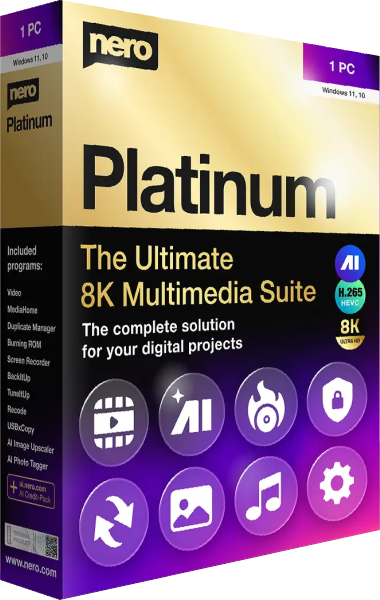
Nero Platinum Suite 2026 brings together applications for editing, organizing, converting and preserving media, alongside disc creation and other utilities. Nero Start provides a central place to access the included applications and manage their installation.
Compare the exact package before choosing a suite or an individual tool. Annual and lifetime options can include different application editions and update terms. The Platinum name does not establish that every feature of every standalone release is included. Our Burning Studio 27 vs Nero Platinum Suite 2026 comparison explores disc and multimedia workflows.
Edit movies, convert media and organize playback
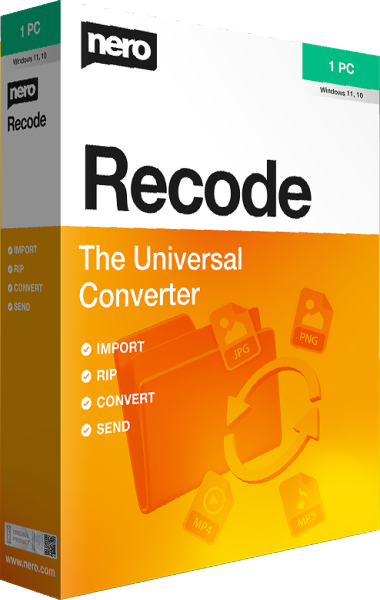
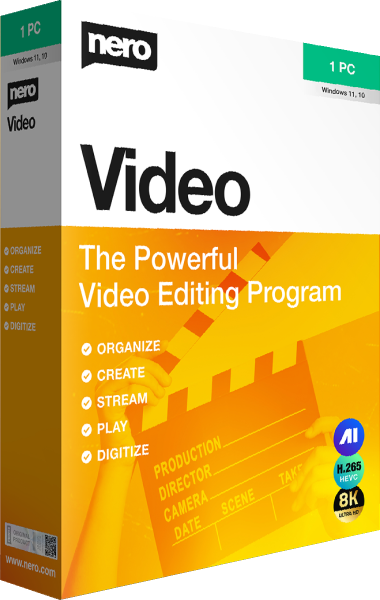
Nero Video 2026 builds movies and slideshows with titles, transitions and disc-authoring tools. Nero Recode 2026 converts supported video, audio and unprotected disc content for another playback destination. Editing a sequence and converting an existing file serve different tasks.
Nero MediaHome 2026 organizes photos, videos and music into a browsable library, with albums, playlists and playback on compatible home-network devices. Test the intended files on the receiving device. Browse video editing software and media players, or compare PowerDirector 2026 with Nero Video 2026.
Tag photographs, review duplicates and enlarge images
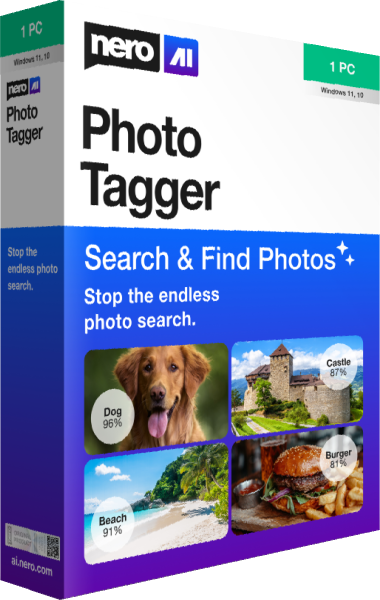
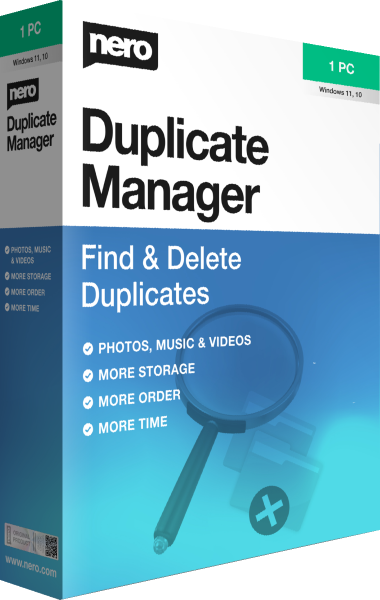
Nero AI Photo Tagger analyzes photographs locally and assigns content tags for subjects and scenes. Nero Duplicate Manager searches selected locations for repeated photos, music and videos. Review which copies to retain before removing results.
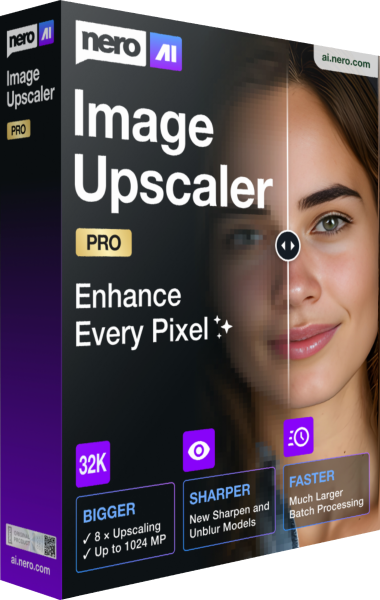
Nero AI Image Upscaler 2027 enlarges still images with AI models and batch processing. Keep original pictures and inspect faces, lettering and fine textures: generated detail is not an exact record of missing source information. Check the selected edition for processing options and explore photo editing software for related tools.
Prepare optical discs and batches of USB copies
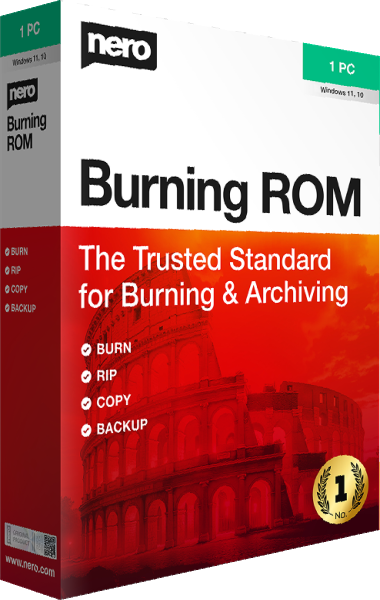
Nero Burning ROM 2026 creates data and audio discs, works with ISO images and extracts audio tracks. Choose the project type for the intended player or archive. Video-disc authoring with menus is a separate workflow available in Nero Video.
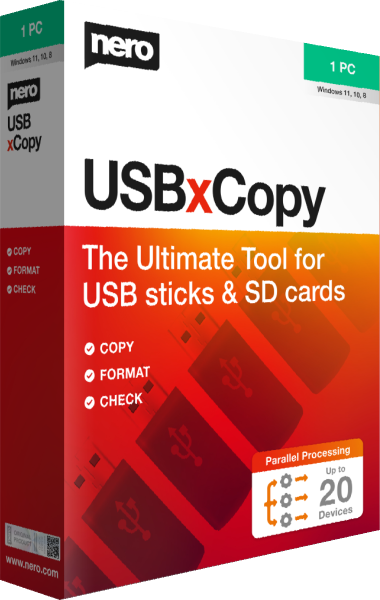
Nero USBxCopy 2026 copies a selected source to multiple USB drives, with formatting, checksum verification and completion tracking. Check the destination devices before formatting and open representative files from completed copies. For related disc workflows, read our Burning Studio 27 vs Nero Burning ROM 2026 comparison.
Keep independent recovery copies of your files
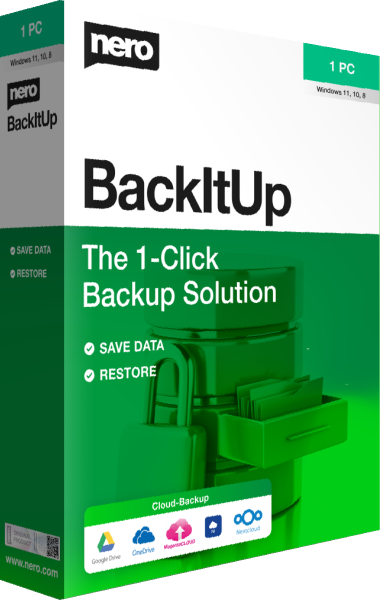
Nero BackItUp 2026 schedules file backups to local or external storage, NAS or supported cloud accounts. Version retention depends on the backup mode and destination; a simple copy job should not be assumed to preserve every earlier revision.
Choose a destination separate from your working files and test a restoration before relying on the setup. An album, edited export or distribution copy serves a different purpose from a maintained recovery copy. Our file-backup guide explains how to plan those copies.
Review Windows maintenance and update tasks
Nero TuneItUp PRO 2026 provides startup management, Windows configuration and supported driver and application updates. Choose the area that matches an observed issue, such as unwanted startup activity, rather than applying unrelated changes together.
Inspect proposed actions and check normal use afterward. Maintenance results depend on the problem and the settings changed; the application does not guarantee a faster computer or replace independent backups. Explore PC optimization software for related utilities.