Product comparison
CyberLink PowerDirector 2026 vs Nero Video 2026
Both editors combine timeline work with video-file and disc delivery. Compare how you assemble a sequence, add overlays and prepare the output, rather than choosing solely from the number of effects or templates.
Feature comparison
| Task | CyberLink PowerDirector 2026 | Nero Video 2026 |
|---|---|---|
| Starting a project | Timeline editing with keyframes and picture-in-picture tools | Express editing and story templates, plus advanced multi-track editing |
| Movement and overlays | Motion tracking, keyframes and title animation | Keyframe animation, green-screen and picture-in-picture effects |
| Audio workflow | Audio editing; speech-to-text and AI denoise in Ultimate and Ultimate Suite | Audio filters and music within the editing workflow |
| Project shape | Widescreen, vertical and square projects | Portrait-video support and vertical templates |
| Disc delivery | AVCHD/Blu-ray authoring in the listed 2026 editions | DVD-Video and Blu-ray authoring with menus and chapters |
PowerDirector edition scope
This comparison covers the perpetual PowerDirector 2026 release. Ultra, Ultimate and Ultimate Suite share core editing functions, but speech-to-text and AI audio denoise are included in Ultimate and Ultimate Suite rather than Ultra. Only Ultimate Suite bundles the separate AudioDirector 2026 and ColorDirector 2026 applications.
PowerDirector 365 is a separate subscription. Do not attribute its stock library, AI Image Generator or exclusive ongoing feature updates to a perpetual 2026 license. Source-format support also differs from the editing color workflow: non-subscription PowerDirector 2026 converts imported 10-bit HDR footage to 8-bit SDR on the timeline.
Compare the complete editing and delivery workflow
Consider Nero Video when you want to start from a story template, build a slideshow or alternate between express and advanced editing. Its menu-authoring tools are relevant when the finished production will be watched on a DVD or Blu-ray player.
Consider PowerDirector when its motion tracking, MultiCam Designer or subtitle workflow is central to the project. Check the selected 2026 edition before relying on automated audio tools.
Disc recording and exporting a video file are different outputs. Try a short project with the required menu and chapter navigation before committing a longer film to either workflow.
Review CyberLink PowerDirector 2026 and Nero Video 2026 for the compared versions and edition details.
Build a short movie and check both outputs
- Use the same source clips, photographs and music to create a short sequence.
- Add a title, an overlay and a section with dialogue over background music.
- Export a sample file with matching resolution and frame rate.
- If discs matter, prepare chapters and menus and check the finished navigation on the intended player.
This is a comparison of documented tools and workflows. We have not benchmarked render speed, tracking accuracy, recognition accuracy or stability on identical projects. Keep editable projects and source media separately from final exports, with independent recovery copies.
Compared products
The PowerDirector card identifies the 2026 product line. Check Ultra, Ultimate and Ultimate Suite separately before relying on an edition-specific function.
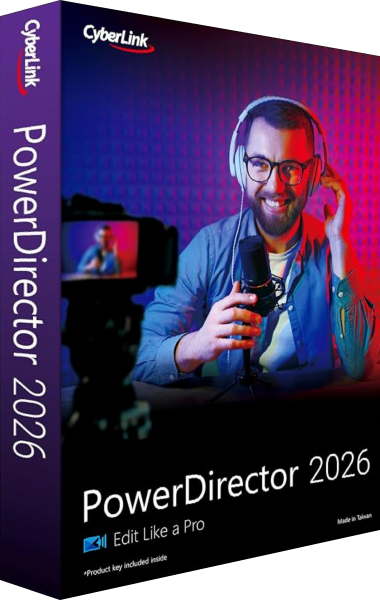
CyberLink PowerDirector 2026
Edit video clips, titles, effects and audio, then export finished productions with tools that vary by edition.
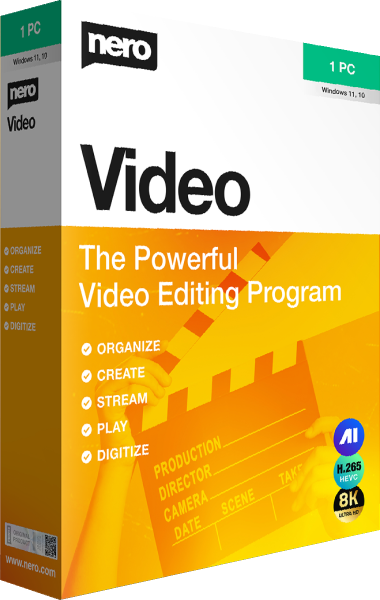
Nero Video
Build movies using express or advanced editing, prepare portrait videos, and author discs with menus.