Product comparison
CyberLink PowerDirector 2026 vs Ashampoo Movie Studio Pro 3
These editors overlap in assembling clips, adding sound and exporting a movie. Compare a focused cutting and presentation project with the additional tracking, multi-camera and subtitle workflows documented for PowerDirector.
Feature comparison
| Task | CyberLink PowerDirector 2026 | Ashampoo Movie Studio Pro 3 |
|---|---|---|
| Basic assembly | Timeline editing with clips, effects and titles | Cut, rearrange and join clips; simple and expert modes |
| Motion control | Keyframes, Motion Tracker and picture-in-picture tools | Transitions, overlays, titles and animation effects |
| Multiple recordings | MultiCam Designer for multi-camera work | Assemble selected recordings into a movie sequence |
| Audio | Editing tools; AI denoise in Ultimate and Ultimate Suite | Background music, audio effects and an equalizer |
| Project preparation | Title tools, effects and multiple aspect ratios | Theme-based presentations and opening/closing credits |
| Output | 4K production; check edition and source formats | 4K output and device-oriented conversion profiles |
PowerDirector edition scope
This comparison covers the perpetual PowerDirector 2026 release. Ultra, Ultimate and Ultimate Suite share core editing functions, but speech-to-text and AI audio denoise are included in Ultimate and Ultimate Suite rather than Ultra. Only Ultimate Suite bundles the separate AudioDirector 2026 and ColorDirector 2026 applications.
PowerDirector 365 is a separate subscription. Do not attribute its stock library, AI Image Generator or exclusive ongoing feature updates to a perpetual 2026 license. Source-format support also differs from the editing color workflow: non-subscription PowerDirector 2026 converts imported 10-bit HDR footage to 8-bit SDR on the timeline.
Match the toolset to the work after the rough cut
Consider Movie Studio Pro 3 for cutting out unwanted sections, arranging a short film and adding credits, transitions and music. Try its simple and expert editing modes against the project you want to finish.
Consider PowerDirector when the production also calls for multi-camera editing, tracked graphics or a structured subtitle workflow. These are meaningful tasks to evaluate rather than reasons to assume that more controls will always make a short edit quicker.
Movie Studio's cut-commercials workflow requires you to identify the sections to remove. Do not infer automatic ad detection from the tool name or compare it with unrelated AI functions.
Review CyberLink PowerDirector 2026 and Ashampoo Movie Studio Pro 3 for the compared versions and edition details.
Complete the same short presentation
- Select a small set of clips and mark the exact sections to retain.
- Add opening and closing titles, transitions and background music.
- Try any overlay, subtitle or multi-camera work the production actually requires.
- Export the result and compare framing, cuts, title readability and audio balance.
This is a comparison of documented tools and workflows. We have not benchmarked render speed, tracking accuracy, recognition accuracy or stability on identical projects. Keep editable projects and source media separately from final exports, with independent recovery copies.
Compared products
The PowerDirector card identifies the 2026 product line. Check Ultra, Ultimate and Ultimate Suite separately before relying on an edition-specific function.
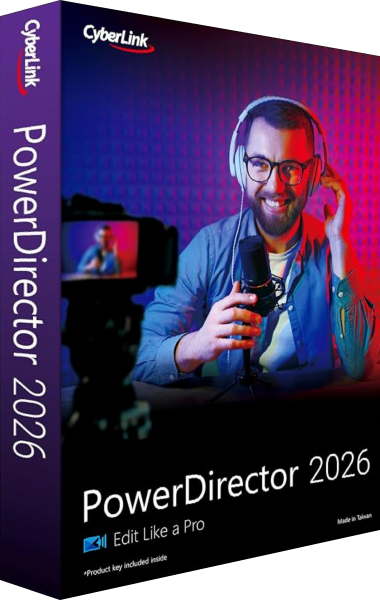
CyberLink PowerDirector 2026
Edit video clips, titles, effects and audio, then export finished productions with tools that vary by edition.
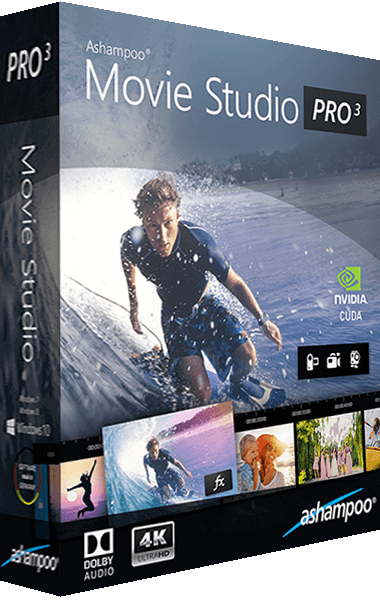
Ashampoo Movie Studio Pro
Cut and arrange video clips, add sound and transitions, and export movie projects.