Product comparison
CyberLink PowerDirector 2026 vs Pinnacle Studio 26 Ultimate
These editors overlap in layered video projects, motion control and multi-camera editing. Pinnacle is compared in its Ultimate edition, while PowerDirector 2026 tools must be checked against Ultra, Ultimate or Ultimate Suite.
Feature comparison
| Task | CyberLink PowerDirector 2026 | Pinnacle Studio 26 Ultimate |
|---|---|---|
| Timeline | Up to 100 tracks in the listed 2026 editions | Unlimited-track editing in Ultimate |
| Multiple cameras | MultiCam Designer | Multi-camera editing for up to six cameras |
| Masks and tracking | Mask Designer and Motion Tracker | Video Masking and Smart Object Tracking |
| Keyframe workflow | Keyframe animation for titles and picture-in-picture elements | Grouped keyframe editing across effect parameters |
| Color tools | Color adjustments; separate ColorDirector application bundled only in Ultimate Suite | Full color grading within Studio Ultimate |
| Additional formats | 4K production and 360-degree editing | 4K and 360-degree editing, with alpha-channel export |
PowerDirector edition scope
This comparison covers the perpetual PowerDirector 2026 release. Ultra, Ultimate and Ultimate Suite share core editing functions, but speech-to-text and AI audio denoise are included in Ultimate and Ultimate Suite rather than Ultra. Only Ultimate Suite bundles the separate AudioDirector 2026 and ColorDirector 2026 applications.
PowerDirector 365 is a separate subscription. Do not attribute its stock library, AI Image Generator or exclusive ongoing feature updates to a perpetual 2026 license. Source-format support also differs from the editing color workflow: non-subscription PowerDirector 2026 converts imported 10-bit HDR footage to 8-bit SDR on the timeline.
Choose around the controls used in a demanding sequence
Consider Pinnacle Studio 26 Ultimate when your project depends on detailed masks, grouped keyframe adjustments or its integrated color-grading workflow. Check these functions in Ultimate rather than transferring them to the standard Studio edition.
Consider PowerDirector when its MultiCam Designer, title controls or automated audio tools fit your work. ColorDirector is a separate application included with Ultimate Suite; it should not be described as bundled with Ultra or standalone Ultimate.
Use the same difficult shot to assess tracking. Inspect the result when the subject changes direction or passes behind another object, then compare how much manual correction each workflow needs.
Review CyberLink PowerDirector 2026 and Pinnacle Studio 26 Ultimate for the compared versions and edition details.
Test a layered, multi-camera sequence
- Synchronize a short set of camera recordings and review each cut.
- Track a mask or graphic through a shot with changing movement.
- Adjust the same keyframed effect and match color across two camera angles.
- Check the exported sequence for mask edges, sync, transitions and sound.
This is a comparison of documented tools and workflows. We have not benchmarked render speed, tracking accuracy, recognition accuracy or stability on identical projects. Keep editable projects and source media separately from final exports, with independent recovery copies.
Compared products
The PowerDirector card identifies the 2026 product line. Check Ultra, Ultimate and Ultimate Suite separately before relying on an edition-specific function.
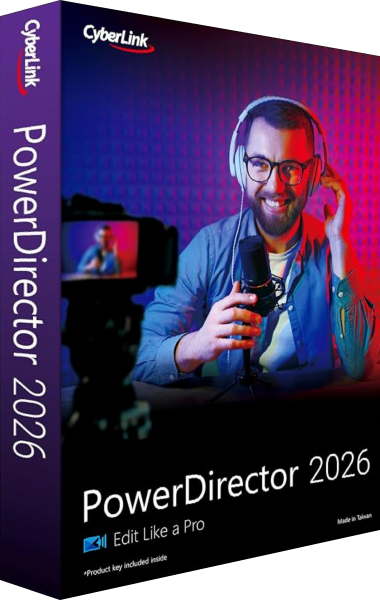
CyberLink PowerDirector 2026
Edit video clips, titles, effects and audio, then export finished productions with tools that vary by edition.

Pinnacle Studio Ultimate
Edit unlimited video tracks with masking, 360-degree tools, and full color grading.