PC Optimization Software
Choose PC maintenance software around a specific issue, such as unnecessary files, startup programs or a setting you want to inspect. A cleanup result or a feature count does not establish that every application will run faster.
What to compare
- Cleanup scope: Review which files and settings a module proposes to change before applying its results.
- Startup and diagnostics: Use analysis to identify a relevant program or setting rather than disabling items solely to reduce a count.
- Repeatable maintenance: Select recurring tasks deliberately and compare the same workload before and after a change.
Explore catalog products
Review the selected edition for its included controls and workflow. Cards follow the editions selected in our catalog.
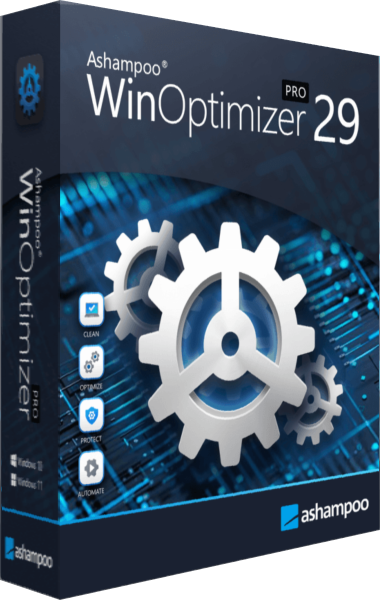
Ashampoo WinOptimizer Pro
Ashampoo WinOptimizer Pro combines Windows cleanup, Software Updater, startup controls and system analysis. Review maintenance categories, inspect settings and schedule selected tasks, with Backup Manager covering supported changes made by the application.
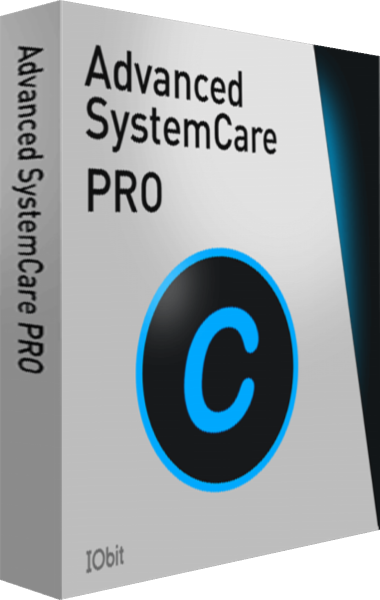
IObit Advanced SystemCare Pro
Maintain Windows with IObit Advanced SystemCare Pro using AI or manual scan modes, cleanup tools, startup controls, automatic care, privacy-trace management, and Safe Folder settings.
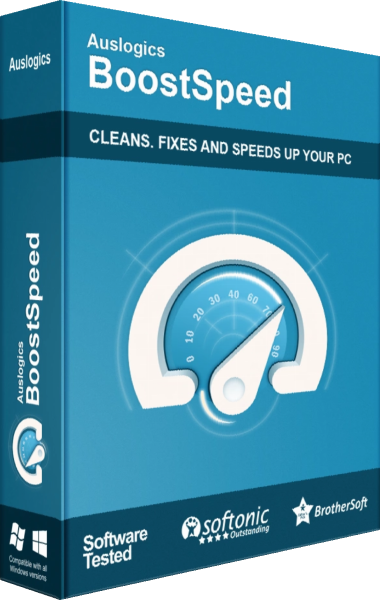
Auslogics BoostSpeed
Explore Auslogics BoostSpeed for Windows cleanup, workload profiles, storage maintenance, and privacy-related controls. Review proposed changes, Rescue Center options, and edition-dependent tools before applying maintenance.
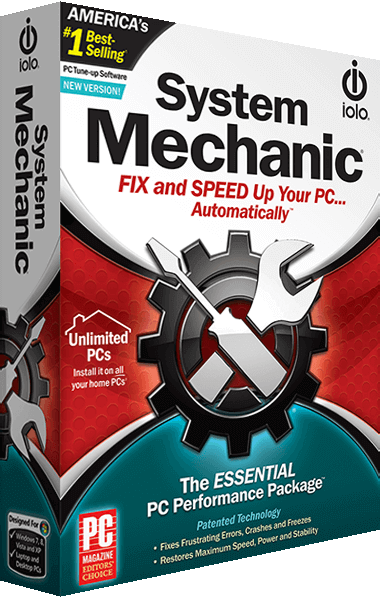
iolo System Mechanic
iolo System Mechanic combines Windows cleanup, startup management and performance controls in the standard maintenance edition. Configure Smart ActiveCare, review DeepClean findings and use LiveBoost and NetBooster controls around your workload.
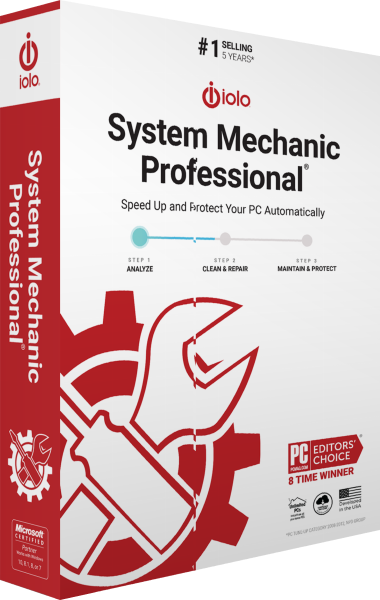
iolo System Mechanic Professional
iolo System Mechanic Professional combines Windows cleanup and performance tools with System Shield real-time protection, Malware Killer on-demand scanning, Search and Recover file recovery, and DriveScrubber drive erasure. Configure maintenance and review the component used for each task.
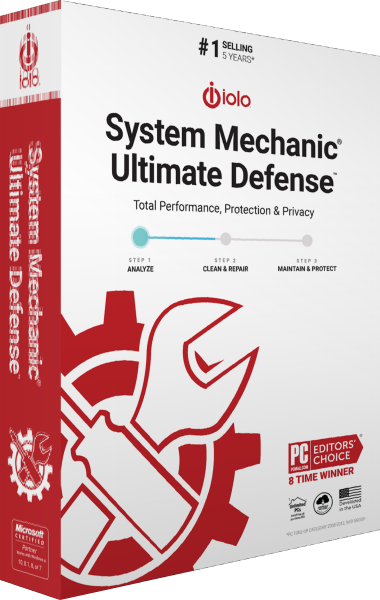
iolo System Mechanic Ultimate Defense
iolo System Mechanic Ultimate Defense combines Windows cleanup and performance maintenance with System Shield antivirus, Malware Killer, Privacy Guardian, ByePass+ password management, Search and Recover, and DriveScrubber. Configure each component for the task you need.
Check the workflow
Keep a recovery copy before substantial changes. Review exclusions, save open work and apply one considered adjustment at a time. General PC maintenance, drive optimization and malware protection address different tasks.
Explore more
- Ashampoo WinOptimizer Pro 29 vs IObit Advanced SystemCare Pro
- Ashampoo WinOptimizer Pro 29 vs AVG TuneUp
- Ashampoo WinOptimizer Pro 29 vs iolo System Mechanic
- Ashampoo WinOptimizer Pro 29 vs Ashampoo WinOptimizer 28
- Ashampoo WinOptimizer Pro 29 vs Ashampoo UnInstaller Pro 27
- Compare drive maintenance tools
- Remove unwanted applications
- Compare cache management and general maintenance