


Bring your media projects together with Nero Platinum Suite 2026
Nero Platinum Suite 2026 combines applications for video editing, media organization, image enhancement, conversion, disc creation, backup, and PC maintenance. Nero Start provides a central place to access the applications and manage installation and activation.
The suite suits projects that involve several steps: selecting photographs, editing a movie, creating a viewing copy, and keeping the source material backed up. Choose the application around each task rather than treating every tool as part of one automatic process.
Organize photographs, recordings, and music
Nero MediaHome 2026 helps browse a media library and arrange albums or playlists. Nero AI Photo Tagger 2026 adds content-based categories to photographs.
For a collection spread across several imports, start by identifying the folders you want to use. Nero Duplicate Manager 2026 provides a dedicated search for repeated photos, music, and videos. Review the results before removing copies you may intentionally keep.
Edit a movie or prepare a slideshow
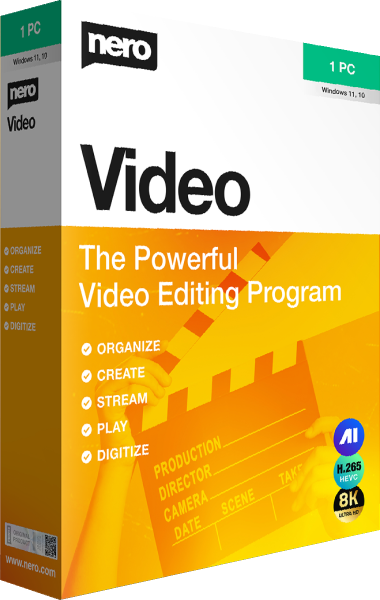
Nero Video 2026 provides editing and slideshow workflows with titles, transitions, and video-disc authoring. Select the material for your project, arrange the sequence, and preview the result before exporting.
For a family event, a short selection often tells the story more clearly than every recording from the day. Keep the editable project and its source files separately from the finished film so you can revise it later.
Enlarge image copies for a creative project
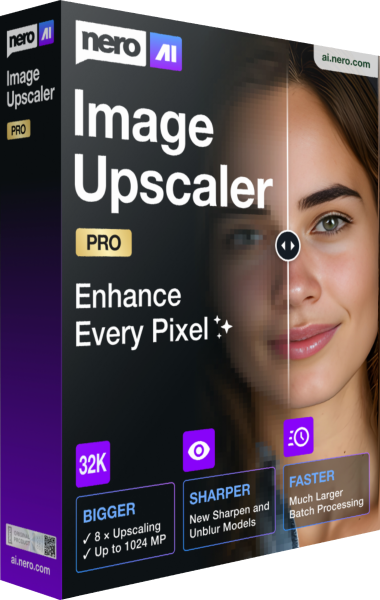
Nero AI Image Upscaler 2026 uses AI models to enlarge still images. Inspect the enhanced result around faces, lettering, and textures before using it in a larger layout.
AI-generated detail is not an exact reconstruction of missing source information. Keep the original photographs, and check the selected suite edition because image-enhancement features differ between Basic and Pro.
Convert media and prepare distribution copies
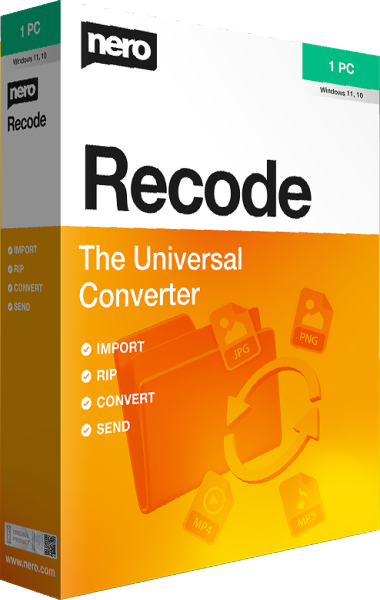
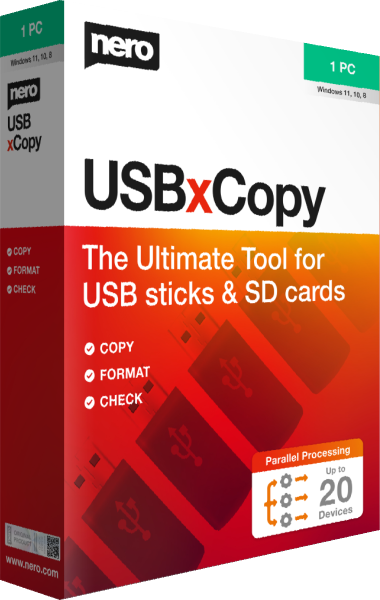
Nero Recode 2026 prepares supported video and audio for another playback destination. Nero Burning ROM 2026 handles optical-disc projects, while Nero USBxCopy 2026 prepares copies on multiple USB drives.
Decide how the recipient will use the material before choosing the output. Test a representative file or finished disc on the intended player, and keep the source collection unchanged until you have checked the copies.
Preserve originals and review maintenance tasks
Nero BackItUp 2026 focuses on backup and recovery. Keep recovery copies independent of exported films, enhanced photographs, and distribution batches.
Nero TuneItUp PRO 2026 provides PC maintenance tools. Review proposed changes around a specific goal and check normal use afterward. Maintenance does not guarantee faster Internet access or replace a backup of important files.
Review the selected suite edition
Check the license term, application editions, and feature availability for the package you select. Annual and lifetime suite options can include different editions of individual tools, so the Platinum name alone does not establish identical functionality.
Build your workflow around the tasks you need today. If you mainly need one function, use the linked application pages to review that tool in more detail before choosing between an individual product and the suite.