Product comparison
Ashampoo Burning Studio 27 vs Nero Burning ROM 2026
Both programs record optical discs and extract audio. Burning Studio also provides movie and slideshow creation, while Burning ROM concentrates on recording, copying and prepared disc structures.
Feature comparison
| Task | Ashampoo Burning Studio 27 | Nero Burning ROM 2026 |
|---|---|---|
| Data and images | CD, DVD and Blu-ray projects; ISO, CUE/BIN and ASHDISC tools | CD, DVD and Blu-ray projects; ISO creation and recording |
| Audio extraction | AAC ripping added in version 27; music and audiobook workflows | MP3, AAC, FLAC and APE output; metadata lookup |
| Movie projects | Video editing, slideshows and animated menus | Records prepared video-disc structures; use a separate authoring tool to create menus |
| Archive protection | Password-protected backups and scratch-protected disc projects | SecurDisc 4.0 encryption, signatures and redundancy |
| Repeated backups | Backup plans, compression and disc spanning | Disc recording; recurring file backup is a separate BackItUp workflow |
Choose around the project you need to create
Choose Burning Studio when you want to turn footage and photos into a disc presentation, organize audiobook material or prepare a backup across several discs in the same toolkit. Choose Burning ROM when the project is already prepared and your priority is recording it, ripping music or configuring SecurDisc archives.
For menu creation in the Nero range, review Nero Video 2026. Burning ROM can write a prepared video structure, but copying video files to a data disc does not create that structure.
Review Ashampoo Burning Studio 27 and Nero Burning ROM 2026 for the compared catalog entries.
Compare finished discs, not advertised speed
- Use the same source folder, blank media type and recorder for a data-disc trial.
- Check the recorded files, labels and folder structure before removing the source copy.
- For audio, inspect track order and metadata and listen on the intended player.
- For protected archives, test access and recovery with the required password or viewer available.
This is a comparison of documented workflows, not a recording-speed or recovery benchmark. Redundant data may help with some damage, but neither protection scheme guarantees that a failing disc can be recovered.
Compared products
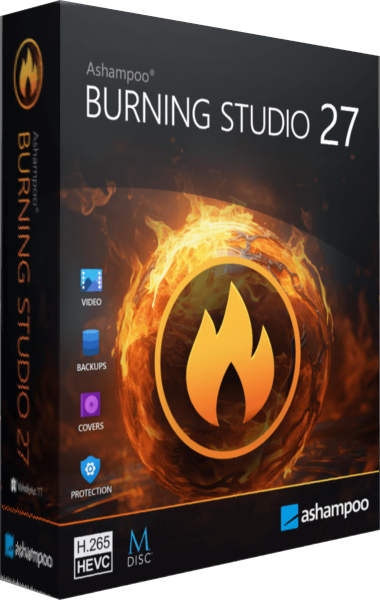
Ashampoo Burning Studio
Burn data and multimedia discs, extract audio, work with disc images and prepare file-backup projects.
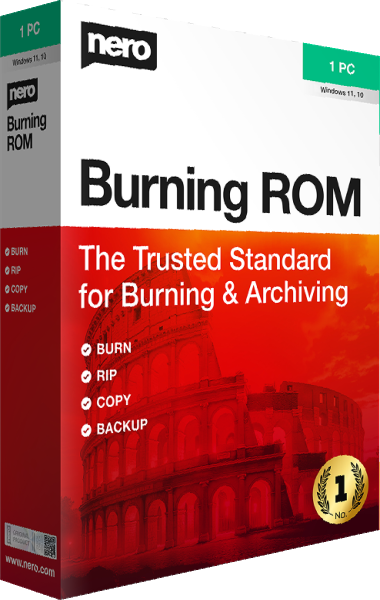
Nero Burning ROM
Create data and audio discs, burn ISO images, and apply SecurDisc protection to archives.