Product comparison
Ashampoo Burning Studio 27 vs Ashampoo Burning Studio 26
Version 27 retains the core recording and multimedia workflows of version 26. Its highlighted changes concern audio extraction and recognition, so the upgrade decision is most relevant to people who regularly rip CDs or process audiobooks.
Feature comparison
| Task | Ashampoo Burning Studio 27 | Ashampoo Burning Studio 26 |
|---|---|---|
| Disc recording | CD, DVD and Blu-ray recording and copying | CD, DVD and Blu-ray recording and copying |
| Images and artwork | ISO, CUE/BIN and ASHDISC tools; cover design | ISO, CUE/BIN and ASHDISC tools; cover design |
| Audio ripping | Adds AAC output and sample-rate options up to 48 kHz in supported formats | Existing CD-ripping workflow; the highlighted 27 additions are not part of this comparison entry |
| Ripping convenience | Optional ejection after extraction and improved CD information lookup | Existing extraction and track-information tools |
| Audiobooks | Improved recognition of multi-part audiobooks | Audiobook preparation and track-length options |
| Video and backups | Movies, slideshows, menus and multi-disc backup projects | Movies, slideshows, menus and multi-disc backup projects |
| Navigation | Favorites, carousel or menu navigation, light and dark skins | These navigation and appearance options are already available |
When does moving from 26 to 27 help?
Version 27 is worth evaluating when you want AAC directly from the ripping workflow, regularly process a batch of CDs or need the revised recognition of multi-part audiobooks. Check a few representative discs before assuming the new lookup will identify your entire collection correctly.
If you mainly record data discs or create familiar slideshow and backup projects, start by checking whether version 26 already covers the task. Disc burning, cover design, image tools and interface skins are shared capabilities, so they should not be presented as reasons unique to version 27.
Review Ashampoo Burning Studio 27 and Ashampoo Burning Studio 26 for the compared catalog entries.
Test the audio changes on your own collection
- Select a music CD and a multi-part audiobook that represent your usual material.
- Review track names, disc order and chapter boundaries after recognition.
- Try the required output format and sample rate, then play the files on the intended device.
- Keep source material and existing projects until you have checked the new output.
The comparison follows the documented feature changes and does not claim faster ripping or better sound from a benchmark. Audio CDs use a 44.1 kHz source rate; exporting at 48 kHz does not recreate missing detail. AAC output for ripping is distinct from AAC support in other media workflows.
Compared products
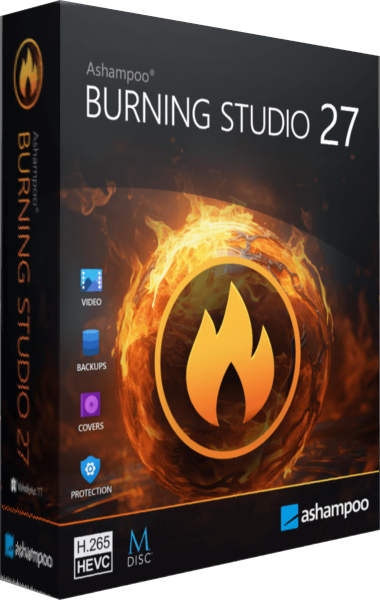
Ashampoo Burning Studio
Burn data and multimedia discs, extract audio, work with disc images and prepare file-backup projects.
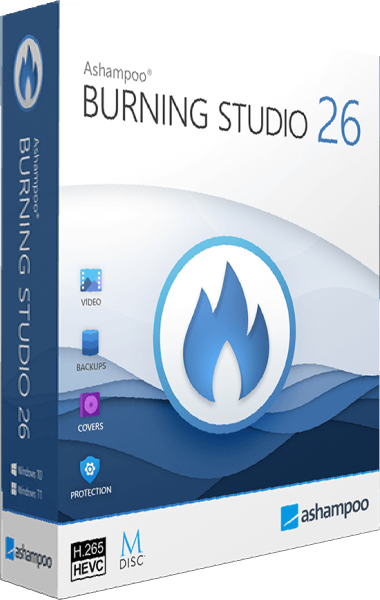
Ashampoo Burning Studio
Burn discs, copy media, and organize backup projects with one disc authoring toolkit.