

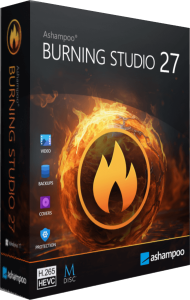
Ashampoo Burning Studio
A newer edition is available
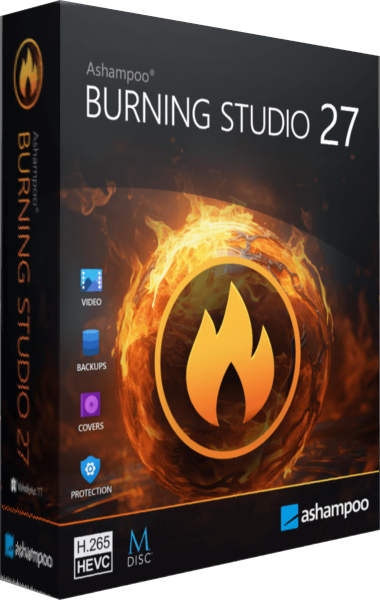
Burn data and multimedia discs, extract audio, work with disc images and prepare file-backup projects.
Learn more about Ashampoo Burning Studio
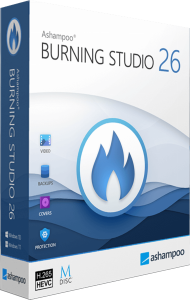
Disc burning, multimedia projects, and local backups
Burn and copy discs, rip audio CDs, create movies and slideshows, and prepare backups. Includes disc image tools, scratch protection, and cover design.
Ashampoo Burning Studio 26 combines CD, DVD, and Blu-ray burning with audio, video, and backup tools. Create data discs, copy existing media, or build multimedia projects with menus and cover artwork. Choose the project type first: a data disc stores files, while an audio or video disc prepares content for compatible players.
Rip audio CDs with track information and CD-Text support. Arrange music compilations and adjust volume or equalizer settings before burning.
The audiobook module lets you choose audio file lengths. Car radio profiles help prepare tracks in formats and orders suitable for compatible players.
Combine video, photos, and music, then adjust transitions and slide durations. Add animated menus when preparing video discs. H.265 decoding supports compatible camera and mobile footage.
Create backup plans with reminders and archive updates. Larger archives can span multiple discs, with compression and password protection available.
Scratch-protected discs store redundant copies and include a recovery tool to help retrieve data if parts of the disc become unreadable. This redundancy does not make a disc immune to damage; keep another copy of important files.
Create, browse, and burn ISO, CUE/BIN, and ASHDISC images. Design covers and inlays with images, text, and track lists, then save layouts for future projects.
Choose carousel navigation or classic menus, and keep frequently used tools in Favorites. Light and dark skins let you adjust the appearance.
If you use Burning Studio 25, compare the tools you rely on before choosing version 26. Review its audiobook workflow, CD-Text support for ripping, car radio profiles, cover search, and project navigation.
Version 26 offers carousel or classic menu navigation, Favorites, and light or dark skins. Choose a layout that suits recurring tasks such as compiling music, updating a backup, or preparing a slideshow.
Review the available offer and license terms in the purchase section. Confirm the selected version and final checkout total before paying.
View Ashampoo Burning Studio 26 purchase options.
Answers to common questions
Yes. Choose a project and media type supported by your recorder. Playback also depends on the finished disc format and the target device.
A data CD stores files. An audio CD prepares music for CD audio playback. Select the project type that matches your player.
Yes. The ripping tools save audio tracks as files and support track information and CD-Text.
Disc spanning divides the project across multiple discs. Keep the complete set for recovery.
No. It stores redundant data and provides a recovery tool to help with some unreadable areas. Recovery depends on the damage and remaining readable copies.
The disc image tools work with ISO, CUE/BIN, and ASHDISC images.
Yes. Combine video, photos, and music, adjust transitions, and add menus for supported video disc projects. H.265 decoding helps import compatible footage; it does not imply every player supports H.265.
Editorial rating by Find Your Software: 4.8 out of 5
A newer edition is available
Burn data and multimedia discs, extract audio, work with disc images and prepare file-backup projects.
Learn more about Ashampoo Burning Studio