Product comparison
Ashampoo Photo Organizer Pro 26 vs Ashampoo Photo Commander Pro 27
Both applications help bring order to a photo collection. Photo Organizer Pro 26 emphasizes browsing across storage locations, smart albums and metadata. Photo Commander Pro 27 combines collection management with corrections, batch processing and presentation tools. Decide how much of the work happens before and after selecting your photographs.
Compare photo workflows
| Task | Ashampoo Photo Organizer Pro 26 | Ashampoo Photo Commander Pro 27 |
|---|---|---|
| Main role | Photo collection management across storage locations | Photo management, editing and presentation |
| Finding photographs | Smart albums and search by tags, ratings, locations and camera data | Filters, grouping and search using names, EXIF/IPTC data and comments |
| Repeated pictures | Duplicate detection, series grouping and focus assessment | Duplicate search and filtering within collection management |
| Storage overview | Folder tree plus OneDrive, Dropbox and WebDAV connections | Folder browsing with automatic updates for connected external drives |
| Working on a batch | Batch tags, locations and template-based renaming | Batch resizing, conversion, rotation and watermarks |
| After selection | Open a preferred external editor or view pictures in theater mode | Correct photos and create collages, cards or slideshows |
Edition and workflow scope
This comparison selects Photo Commander Pro 27. Its local portrait detection is a separate capability from the tags and smart albums used to organize a collection. Check how each tool finds the people and events in your own photographs rather than assuming the two applications classify pictures identically.
Choose between archive management and a broader photo workflow
When Photo Organizer Pro 26 fits
Choose Ashampoo Photo Organizer Pro 26 when the main job is finding and maintaining an archive spread across folders and compatible cloud connections. Define a consistent set of tags, use smart albums to revisit matching photographs and review similar shots before deciding what to retain.
When Ashampoo Photo Commander Pro 27 fits
Consider Ashampoo Photo Commander Pro 27 when organizing pictures is followed by corrections, conversion or a finished presentation. Its editing and creative tools can keep those later tasks in the same application. Test the specific batch operation or slideshow you need alongside the collection browsing tools.
Check a sample collection
- Open a representative event folder and search for the same date, place and subject.
- Apply a small set of labels and inspect how the information can be reused outside the application.
- Compare duplicate suggestions and review intentional edited versions before marking any removals.
- Complete the next task, such as exporting resized copies or preparing a slideshow, and count the steps that matter to you.
Keep an independent copy before changing names, metadata or retained files. Confirm which changes remain in the application database and which are written to images or sidecars. These comparisons describe documented workflows; no shared performance or recognition-accuracy benchmark was run.
Compared products
Review the selected release and license before building a workflow around its tools.
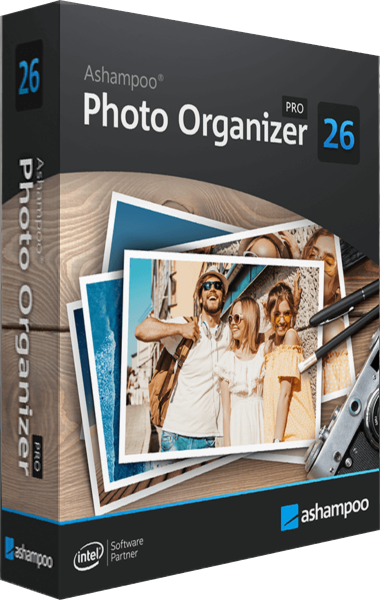
Ashampoo Photo Organizer Pro
Organize and search photo collections with smart albums, tags, metadata and duplicate detection.
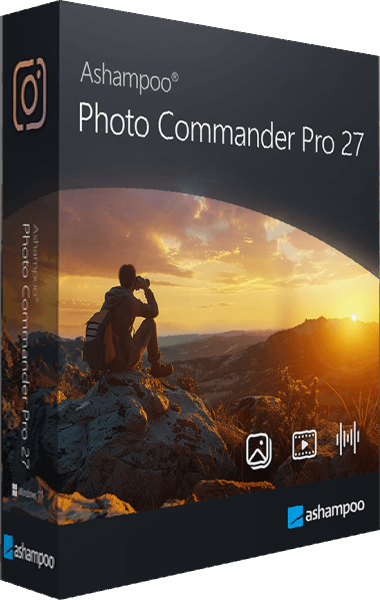
Ashampoo Photo Commander Pro
Organize, edit, and present your photo collection with tools for batch processing and duplicate search.
Explore more
- Ashampoo Photo Organizer Pro 26 vs Nero AI Photo Tagger 2026
- Ashampoo Photo Organizer Pro 26 vs Corel AfterShot Pro 3
- Ashampoo Photo Organizer Pro 26 vs CyberLink PhotoDirector 2026
- Ashampoo Photo Organizer Pro 26 vs Nero DuplicateManager Photo
- PhotoDirector 2026 vs Photo Commander Pro 27
- Explore photo editing software
- Keep independent copies of original photographs