Product comparison
Ashampoo Photo Organizer Pro 26 vs Nero AI Photo Tagger 2026
A useful photo archive needs descriptions that make pictures easy to find. Photo Organizer Pro 26 combines tags, metadata search and smart albums with collection management. Nero AI Photo Tagger 2026 focuses on recognizing picture content locally and assigning subject or scene tags. Compare the information you already have with the labels you want the software to generate.
Compare photo workflows
| Task | Ashampoo Photo Organizer Pro 26 | Nero AI Photo Tagger 2026 |
|---|---|---|
| Main role | Browse, search, label and review a photo collection | Analyze image content and automatically assign descriptive tags |
| Organization method | Smart albums based on tags, ratings, locations and camera properties | Automatic subject and scene categories |
| Starting information | Existing metadata plus tags and locations you apply in batches | Content recognition across more than 100 categories |
| Storage workflow | Folder tree, OneDrive, Dropbox and WebDAV connections | Local photo analysis using Intel OpenVINO without cloud image analysis |
| Reviewing a series | Series grouping, focus assessment and duplicate detection | Content labels help browsing; use a separate duplicate workflow for repeated files |
| Next step | Open selected pictures in a preferred external editor | Use AI tags with Nero MediaHome for collection browsing |
Edition and workflow scope
The Nero entry here is AI Photo Tagger 2026. Its local recognition describes subjects and scenes; that does not establish a person's identity or decide which repeated copy belongs in the archive. Photo Organizer's cloud connections concern access to stored photos and should be evaluated separately from automatic image classification.
Choose between collection rules and automatic content labels
When Photo Organizer Pro 26 fits
Choose Ashampoo Photo Organizer Pro 26 when your collection needs a consistent structure of events, places, ratings and searchable metadata. Smart albums can keep matching photographs together without requiring the same physical folder to describe every subject in a picture.
When Nero AI Photo Tagger 2026 fits
Consider Nero AI Photo Tagger 2026 when manually describing a large set of local photos is the main bottleneck. Automatic categories can supply a starting point for finding subjects. Review those labels on your own material and confirm how you will use them in Nero MediaHome or any subsequent workflow.
Check a sample collection
- Select varied photographs, including landscapes, indoor scenes and pictures containing several subjects.
- Search for known events using metadata, then compare the subjects found through automatic tags.
- Review incorrect or overly broad categories instead of treating all generated labels as final.
- Check how labels remain available when reopening the collection and moving selected files into the next application.
Keep an independent copy before changing names, metadata or retained files. Confirm which changes remain in the application database and which are written to images or sidecars. These comparisons describe documented workflows; no shared performance or recognition-accuracy benchmark was run.
Compared products
Review the selected release and license before building a workflow around its tools.
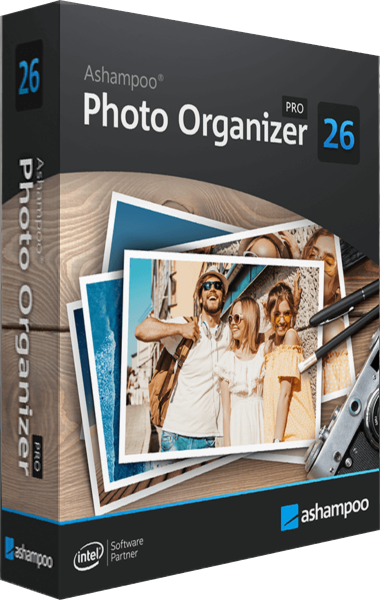
Ashampoo Photo Organizer Pro
Organize and search photo collections with smart albums, tags, metadata and duplicate detection.
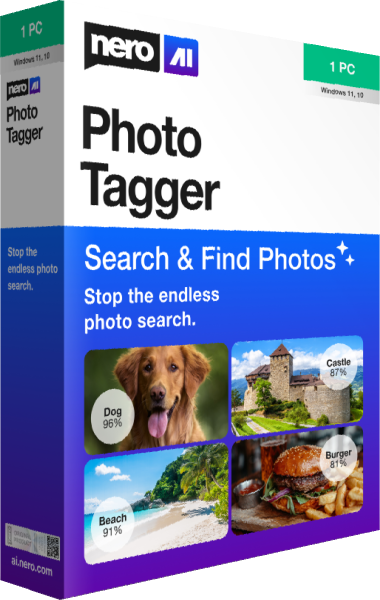
Nero AI Photo Tagger
Organize photographs with local AI tagging for subjects and scenes.
Explore more
- Ashampoo Photo Organizer Pro 26 vs Ashampoo Photo Commander Pro 27
- Ashampoo Photo Organizer Pro 26 vs Corel AfterShot Pro 3
- Ashampoo Photo Organizer Pro 26 vs CyberLink PhotoDirector 2026
- Ashampoo Photo Organizer Pro 26 vs Nero DuplicateManager Photo
- Explore photo editing software
- Keep independent copies of original photographs