Product comparison
Ashampoo ZOOM #3 vs Ashampoo ZOOM #2
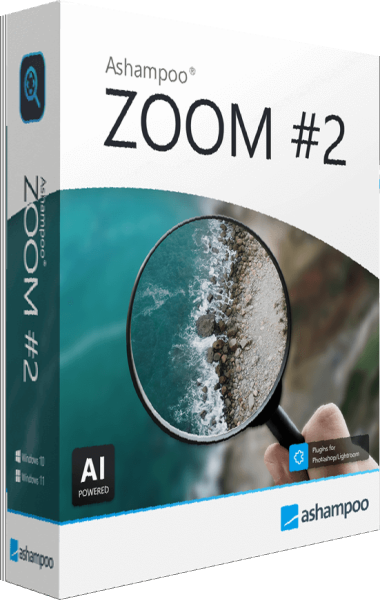
ZOOM #2 already provides SSSP enlargement, RAW support, blur correction and user training images. ZOOM #3 documents Intelligent Details synthesis, STM processing and sensor-defect correction alongside its scaling tools. Compare the actual treatment of your images and the controls you need, rather than treating every feature in #3 as a new addition.
Compare image workflows
| Task | Ashampoo ZOOM #3 | Ashampoo ZOOM #2 |
|---|---|---|
| Core scaling | SSSP deep-learning image enlargement | SSSP deep-learning image enlargement |
| Contours and texture | Deblurring and Intelligent Details microstructure synthesis | Blur correction, super-sampling, gamma aliasing and JPEG artifact reduction |
| RAW input | RAW module for compatible camera files | RAW support already available in this version |
| Blemish preparation | Sensor-defect correction for spots and scratches | Photographic controls for color, contrast and brightness |
| Reusable setup | Custom presets and user training images | Size templates, presets and user training images |
| Processing and review | STM processing, settings assistants and comparison magnifier | Five quality levels, settings assistants and comparison magnifier |
Which workflow fits?
Choose ZOOM #3 around its documented processing tools
Ashampoo ZOOM #3 provides an enlargement-focused workflow. Evaluate Intelligent Details and sensor-defect correction on photographs that need them. Compare the result with the source and with your existing enlargement settings, especially around fine texture and small blemishes.
Review ZOOM #2 against your established output needs
If the scaling, crop and contour controls in Ashampoo ZOOM #2 already produce the copies you need, use the same examples to assess a version change. RAW support, custom training images and the comparison magnifier are shared capabilities.
The comparison refers to ZOOM #3 and ZOOM #2, not their separately named Professional editions. The feature descriptions identify documented workflows; they do not establish that every listed control is exclusive to one version or that either version is faster on your hardware.
Check a sample image
- Open the same source or camera RAW file in each installed version.
- Use the same crop and target pixel dimensions, then compare a recognizable detail.
- Try the relevant contour or texture controls and check smooth backgrounds as well as edges.
- Evaluate the exported file at its intended viewing size before deciding whether the version change helps your work.
Save processed files separately from the originals. AI-generated texture can look plausible without reproducing the original scene accurately. Compare important features with the source and assess the full image at the size where it will actually be used.
Compared products
Review the selected catalog editions for your image-processing task.

Ashampoo ZOOM #3
Enlarge photographs with AI scaling, RAW processing, deblurring and comparison tools for inspecting the result.
Ashampoo ZOOM
Enlarge photographs and selected image areas with SSSP scaling.