PDF Software
Choose PDF software around the change you need to make: edit existing text, rearrange pages, convert documents or assemble a new file. Scanned pages may need OCR before their text can be edited.
PDF editors
Review text editing, page management, conversion and OCR for the selected edition. Test a representative document because fonts, layouts and scanned material vary.
EaseUS PDF Editor
EaseUS PDF Editor combines PDF editing, conversion, OCR, page management and form tools in a Windows desktop application. Update text and images, assemble document packs and prepare PDFs for sharing.
Ashampoo PDF Pro
Ashampoo PDF Pro combines PDF editing, conversion, OCR and page management with forms, comments and digital signatures. Flexible document views and comparison tools help review revisions and prepare documents for sharing.
Document assembly
For combining source material and preparing PDF documents, review a tool focused on document assembly. Do not assume that assembly and advanced text editing provide the same controls.
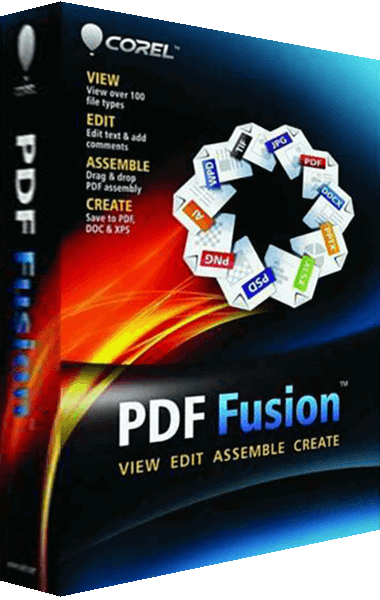
PDF Fusion
Corel PDF Fusion lets you assemble, edit, and create PDFs. Drag supported files into the workspace to combine material from different document formats.
Check the workflow
Keep the original document. Review page order, fonts, links and form fields in an exported copy, and inspect OCR text manually. A visual change to a PDF does not by itself prove that hidden text or sensitive data has been removed.