Data Recovery Software
Recovery software searches for data that remains on storage after deletion, formatting or other loss. It cannot guarantee restoration. If a backup exists, restoring a copy may be the more direct path.
File recovery on Windows and Mac
Choose the edition for the computer and storage you need to inspect. Review preview support and save recovered files to another device.

Ashampoo Undeleter
Be prepared for the next data emergency with Ashampoo Undeleter and be able recover deleted files quickly
O&O DiskRecovery
Search partitions, disks, and removable storage with O&O DiskRecovery. Choose recovery methods, filter file types, preview supported content, and save selected files to another destination. Success depends on surviving data.
Auslogics File Recovery
Search hard drives, USB storage, and memory cards with Auslogics File Recovery. Filter results, preview supported files, search lost partitions, and work with disk images. Recovery depends on surviving data and selected-edition limits.
EaseUS Data Recovery Wizard
Search storage with EaseUS Data Recovery Wizard. Review deep-scan and lost-partition results, filter files, preview supported content, and recover selected items to another destination. Success depends on surviving data.
EaseUS Data Recovery Wizard for Mac
Scan Mac storage with EaseUS Data Recovery Wizard for Mac. Filter results, preview supported files, revisit saved scan records, and recover selected data to another destination. Success depends on surviving contents.
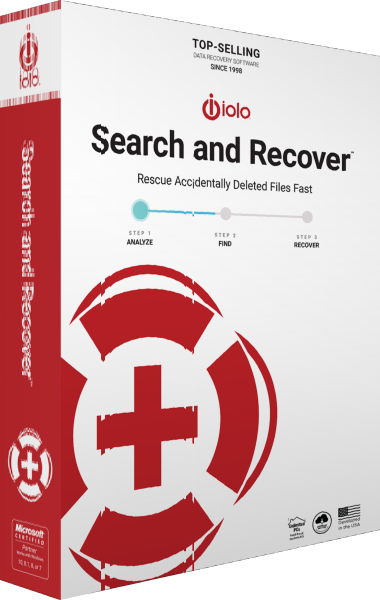
iolo Search and Recover
iolo Search and Recover searches Windows-accessible drives and removable media for deleted files. Choose locations and file types, use SmartScan and StrongScan, and save recovered copies to a different drive. Results depend on surviving, readable data.
Photo recovery
A photo-focused tool can help search for recognizable image formats. Preview results where supported and check recovered files before relying on them.
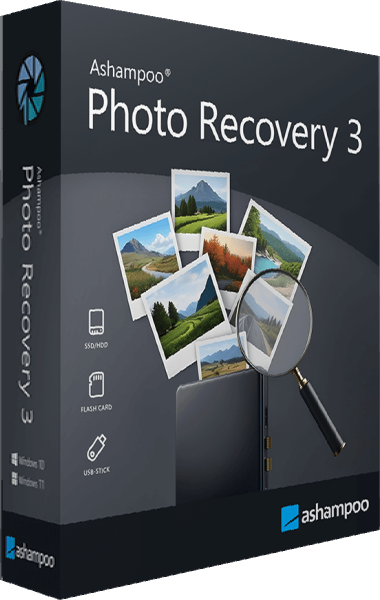
Ashampoo Photo Recovery
Search for deleted photos on hard drives, USB sticks, and memory cards. Preview results, recover RAW images, and extract pictures from PDF and Office documents.
Check the workflow
Stop writing to affected storage. Do not install recovery tools or save results on the source drive. If a drive is physically failing, repeated scanning can worsen its condition; consider specialist recovery before further use.