Practical guide
How to Restore Files from a Cloud Backup
Cloud recovery retrieves files that were uploaded before the loss. It cannot recover data that was never backed up. Recovering deleted data directly from a disk is a different task.
Choose the right recovery path
| Situation | First place to check |
|---|---|
| A file was deleted from a synchronized folder | The service recycle bin and version history |
| An unwanted edit replaced good content | An earlier backed-up version |
| The computer was lost or its disk failed | The independent cloud or off-site backup |
| The only copy was deleted from a local disk | Local recovery options, not an online backup account |
Restore without overwriting useful files
- Sign in from a trusted device. Recover access to the account or encryption key if needed.
- Locate the correct device, folder and backup date. Check that the recovery point predates the loss or unwanted edit.
- Download or restore into a new folder where possible. Preserve the current copy until you compare the contents.
- Open a selection of restored documents and check that the expected folders are present.
- Copy verified files to their intended location and resume a backup process that covers them.
If there is no backup
For a local deletion, avoid saving new data to the affected disk. Install recovery tools and save recovered files on another physical drive. Recovery is not guaranteed, especially when data has been overwritten or discarded by SSD maintenance. A physically failing drive may need professional assessment.
Prevent the same loss
Check deleted-file retention, keep more than one recovery date and test account recovery. Use a local file backup as well as an off-site copy so that one unavailable account does not block every recovery path.
Related products
For future recovery from a cloud copy, compare these Windows backup tools and their documented destinations.
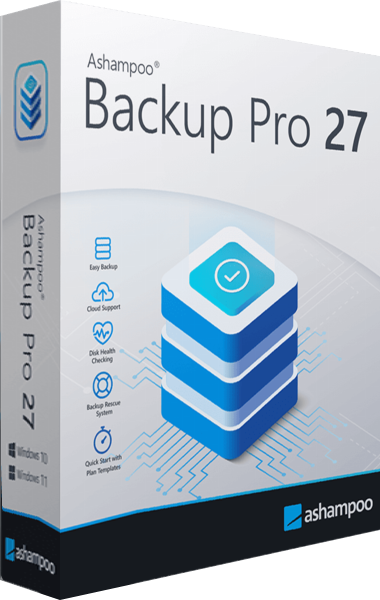
Ashampoo Backup Pro
Back up files and Windows systems to local, network or cloud storage, with individual file recovery and bootable rescue media.
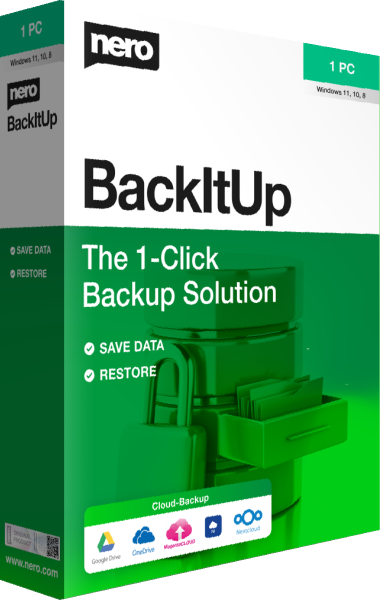
Nero BackItUp
Schedule backups to local, USB, NAS, or cloud storage and restore selected file versions.