Driver Updaters
Driver update utilities help find and manage updates for computer hardware. Begin with the device or issue you need to address; a newer version number alone does not establish that an update will improve your computer.
What to compare
- Device identification: Check the device model and the proposed driver before accepting an update.
- Update controls: Review whether the selected edition supports the selection and scheduling controls you need.
- Recovery preparation: Know how to restore a working driver and retain access to important files before changing a device configuration.
Explore catalog products
Review the selected edition for its included controls and workflow. Cards follow the editions selected in our catalog. iolo Updater covers both supported application updates and device drivers; review which task a recommendation addresses.
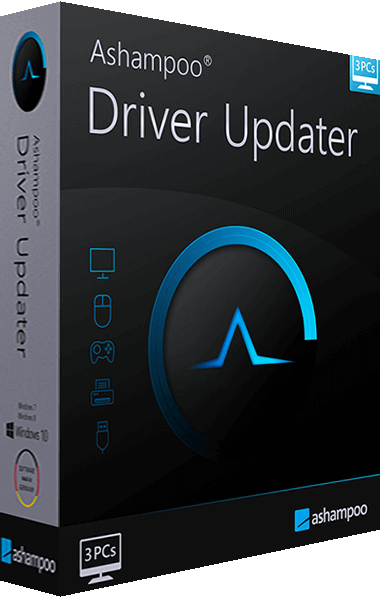
Ashampoo Driver Updater
Ashampoo Driver Updater scans hardware drivers and helps review updates for supported devices. Choose driver installations and preserve recovery options through driver backup and restore, with installation history and scheduling in current releases.

IObit Driver Booster Pro
Manage Windows device drivers with IObit Driver Booster Pro. Review updates, prepare backups, use available rollback options, configure automatic updating, and prepare offline driver packages.

Auslogics Driver Updater
Review outdated, missing, or faulty Windows drivers with Auslogics Driver Updater. Compare installed and recommended versions, manage ignored drivers, and prepare driver backups before updates. Features vary by edition.
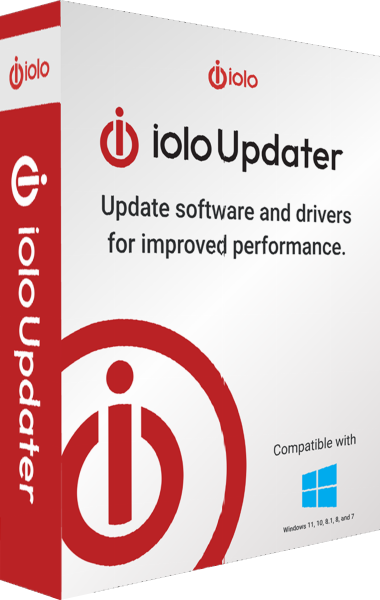
iolo Updater
iolo Updater checks supported Windows applications and device drivers for updates. Review recommendations, choose manual or scheduled maintenance, exclude selected items and back up drivers before installing replacements.
Check the workflow
Review updates provided by Windows and your device vendor before adding another update workflow. Record the existing driver version, save work and inspect the result after each change. Driver updates do not replace file backups.