VPN Software
A VPN encrypts traffic between your device and the VPN service. Choose a VPN around the devices and connections you use, and review the selected plan rather than assuming every edition provides the same access.
What to compare
- Device and plan coverage: Check the supported devices and connection limits for your selected plan.
- Traffic and locations: Review any traffic allowance and the locations available in the edition you choose.
- Connection controls: Inspect the available connection settings and how the application behaves when the VPN connection is interrupted.
Explore catalog products
Review the selected edition for its included controls and workflow. Cards follow the editions selected in our catalog.

Avira Phantom VPN Pro
Encrypt your connection and change your public IP address with unlimited VPN data. Review server locations, DNS leak prevention, and the Windows kill switch.

Bitdefender Premium VPN
Use an encrypted VPN connection with unlimited traffic and selectable server locations. Review kill switch, split tunneling, ad-blocking, and anti-tracking options for your platform.

G DATA VPN
G DATA VPN routes browsing traffic through an encrypted VPN connection. Use it to help protect online activity when accessing the internet.
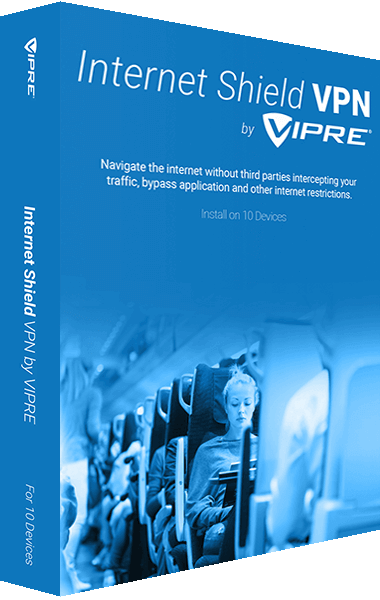
VIPRE Internet Shield VPN
Browse through a private VPN connection with VIPRE Internet Shield VPN. Use an encrypted connection when accessing online services at home or on shared networks.
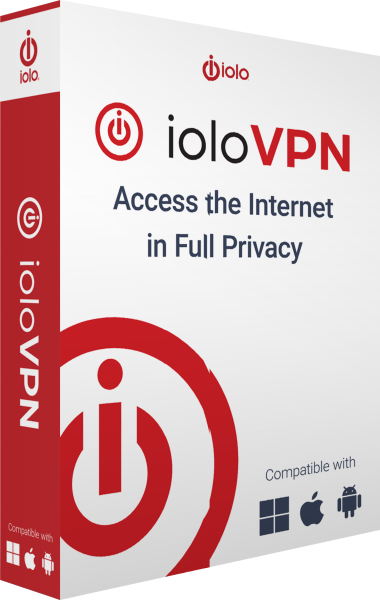
ioloVPN
ioloVPN creates an encrypted tunnel to a VPN gateway and uses the server's public IP address for traffic routed through it. Choose an available location and manage access across the devices covered by your subscription.
Check the workflow
A VPN does not replace malware protection or protect an account after you disclose its password. Test the applications and network services you rely on after enabling it, and check which traffic is routed through the VPN.