Disk Cloning and PC Migration Software
A disk clone copies a disk or partition to another drive. Operating-system migration prepares a different system disk, while PC transfer tools move selected content between installations. Choose the workflow before the application.
Disk cloning and operating-system migration
These catalog families describe copying a drive or moving a system. Check source and destination layouts, edition scope and how the target will start.
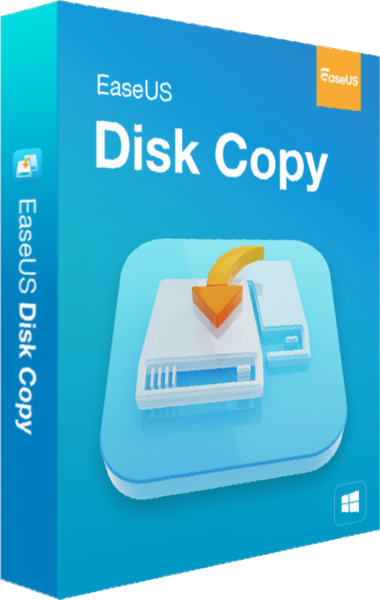
EaseUS Disk Copy
Prepare drive migration with EaseUS Disk Copy. Choose disk or partition cloning, review destination layout, select standard or sector-level copying, and prepare bootable media before verifying the target.
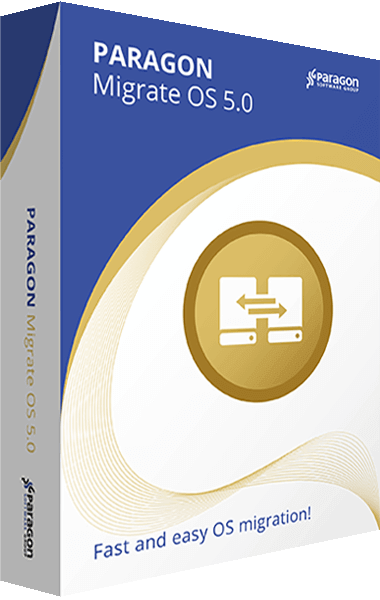
Paragon Migrate OS
Paragon Migrate OS transfers Windows to another hard disk or SSD. Exclude selected data to fit a smaller destination drive and align partitions during migration.
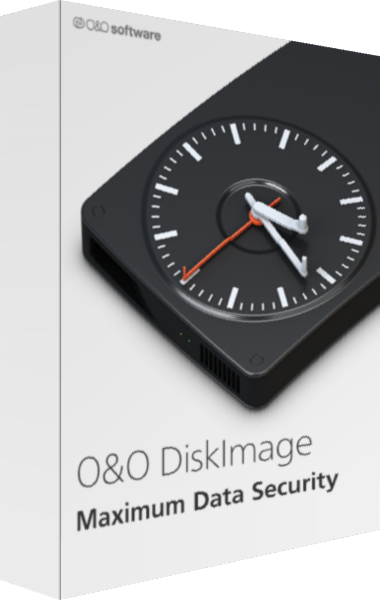
O&O DiskImage
Back up Windows systems, drives, partitions, and selected files with O&O DiskImage. Configure backup history and second copies, clone drives, and prepare recovery media. Fortress Mode requires Premium Edition.
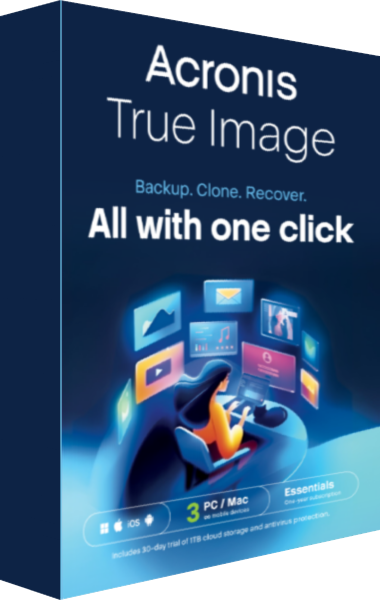
Acronis True Image
Acronis True Image provides file backup, disk imaging, recovery and disk cloning for personal data protection. Schedule backup jobs and prepare rescue media, with cloud services and additional security features depending on the selected edition and platform.
Macrium Reflect X Home
Macrium Reflect X Home provides disk imaging, file backups, cloning and rescue-media recovery for personal Windows computers. Schedule backups and retain recovery history, use resumable imaging and protect supported backup files with Image Guardian.
PC and application transfer
These products address moving selected data, settings or supported applications. A PC transfer is different from a complete disk clone; review exclusions and activation requirements. PCmover Express transfers data and settings without installed applications, while Home adds selected application transfer with user and drive limits. Image & Drive Assistant uses a mounted image or attached old drive.
O&O Migration Kit
Explore O&O Migration Kit with DiskImage, Laplink PCmover, and SafeErase workflows. Preserve a backup, transfer selected applications and data, verify the destination, and prepare the old computer for retirement. Component editions depend on the selected offer.
EaseUS Todo PCTrans
Move selected applications, files, accounts and settings between Windows PCs with EaseUS Todo PCTrans. Transfer methods and allowances depend on the installed edition.
Laplink PCmover Express
Laplink PCmover Express moves selected files, settings and user profiles between Windows PCs. Review account and file selections, choose a supported transfer method and install applications separately on the destination.
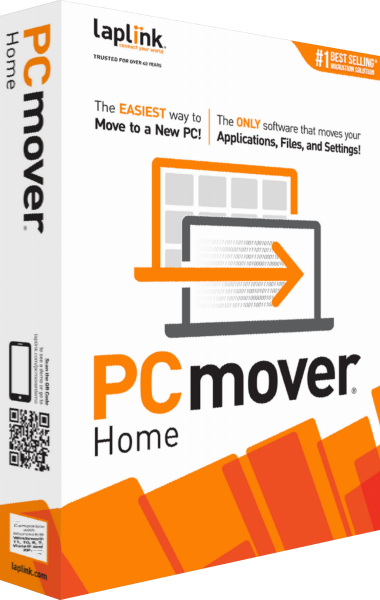
Laplink PCmover Home
Laplink PCmover Home transfers selected applications, files and settings between working Windows PCs. Home covers the currently logged-on local user and C:-to-C: transfers; multiple users, additional drives and image restoration are outside its scope.
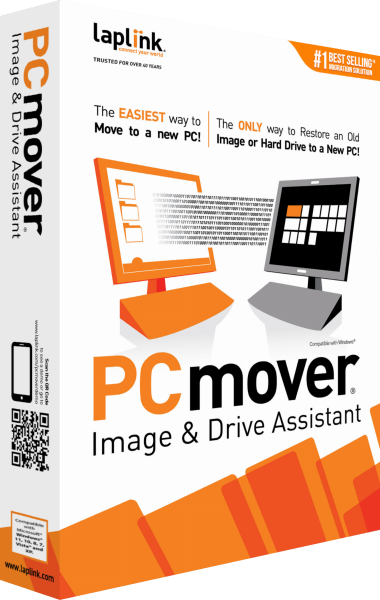
Laplink PCmover Image & Drive Assistant
Laplink PCmover Image & Drive Assistant migrates selected applications, files, user profiles and settings from a mounted system image or attached old drive into a new Windows installation. Review source mounting, transfer selections and application activation before migrating.
Check the workflow
Keep an independent backup before migration. Verify the selected destination because copying may overwrite its contents. After a drive migration, test independent startup and inspect important files before reusing the original disk.