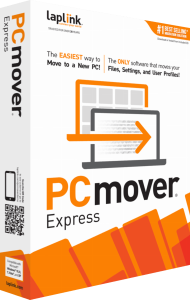

Move files, settings and user profiles to a new PC
Laplink PCmover Express transfers selected files, settings and user profiles between Windows computers. It does not transfer installed applications, so plan to install the programs you need separately on the destination.
Begin with the material you want available on the new computer: documents, pictures, music and other working folders. Decide which settings and profiles should accompany those files before starting the transfer wizard.
Choose what to transfer and where it belongs
The transfer summary lets you review file categories and user accounts. Advanced selections provide controls for drives, folders and file types, helping you exclude material that does not belong in the new setup.
Check the intended destination for each account and review folders that contain shared or personal material. Keep a short list of important files to open after migration so that checking the result is based on real work rather than only a completion message.
Connect the computers or use a transfer file
The documented connection methods include a Wi-Fi or wired network and supported Laplink transfer cables. The Express user guide also describes a file-based workflow that saves transfer data to storage for loading on the destination.
Choose the method available in your installed release and follow that workflow from start to finish. Keep the source and destination roles clear, and preserve any transfer file until the imported data has been checked on the new PC.
Install applications separately and check their data
Moving a document or a profile does not install the application used to open it. Express is a data-and-settings migration tool, so the destination still needs the appropriate programs and access to the accounts used with them.
After installing essential software, open representative documents and check application-specific data such as local archives. Keep sign-in and activation information available, and do not assume that copying a protected media file automatically transfers the right to play it.
Compare Express with Home by the transfer scope
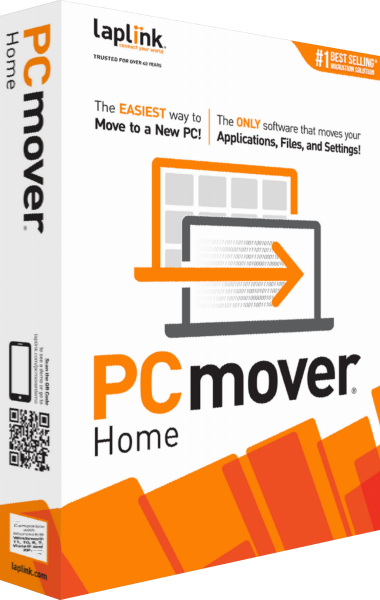
Express focuses on files, settings and profiles. PCmover Home adds selected application transfer, with its own limits on users and drives. These editions should not be treated as interchangeable simply because they share the PCmover name.
Choose around the complete migration you need. If moving installed software is essential, review an edition that supports it before beginning; if you want a fresh application setup, Express provides a way to bring selected data and settings across.
Keep the source and a recovery copy until verification is complete
Check the files and profiles on the destination before retiring the old computer. A migration is a change to a working setup, not an ongoing backup or a complete image of the source system.
For recovery copies, explore Laplink DiskImage and our file-backup guide. The Laplink software catalog provides related products already on this site.
Compare migration with repeated file synchronization
Read our Laplink Sync vs PCmover Express comparison to choose between ongoing folder exchange and moving selected files, settings and profiles to another PC. For the folder-pair workflow itself, see Laplink Sync.
Explore PC migration software for related catalog tools and workflows.