Laplink software for PC migration, backup and file management
Explore Laplink tools for moving to a replacement PC, creating recovery copies, synchronizing selected files and erasing local data. This catalog covers PCmover Express, PCmover Home, PCmover Image & Drive Assistant, DiskImage, Sync and SafeErase.
Start with the source you have and the result you need. Transferring a working setup, restoring a complete system image and keeping folders synchronized use different workflows. The product pages explain each tool's scope and common questions.
Move files and settings between working PCs
PCmover Express transfers selected files, settings and user profiles between Windows computers. It does not transfer installed applications, so plan to install your programs separately on the destination.
PCmover Home adds selected application transfer. Home is limited to the currently logged-on local user and the C: drive on each PC; it does not support domain users, additional drives or restoration from an image. Check where your data lives before choosing an edition, or explore PC migration software for related workflows.
Transfer from an image or an attached old drive
PCmover Image & Drive Assistant transfers selected applications, files, profiles and settings from a mounted system image or an attached old hard drive. It brings those selections into the destination's installed Windows environment.
Mount the complete source image first with Windows where supported or the software that created it. PCmover does not open image formats directly, and the source must be readable. Check restored applications afterward because some need updating, reinstallation or license reactivation.
Create recovery images and independent backups
Laplink DiskImage creates system, drive and file backups and provides recovery workflows with bootable media. Use its imaging tools when you want to preserve a recovery copy of a computer's setup.
Keep the backup on separate storage and test how you will reach it if Windows cannot start. Review our file-backup guide and backup and disk-imaging category when planning recovery copies alongside a PC transfer.
Synchronize selected files between devices
Laplink Sync pairs selected locations for one-way or two-way synchronization. Its documented workflow includes conflict handling and deletion controls, which determine how changes affect the other copy.
Explore file synchronization software for this workflow. Review the client available for your devices before planning the sync. The documented iOS workflow covers photos and videos. Keep independent backups outside synchronized folders, since a replacement or propagated deletion can affect both locations.
Erase local data before handing over storage
Laplink SafeErase provides deletion tasks for selected files and folders, free space, partitions, drives and an entire computer. Choose the scope and supported storage-specific method for the material you intend to remove.
Explore data erasure software for related tools. Complete your transfer and verify retained copies before starting erasure. Check the selected drive carefully: a whole-computer operation can remove Windows and applications as well as documents. Separate cloud copies and backup archives need their own review.
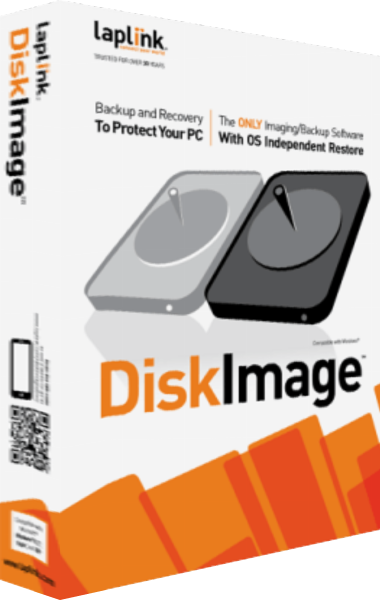
Laplink DiskImage
System imaging, file backup and recovery tools
Create system images, back up selected files and prepare recovery workflows for Windows computers.
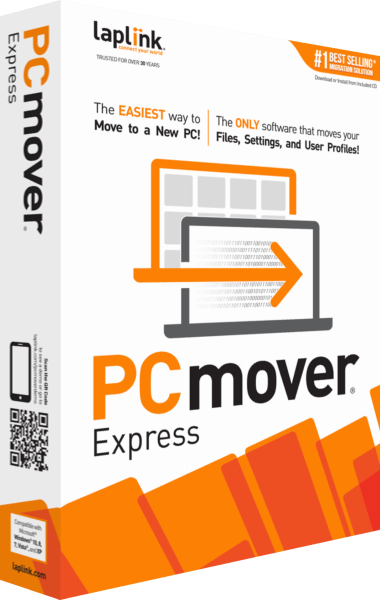
Laplink PCmover Express
File, settings and user-profile migration between PCs
Transfer selected files, settings and user profiles to a new Windows PC without moving installed applications.
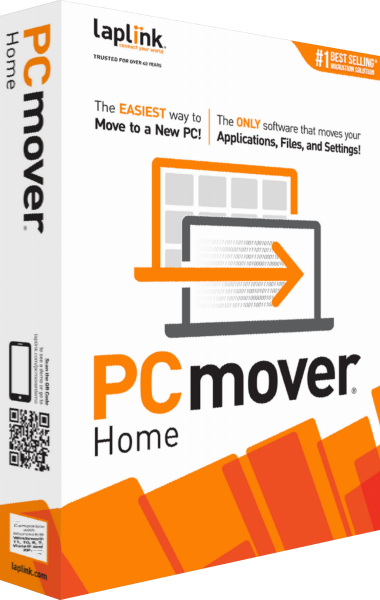
Laplink PCmover Home
Selected applications, files and settings for a new PC
Transfer selected applications, files and settings for the currently logged-on local user between working Windows PCs.
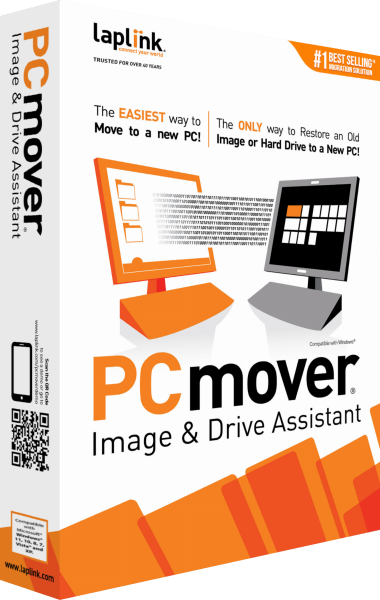
Laplink PCmover Image & Drive Assistant
Selective migration from a mounted image or old hard drive
Transfer selected applications, files, profiles and settings from a mounted image or old drive to a new Windows PC.
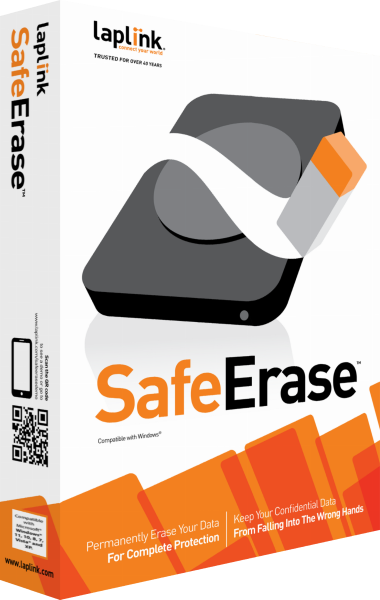
Laplink SafeErase
Data-erasure tools for files, partitions and drives
Remove selected local files or erase storage with configurable deletion tasks, saved selections and operation reports.
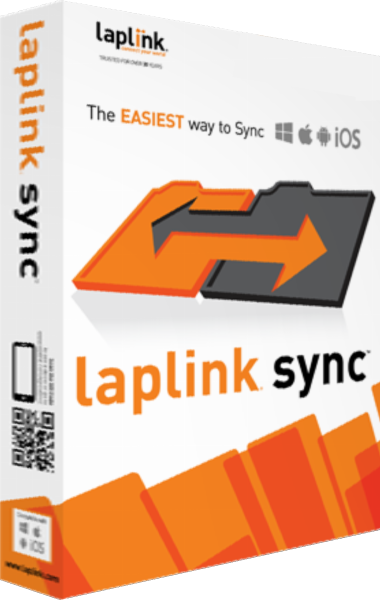
Laplink Sync
Selected file and folder synchronization between devices
Synchronize selected files and folders between compatible devices with direction, conflict and deletion controls.