Data Erasure Software
Data-erasure tools address permanent removal of selected information. File deletion, free-space cleaning and whole-drive erasure have different scopes; identify what must be retained before choosing an operation.
What to compare
- Scope: Confirm whether the task affects files, unused space, a partition or an entire device.
- Storage: Check the supported method for the actual drive type and installed release.
- Results: Inspect completion reports and any errors; separate backups and cloud copies have their own deletion scope.
Explore catalog products
Read the selected edition page for its documented scope and controls. Cards follow the editions selected in our catalog.
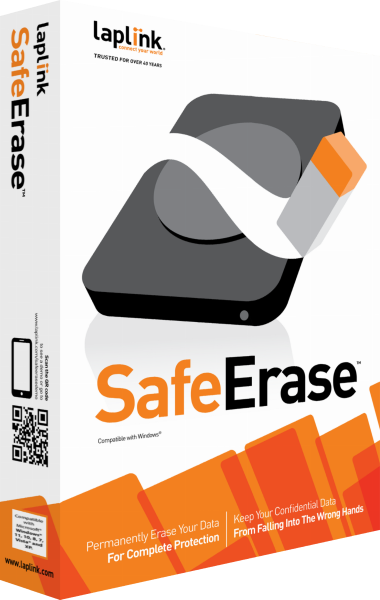
Laplink SafeErase
Data-erasure tools for files, partitions and drives
Laplink SafeErase provides Windows data-erasure tasks for files, folders, free space, partitions and drives. Select the intended scope and method, reuse deletion lists and review operation reports before preparing storage for reuse or handover.
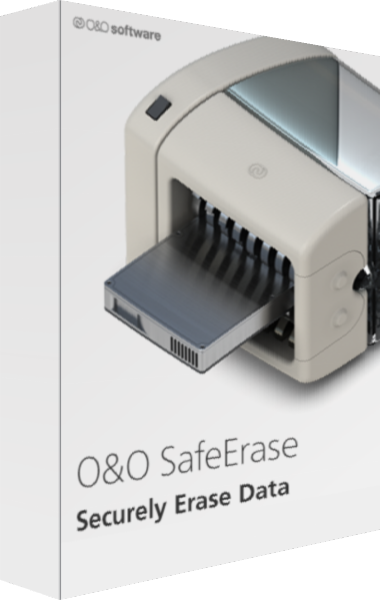
O&O SafeErase
Discount 20%
Plan data deletion with O&O SafeErase. Review file and drive targets, SSD-oriented handling, browser cleanup, isolated erasure, scheduling, and deletion reports before applying an operation.
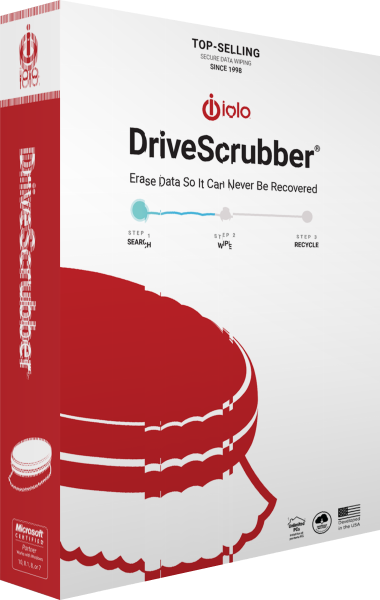
iolo DriveScrubber
Drive erasure and bootable system-drive wiping
iolo DriveScrubber provides drive-erasure workflows for selected storage and bootable media for wiping a system drive. Preserve needed data before erasure; the former Free Space Wipe feature has been removed by iolo.
Check the workflow
Complete transfers and verify retained copies on independent storage before erasing a source. Check the selected device carefully and review the completed operation before handing over storage.