Product comparison
Laplink SafeErase vs O&O SafeErase 21
Both products provide dedicated data-erasure workflows. Compare the intended scope, storage handling and operation results in the exact installed releases rather than assuming identical functions from the shared SafeErase name.
Feature comparison
| Task | Laplink SafeErase | O&O SafeErase 21 |
|---|---|---|
| Selected items | File and folder erasure | File and folder erasure |
| Broader targets | Free space, partitions, drives and an entire computer | Free space, drives and the whole-computer TotalErase workflow |
| Local traces | Temporary files, browser data and Recycle Bin tasks | Supported-browser and temporary-data cleanup |
| Repeatable tasks | Saved deletion lists and profiles | Task scheduling and selectable deletion targets |
| Storage handling | Check SSD controls and methods in the installed release | Version 21 SSD/NVMe support; SolidErase is build-dependent |
| Operation records | Deletion reports | Detailed reports with completion information |
| Locked data | Verify the available workflow in the installed release | Fortress Mode provides a separate Windows environment for applicable tasks |
Version and storage scope
The Laplink catalog entry and current product overview do not specify a release number. Confirm the installed build and its supported methods, especially for SSDs, before attributing a feature from another SafeErase product or a different generation.
A selected-file task, free-space cleaning and whole-drive erasure cover different targets. Local erasure does not automatically remove independent copies in backups, cloud accounts or other devices. Reports describe the attempted operation and its results, not every possible copy of the data.
Choose around the targets and working environment
Consider O&O SafeErase 21 when its scheduled tasks, isolated environment or version-specific storage handling fit the deletion work. Check the edition and installed build, including whether the SolidErase controls needed for the target device are present.
Consider Laplink when its target selection, reusable deletion lists and reports cover the intended workflow. Identify the installed release before attributing O&O version 21 features to the Laplink product.
Distinguish free-space cleaning from deleting active files or an entire drive. The task scope matters as much as the selected method, and additional overwrite passes are not proof of complete coverage on every storage device.
Review Laplink SafeErase and O&O SafeErase 21 for the compared catalog entries.
Review a representative erasure task
- Use disposable test files or a spare test device when evaluating the workflow.
- Confirm whether the task targets files, free space, a partition or an entire disk.
- Inspect the detected storage type and the method supported by the installed release.
- Review the report for completed targets, skipped items and errors, keeping needed records outside the erased storage.
This comparison describes documented functions and their scope. We have not benchmarked erasure speed or independently verified sanitization coverage. Treat erasure as permanent and preserve anything needed on an independent destination before confirming the operation.
Compared products
Cards identify the compared catalog entries. Check the installed release and edition.
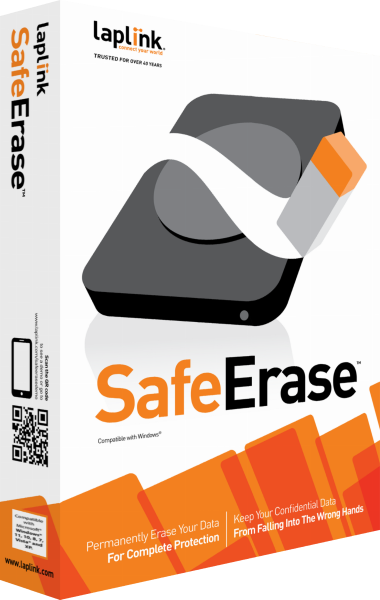
Laplink SafeErase
Remove selected local files or erase storage with configurable deletion tasks, saved selections and operation reports.
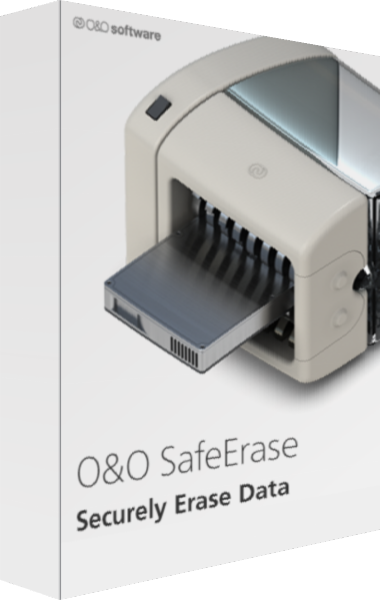
O&O SafeErase
Erase selected files, drives, and local traces before retiring or sharing storage.