Product comparison
EaseUS PDF Editor vs Ashampoo PDF Pro 4
Both tools cover everyday PDF editing, conversion and scanned-text recognition. Choose around the documents you handle: making a small correction, exporting a table, assembling pages or reviewing revisions.
Feature comparison
| Task | EaseUS PDF Editor | Ashampoo PDF Pro 4 |
|---|---|---|
| Content editing | Edit text, images and links | Edit PDF text and document content |
| Scanned documents | OCR with page-range and language selection | OCR for scanned text |
| Page organization | Merge, split, extract and rotate pages | Merge and rearrange pages |
| Conversion | Export to office formats and images | PDF conversion and PDF/A output |
| Forms and review | Form preparation and annotations | Interactive forms and document comparison |
| Protection | Passwords and document signing | Encryption and digital signatures |
Features follow manufacturer documentation. We have not benchmarked OCR accuracy, conversion fidelity or processing speed on identical files. The table lists relevant workflows rather than every capability of each editor.
Which workflow fits?
Consider EaseUS for routine editing and page assembly
EaseUS PDF Editor offers direct content changes, page tools and OCR. Review its compression and conversion controls when preparing documents for sharing. The catalog does not fix a release number; check the installed build and trial restrictions.
Consider Ashampoo for document-review workflows
Ashampoo PDF Pro 4 includes document comparison, tabbed viewing, snapshots and PDF/A output alongside editing and OCR. Consider these functions if you regularly inspect revisions or prepare documents for archiving.
Our recommendation follows task coverage. Try the same representative file in both applications before choosing, particularly when exact layout or recognition of scanned text matters.
Test representative documents
- Work on copies and change a paragraph containing your usual fonts and characters.
- Run OCR on a typical scan and inspect names, numbers and reading order.
- Export a document with tables and compare the result with the source.
- Save and reopen a form in the viewer your recipients use.
- Check page order and readability after combining or compressing documents.
Keep the original until the output is verified. Compare the selected editions and activation terms separately from the feature list. A successful sample establishes suitability for that document, rather than every PDF you may encounter.
Related products
Explore the catalog editions covered in this comparison.
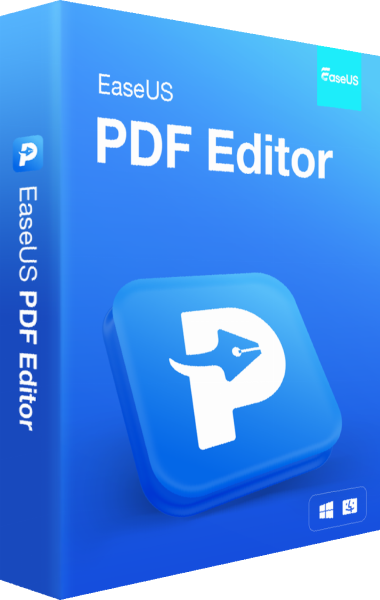
EaseUS PDF Editor
PDF editing software for changing text and images, converting documents, recognizing scanned text and organizing pages.
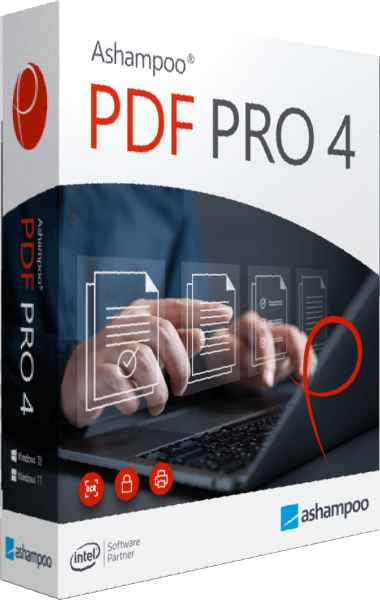
Ashampoo PDF Pro
Edit PDF text, rearrange pages, convert documents, and recognize scanned text.