Product comparison
CorelDRAW Technical Suite 2026 vs Graphics Suite 2026
Choose around the deliverable: a brand layout, a technical instruction or an illustration derived from a model. The suites share design applications, while Technical Suite adds a specialized documentation workflow.
Feature comparison
| Task | Technical Suite 2026 | Graphics Suite 2026 |
|---|---|---|
| Primary work | Technical illustrations and documentation | Logos, illustrations and page layouts |
| Shared design tools | CorelDRAW and Corel PHOTO-PAINT | CorelDRAW and Corel PHOTO-PAINT |
| Specialized application | Corel DESIGNER | General vector and layout workflows in CorelDRAW |
| Technical graphics | Projected drawing, dimensions and callouts | Check whether general drawing controls cover your task |
| 3D source reuse | XVL Studio Corel Edition; advanced CAD scope depends on edition | Do not assume the technical 3D workflow is included |
| Delivery | Technical publishing including CGM and SVG workflows | Print and digital design output |
This is a comparison of documented task coverage, not a benchmark of rendering speed or output accuracy. The table highlights differences without listing every function.
Which suite fits?
Choose Graphics Suite for general visual design
CorelDRAW Graphics Suite 2026 suits branding, illustration, photo editing and multipage design. Start here when your deliverables are promotional graphics, publications or other print and digital artwork.
Consider Technical Suite for documentation
CorelDRAW Technical Suite 2026 adds Corel DESIGNER and model-reuse tools for instructions, annotated technical views and related documentation. It retains general design tools for supporting artwork.
Check the selected Technical Suite edition before planning native CAD import: advanced 3D CAD capabilities are associated with the separate 3D CAD edition. Reusing a model for an illustration does not establish engineering-modeling capability.
Our recommendation follows your production task. Choose the specialized suite when its documentation controls remove recurring manual work, rather than choosing solely by the number of included applications.
Check your source files and output
- Open representative source files and inspect fonts, layers, dimensions and object structure.
- Prepare a typical illustration or layout and export the format your recipient requires.
- Check the result in the receiving application, including text, scale and any interactive elements you need.
- Review the selected license for platform, included services and update rights.
Test the exact CAD format and version when model reuse is central to your work. Keep original files until the full workflow has been verified. Shared application names do not establish identical entitlements across every offer.
Related products
Explore the compared catalog pages for their scope and available options. Cards are pinned to the 2026 editions compared here.
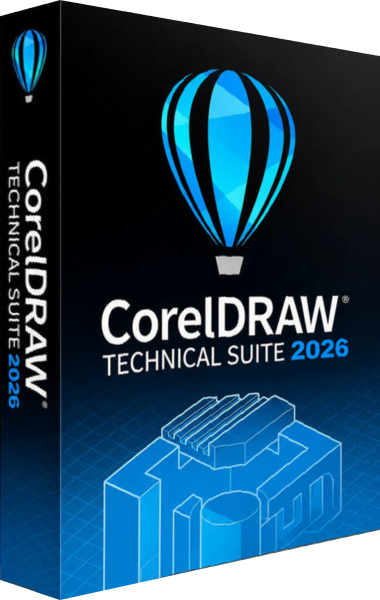
CorelDRAW Technical Suite
Create technical illustrations, annotated drawings and documentation graphics with Corel DESIGNER and the CorelDRAW Technical Suite applications.
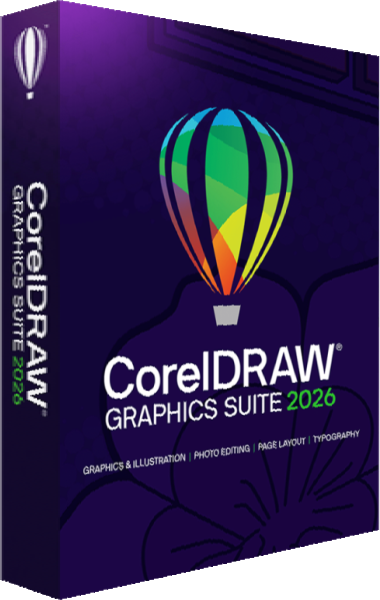
CorelDRAW Graphics Suite
Create logos, illustrations, and page layouts with vector design and photo editing tools.