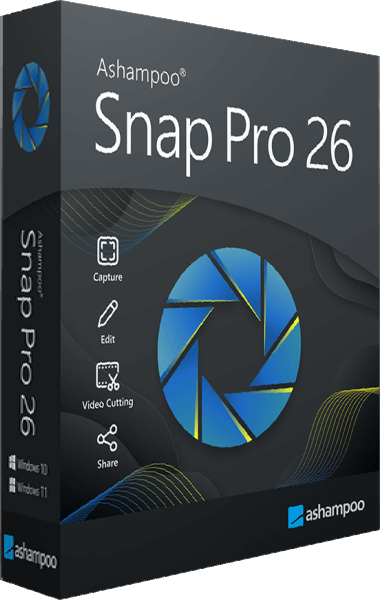



Ashampoo Snap Pro
A newer edition is available
Capture screenshots and screen recordings, add annotations, and extract text with OCR.
Learn more about Ashampoo Snap Pro

Capture, explain, and share what happens on your screen
Turn screenshots and screen recordings into clear explanations with Ashampoo Snap 17. Capture scrolling pages, annotate images, and edit videos in one application.
Looking for the newer version? Explore Ashampoo Snap Pro 26, including Live Edit and updated editing tools. Compare Snap Pro 26 with Snap 17.
A screenshot can answer a question faster than a lengthy email. Ashampoo Snap 17 turns screen content into clear, useful images and videos. Capture a problem, illustrate a process, or prepare a tutorial with editing tools built into the same application.
Save the details you need from windows, selected areas, and multiple displays. Scrolling capture brings longer pages into a single image, helping you keep information together without assembling separate screenshots.
Mark a button with an arrow, highlight an important setting, or number the steps in an instruction. Text, comments, and graphical elements turn a simple capture into something your audience can follow.
Show a task in motion with screen recording at up to 60 FPS. Use the integrated video editor to remove pauses and unnecessary sections before sharing your demonstration.
Export a recording as a video, create an animated GIF, extract audio, or save individual frames as images.
At work: document procedures and give colleagues visual feedback.
For support: capture an error and show where a problem occurs.
For teaching: combine annotated screenshots and recordings into easy-to-follow instructions.
Bring screen capture, annotation, recording, and editing together with Ashampoo Snap 17.
Editorial rating by Find Your Software: 4.8 out of 5
A newer edition is available
Capture screenshots and screen recordings, add annotations, and extract text with OCR.
Learn more about Ashampoo Snap Pro