The Parallels archive documents earlier Desktop for Mac software for running Windows applications alongside a Mac workflow. The overview also discusses moving from a PC to a Mac while retaining access to programs and information from the earlier computer.
Open an archived card to read the description of the Desktop edition represented there. Keeping historical releases separate helps readers identify an existing product and understand the virtualization use case described on its page.

Parallels Desktop for Mac 16: Run Windows applications alongside your Mac workflow using a virtual machine.
Version 16
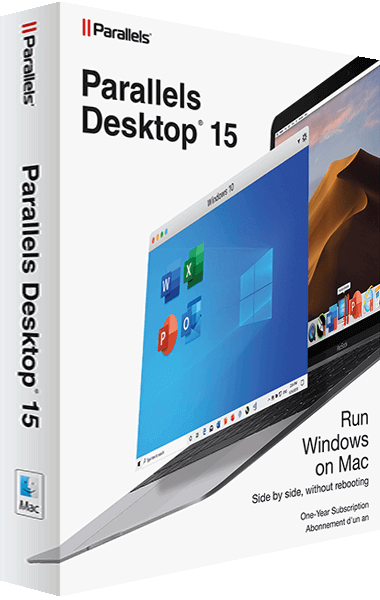
Run Windows applications on a Mac in a virtual machine with Parallels Desktop 15 for Mac.
Version 15
Virtualization provides a way to use a different operating environment within a computer workflow. For readers researching Parallels Desktop, the archived overview connects that idea with familiar tasks such as using a Windows program without a Mac edition or transferring work from a PC.