Data Erasure Software
Data-erasure tools address deliberate removal of information. Selected-file deletion, free-space cleaning, whole-drive erasure and full iOS-device clearing have different scopes. Identify the target and what must be retained before choosing an operation.
What to compare
- Scope: Confirm whether the task affects files, unused space, a partition or an entire device.
- Storage: Check the supported method for the actual drive type and installed release.
- Results: Inspect completion reports and any errors; separate backups and cloud copies have their own deletion scope.
Computer files and storage
Read the selected edition page for its documented scope and controls. Cards follow the editions selected in our catalog.
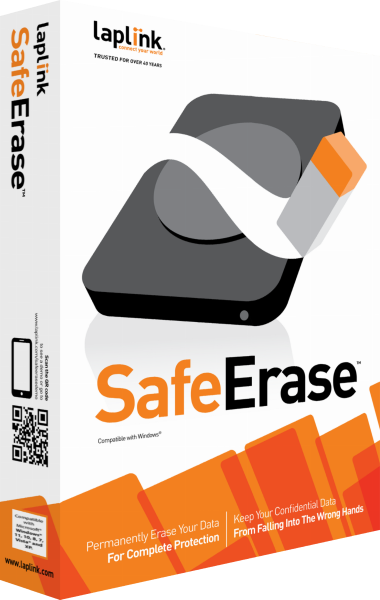
Laplink SafeErase
Laplink SafeErase provides Windows data-erasure tasks for files, folders, free space, partitions and drives. Select the intended scope and method, reuse deletion lists and review operation reports before preparing storage for reuse or handover.
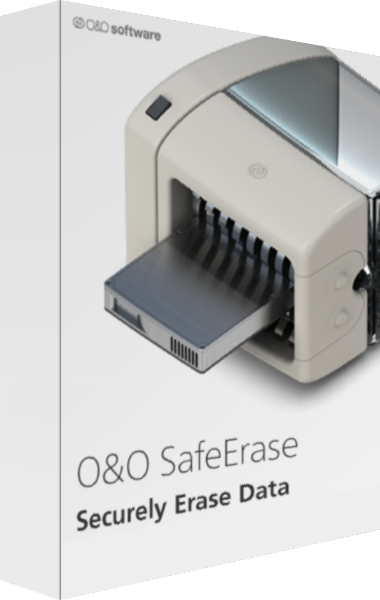
O&O SafeErase
Plan data deletion with O&O SafeErase. Review file and drive targets, SSD-oriented handling, browser cleanup, isolated erasure, scheduling, and deletion reports before applying an operation.
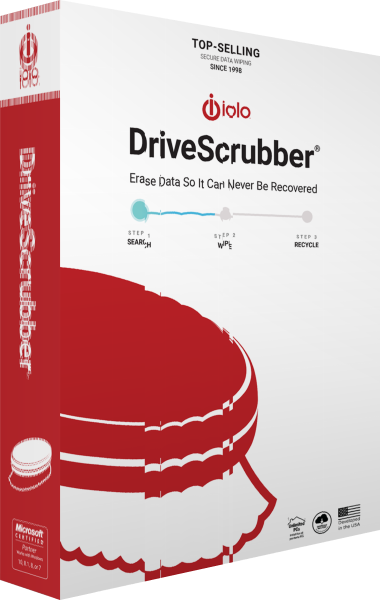
iolo DriveScrubber
iolo DriveScrubber provides drive-erasure workflows for selected storage and bootable media for wiping a system drive. Preserve needed data before erasure; the former Free Space Wipe feature has been removed by iolo.
Full iOS-device clearing
Tipard iPhone Eraser clears content and settings from supported iPhone, iPad and iPod touch devices connected to a computer. Choose a detected device and an erasing level, then review the target before starting. Multiple-device sessions require the same check for each included device.
This workflow clears the device as a whole. Save and verify wanted content elsewhere first, and review account sign-out and ownership settings separately before handover. Connecting a phone to a computer does not make computer-drive erasure tools interchangeable with an iOS eraser.
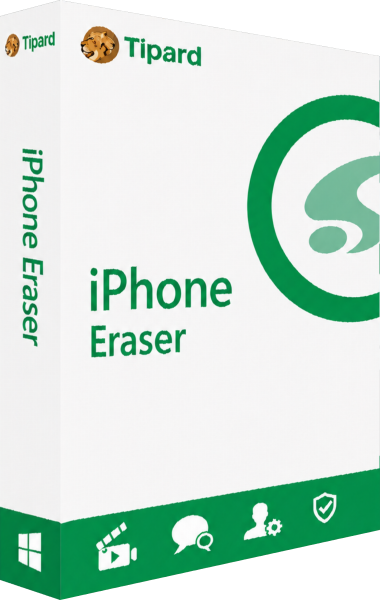
Tipard iPhone Eraser
Tipard iPhone Eraser removes personal content, apps and settings from supported iPhone, iPad and iPod touch devices. Choose an erasing level and process one or more connected devices.
Compare device erasure and handover workflows
Check the workflow
Complete transfers and verify retained copies on independent storage before erasing a source. Check the selected device carefully and review the completed operation before handing over storage.