Product comparison
Ashampoo UnInstaller Pro 27 vs Revo Uninstaller Pro 5
Compare two dedicated removal tools by how they handle recorded installations and programs without a usable log. Neither a trace nor a deep scan establishes that every proposed item belongs exclusively to the target program.
Feature comparison
| Task | Ashampoo UnInstaller Pro 27 | Revo Uninstaller Pro 5 |
|---|---|---|
| Recorded changes | Installation monitoring | Real-time tracing |
| Without a usable log | Retrospective analysis | Forced Uninstall and Logs Database |
| Remaining data | Leftover analysis | Scan after the built-in uninstaller |
| Additional focus | Software Updater and snapshots | Multiple-program removal and Windows-app tools |
This comparison follows documented functions. We have not measured removal completeness, processing speed or false leftover matches using identical applications.
Which workflow fits?
Consider Ashampoo when update checks and retrospective analysis fit your work. Consider Revo for its tracing and forced-removal workflow. Review the target and scan findings in either application before deleting shared files or settings.
Review the UnInstaller Pro 27 overview and Revo Uninstaller Pro 5 overview for the scope of each catalog entry.
A recorded installation documents changes observed at that time. Analysis performed later infers associations from the current state. Neither should be treated as an independent backup or an automatic reason to delete every finding.
Evaluate removal on a representative program
- Preserve documents, settings and activation information you may need again.
- Use separate restored test environments when comparing the same application in different tools.
- Test a monitored installation separately from a program without a recorded log.
- Inspect remaining-item paths and shared components before accepting cleanup.
- Restart if requested and verify the applications you retain.
Count useful outcomes rather than only the number of findings. More suggested deletions do not establish more accurate cleanup. Keep recovery copies until the resulting environment has been checked.
Compared products
Cards are pinned to the catalog entries compared here. Review installed versions and license scope separately.
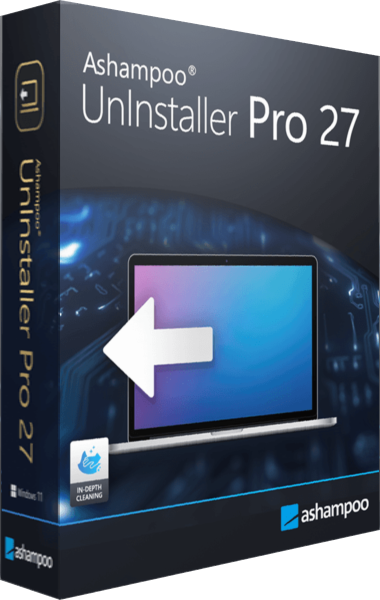
Ashampoo UnInstaller Pro 27
Remove unwanted programs, review installation changes and check supported applications for updates.
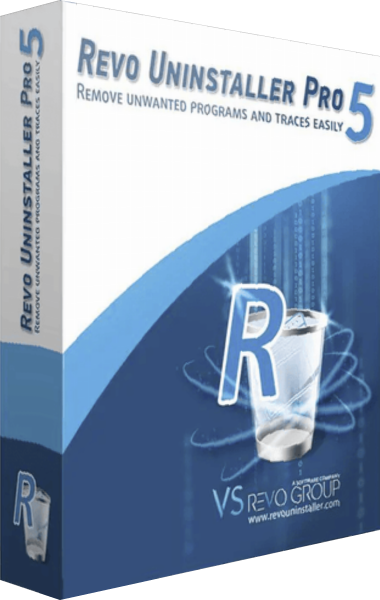
Revo Uninstaller Pro 5
Remove unwanted Windows software, inspect leftover files and Registry entries, and trace changes made during installation.