Product comparison
Bitwar File Repair vs Tipard Video Enhancer
Bitwar File Repair addresses supported damaged video files, such as recordings with playback failures. Tipard Video Enhancer works on video quality and preparation through resolution, lighting, noise and stabilization controls. The useful distinction is between a file that needs structural repair and footage that can be decoded but needs visual adjustments.
Compared products
Choose around the file that is available, the loss or damage involved and the supported operation in the installed edition.
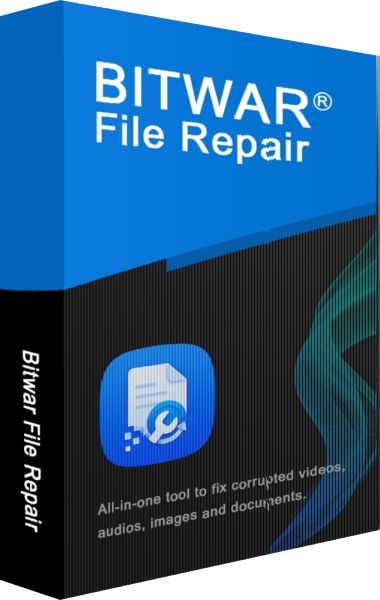
Bitwar File Repair
Repair damaged documents and media files, preview the results and export a checked copy.
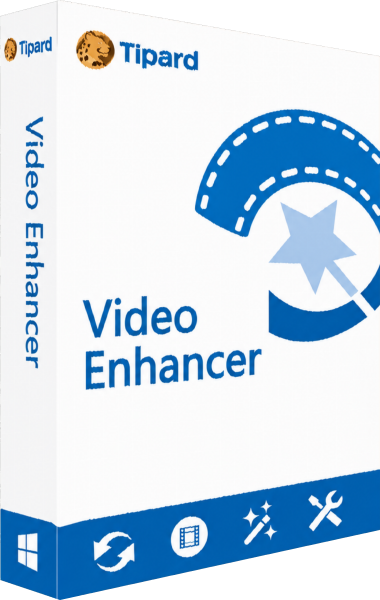
Tipard Video Enhancer
Enhance video resolution, lighting and stability, reduce visible noise, and prepare clips with editing and conversion tools.
Compare file repair and related tasks
| Task | Bitwar File Repair | Tipard Video Enhancer |
|---|---|---|
| Starting problem | A damaged video with interrupted, frozen or otherwise faulty playback | A readable clip with low resolution, poor lighting, visible noise or camera shake |
| Core workflow | Add the damaged video, run Repair, preview and export | Import the clip, choose enhancement or editing settings and convert to an output file |
| Playback structure | Targets supported video corruption and associated playback problems | Quality adjustments are not evidence of an equivalent corrupted-file repair engine |
| Picture adjustments | The main comparison here concerns repair of the available source data | Resolution upscaling, brightness and contrast adjustment, noise reduction and stabilization |
| Editing and delivery | Produces a separately saved repair result for checking | Trim, crop, rotate, watermark or merge clips and export supported formats such as MP4, MOV, MKV and AVI |
| Verification | Check the point of failure, duration, seeking and audio-video synchronization | Preview representative sections and compare framing, detail, noise and playback in the saved output |
Which workflow fits?
Choose File Repair for an existing damaged file
Bitwar File Repair is relevant when an available recording has a supported corruption problem, such as a playback failure after an interrupted write or transfer. Keep the original recording and inspect several points in the repaired copy, especially the section that previously failed. Check both picture and sound.
Choose Tipard for enhancement and preparation of readable footage
Tipard Video Enhancer fits footage that can be imported and decoded but needs picture adjustments or an export suited to another player. Select only the relevant enhancement options, preview the result and check details before processing a larger batch. Editing and conversion provide a different workflow from repairing file corruption.
Better-looking footage and a repaired file are different outcomes
Low light, visible noise and camera shake can be present in an otherwise readable recording. Bitwar also advertises visual improvements, so this distinction concerns the selected task rather than a claim that every feature is exclusive. Compare the specific adjustment separately from repair of damaged playback structures.
A container extension such as MP4 does not describe every codec or type of corruption inside the file. Tipard enhancement or conversion requires a source the application can process; choosing an MP4 output does not prove that a damaged input has been repaired. Missing recorded content may remain absent after either workflow.
Verify the saved contents
- Preserve the original recording and determine whether it fails to play or simply needs a visual adjustment.
- For repair, note the failed section; for enhancement, choose a representative clip and specific picture settings.
- Export a separately named copy and retain the original before any additional conversion or editing.
- Play the complete important sequence in the intended player, checking duration, seeking, synchronization, detail and framing.
A recognizable preview or completed progress indicator does not establish that every part of a file is usable. This comparison describes documented workflows and does not report measured repair-success rates or guaranteed reconstruction of missing content.