Product comparison
Bitwar PDF Converter vs Ashampoo PDF Pro 5
Bitwar PDF Converter prepares content for other applications through conversion, batch processing and scanned PDF recognition. Ashampoo PDF Pro 5 combines conversion and OCR with PDF text and image editing, document comparison, comments and digital signatures. The comparison centers on extracting or converting content versus revising and reviewing a PDF as the working document.
Compared products
Choose around the source material, the required output and the editing or review steps that follow conversion.
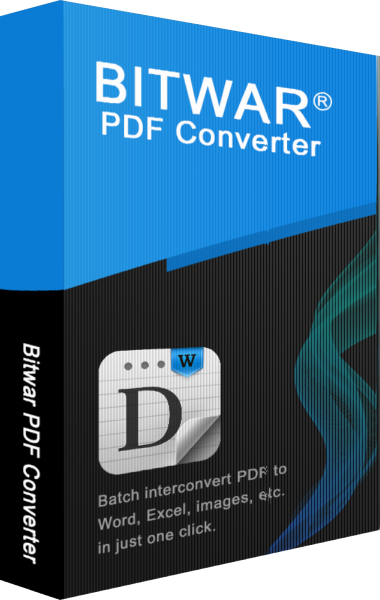
Bitwar PDF Converter
Convert PDF and Office files, recognize scanned text with OCR, and merge, split, compress or protect PDFs.
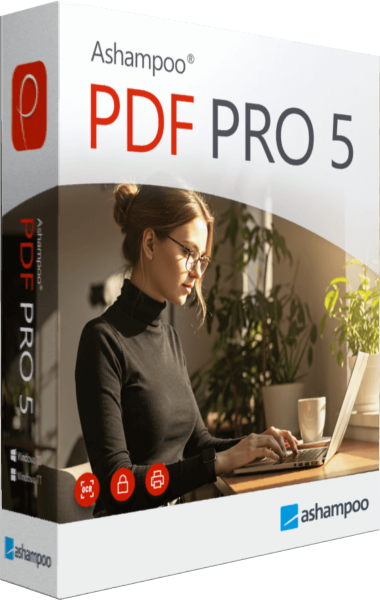
Ashampoo PDF Pro
Edit PDF text and images, organize pages, convert documents and recognize scanned text with OCR.
Compare PDF and document tasks
| Task | Bitwar PDF Converter | Ashampoo PDF Pro 5 |
|---|---|---|
| Conversion focus | PDF to Word, Excel, PowerPoint, images and other supported outputs; Office documents and images to PDF | PDF conversion including Word output, plus PDF creation through a virtual printer |
| Scanned text | OCR PDF supports scanned PDF to Word or Excel conversion through the documented conversion settings | OCR makes supported scans searchable and editable within the PDF workflow |
| Page preparation | Merge, split, rotate and compress PDFs; extract embedded images | Merge, extract and rearrange pages as part of an editing and review workflow |
| Editing | Export content for revisions in the selected destination application | Edit PDF text and images directly, with forms and comments for further document work |
| Revision review | Compare the converted file with the source during output checks | Automatic document comparison helps inspect differences between document revisions |
| Document finishing | Opening-password protection and unlocking with the known access password | Encryption and digital signatures, alongside tabs, separate windows and shared workspace options |
Which workflow fits?
Choose Bitwar for conversion to another working format
Bitwar PDF Converter fits preparing Word, Excel or PowerPoint output from PDFs and creating PDFs from supported documents or pictures. Choose the conversion around the next application and inspect a sample, especially when the source contains scans or complex tables.
Choose PDF Pro for PDF revision and review
Ashampoo PDF Pro 5 fits a PDF that needs direct text or image changes, page assembly, comments or comparison with another revision. Recognize scanned text before revising it, check the final document and apply any intended signature after the editing and review steps are complete.
Conversion, OCR and revision comparison need different checks
Bitwar lists several Office conversion destinations, while the reviewed PDF Pro 5 catalog entry confirms Word output and a broader PDF editing workflow. Do not infer identical Excel or PowerPoint export merely from the word conversion. Check the actual output choices in the installed product for your document task.
A searchable scan, an editable PDF and a converted Word document can retain different structures. Document comparison can help review revisions, but it does not certify OCR accuracy or restore the original spreadsheet formulas from a scanned table. Proofread the recognized content against the original before relying on it.
Check the converted document
- Keep the source document and decide whether the final deliverable should be PDF, Word, Excel or another supported format.
- Test a mixed-layout page and inspect OCR text or conversion output before processing additional files.
- Review page order, fonts, images, table alignment and revision differences in the saved document.
- Complete corrections before signing a PDF, then reopen the final copy and check its contents and intended access settings.
Conversion and recognition depend on source layout, image clarity and the selected settings. This comparison describes documented workflows and does not report measured speed, layout-fidelity or OCR-accuracy rankings.