Product comparison
Tipard DVD Ripper vs Nero Platinum Suite 2026
Tipard DVD Ripper focuses on extracting and converting DVD content. Nero Platinum Suite 2026 brings Recode together with applications for editing, organizing, burning and backing up media. The choice depends on whether DVD conversion is the whole task or the beginning of a larger media project.
Compared products
Review the selected catalog products and check DVD input, title selection, export profiles and the tools needed after conversion.
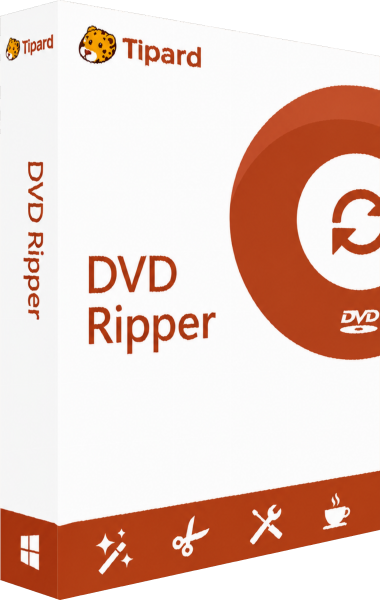
Tipard DVD Ripper
Convert DVD discs, ISO images and VIDEO_TS folders to video or audio, with title selection, subtitles and editing tools.
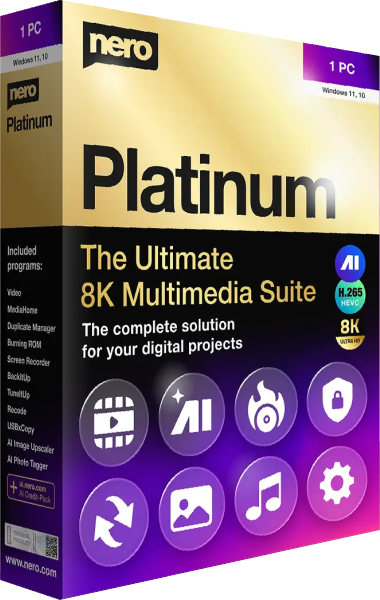
Nero Platinum Suite
Edit, organize, convert, and back up media with a multimedia software suite.
Compare DVD workflows
| Task | Tipard DVD Ripper | Nero Platinum Suite 2026 |
|---|---|---|
| Product scope | Dedicated DVD conversion and preparation application | Multimedia applications accessed through Nero Start |
| DVD conversion | Load DVD discs, ISO images or folders and select titles | Recode converts supported unprotected DVD sources |
| Output goal | Create video or audio files, or save DVD ISO and folder output | Choose Recode for file conversion and the appropriate suite application for other tasks |
| Editing | Trim or merge selected content and apply picture adjustments | Nero Video provides timeline editing and video-disc authoring |
| Library work | Save converted titles to the chosen destination | MediaHome organization and Duplicate Manager media review |
| Preservation and distribution | Keep DVD sources separately from converted playback files | BackItUp for backup, Burning ROM for disc projects and USBxCopy for USB copying |
Which workflow fits?
Consider Tipard for a DVD-focused export workflow
Tipard DVD Ripper suits selecting DVD titles and chapters, choosing audio and subtitles and preparing video or audio exports. Use ISO or folder output when the DVD structure matters. Subtitle retention, embedding and separate export depend on the selected output; preview the result before converting a collection.
Consider Platinum for work beyond DVD conversion
Nero Platinum Suite 2026 fits a workflow that continues into editing a film, organizing a library or preparing distribution copies. Recode performs the conversion task; other applications handle the later stages. Review the selected suite edition and the applications it enables.
A larger suite does not make every task part of one conversion operation. Recode retains its unprotected-source scope when supplied in the suite. Authoring a new disc, creating a playback file and preserving an existing DVD structure require different choices.
Check the selected controls
- List the conversion, editing, library and preservation tasks you intend to perform.
- Confirm the included Recode edition and use it for a supported unprotected source.
- Decide whether later work requires Nero Video, Burning ROM or another suite application.
- Verify the exported file or finished disc and keep recoverable source copies independently.
Keep the source disc or image and save exports separately. Inspect movement, dark scenes, dialogue and captions in a sample. Increasing resolution does not turn a DVD recording into native high-definition footage, and repeated lossy conversion can discard detail.