CyberLink software for video, photos and media playback
Explore PowerDirector 2026 for movie projects, PhotoDirector 2026 for photographs and PowerDVD 24 for watching finished media. The catalog groups these CyberLink applications by task and links to product details and workflow comparisons.
Begin with the result you need: an edited video, a finished picture or a viewing setup for your media collection. Then check the exact edition. Features, bundled applications and subscription services differ across the products and releases.
Related Products
Video editing with PowerDirector
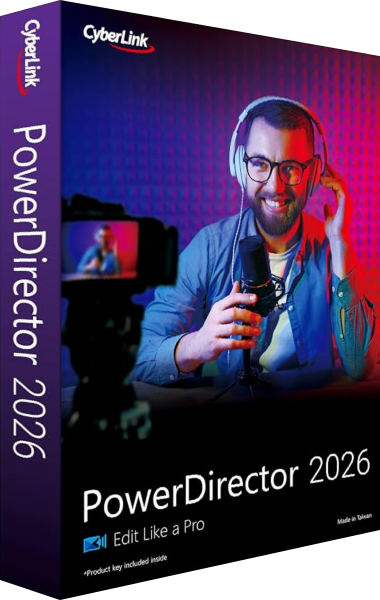
PowerDirector 2026 arranges video clips, titles, effects and audio into a finished production. Timeline tools include keyframes, motion tracking and multicamera editing, with export workflows for widescreen, vertical and square videos.
Compare Ultra, Ultimate and Ultimate Suite around your project. Speech-to-text and AI audio denoise are included in Ultimate and Ultimate Suite, while Ultra omits them. Ultimate Suite also includes AudioDirector 2026 and ColorDirector 2026 as separate applications.
The perpetual 2026 release has a different feature and content scope from PowerDirector 365. Check the edition before following a subscription tutorial. Keep source footage with the editable project and inspect the exported captions and sound. Browse video editing software or read our PowerDirector 2026 vs Nero Video 2026 comparison.
Photo organization and editing with PhotoDirector
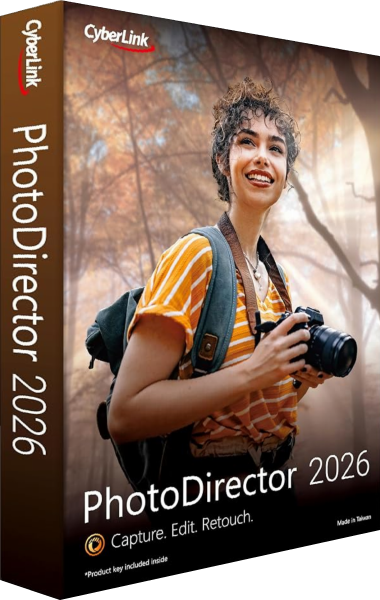
PhotoDirector 2026 organizes photographs, adjusts images and prepares finished pictures. Choose Standard or Ultra according to your editing work. Background and object removal are listed for both editions; layer editing in the Expert module and the listed Batch Editor operations are available in Ultra.
PhotoDirector 2026 is a perpetual-license release. GenAI Studio, subscription stock content and the listed monthly AI-credit benefits belong to PhotoDirector 365. A tutorial or promotion for 365 should not be read as a list of features included with Standard or Ultra.
Test representative RAW files from your camera before importing a collection, and check edited edges, crops and exported dimensions. Retain originals and editable work separately from final pictures. Explore photo editing software or compare PhotoDirector 2026 with PaintShop Pro 2023.
Movie discs and local media with PowerDVD
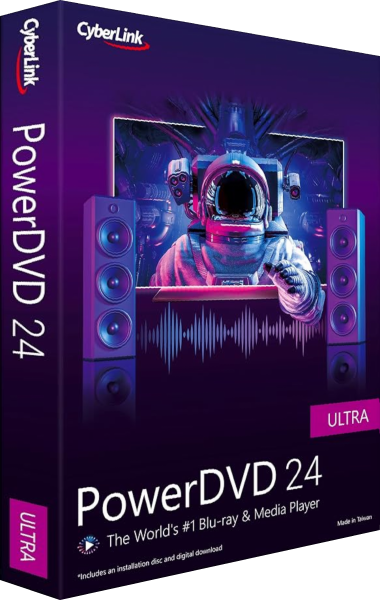
PowerDVD 24 plays DVD movies and local video, music and photos. DVD playback is included in Standard, Pro and Ultra. Blu-ray playback requires Pro or Ultra, while movie ISO playback, TV Mode and casting are included in Ultra.
PowerDVD 365 also includes those advanced playback features, under a subscription. Compare the playback scope and service entitlements with the selected PowerDVD 24 edition. Ultra HD Blu-ray playback has been discontinued; it is a separate format from standard Blu-ray movies and high-resolution video files.
Check the actual video, audio and subtitles in your intended viewing setup. Playback enhancements adjust the viewing experience and serve a different purpose from editing a complete movie project. Browse media players and library software, or read our PowerDVD 24 vs Nero MediaHome 2026 comparison.