
Turn your footage into a finished film
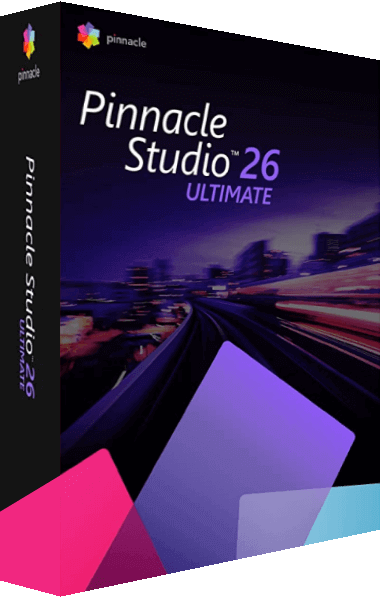
Use Pinnacle Studio 26 to edit travel videos, tutorials, and creative film projects. Arrange your clips, trim unwanted footage, and add music, titles, and transitions to give each video its own style.
What does Pinnacle Studio 26 offer?
Version 26 improves the core steps of video editing. Changes to importing, previewing, and exporting, alongside improvements to stability and usability, support your work from the first clip to the finished project.
Fine-tune your edits across 6 tracks
Drag footage onto the timeline or arrange scenes in the storyboard. Combine video and audio across up to 6 tracks, use keyframes to control changes over time, and adjust the workspace to suit the way you edit.
Key editing tools
- Title editing
- DVD authoring
- Screen recording
- Multicam editing
- Creative effects
- Keyframe controls
- Split-screen video
- Stop-motion animation
Set the mood with color and effects
- Color correction
- Adjust white balance and brighten underexposed scenes to bring footage from different shooting conditions into a consistent visual style.
- Selective color
- Highlight a single color to draw attention to a subject or an important detail in a scene.
- LUTs and filters
- Apply LUT presets and filters to change the feel of a scene. Combine ready-made looks with your own color adjustments.
- Templates and overlays
- Use themed templates and graphic overlays to simplify repeated design steps and give your videos a coordinated look.
Tell your story from more than one angle
- Multicam editing with two cameras
- Combine footage from two cameras and switch between different views of the same scene.
- Screen and webcam recording
- Record your screen and webcam with the included MultiCam Capture 2.0 Lite. Add spoken explanations to create tutorials, presentations, or gaming videos.
- Split-screen video
- Place separately recorded scenes side by side. Show parallel action, comparisons, or several perspectives within a single frame.
- Stop-motion animation
- Join individual images into an animated sequence, bringing objects or figures to life one frame at a time.
Bring pictures, titles, and sound together
- Audio editing and narration
- Fade sound in or out, separate audio from video, or record your own commentary. Add the included music and sound effects to complete your soundtrack.
- Video stabilization and lens correction
- Reduce camera shake and adjust lens distortion, including the fisheye effect in wide-angle footage.
- Titles and green screen
- Add titles and captions to explain what is happening on screen. Use green-screen compositing to combine footage shot against a solid background with another video scene.
- 8K import and video output
- Import 8K footage for editing. Export finished projects in common video formats or create DVDs with customized menus.
Buying Pinnacle Studio 26
This page covers the standard edition of Pinnacle Studio 26. Before ordering, check the selected edition, available languages, and license terms in the shop. You can find the purchase option in the purchase section.
Find Your Software is an independent website. We may receive a commission when you order through our purchase links. The linked shop handles your order.
Editorial rating by Find Your Software: 4.8 out of 5
Frequently asked questions about Pinnacle Studio 26
Answers to common questions
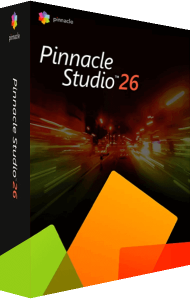
What is Pinnacle Studio 26?
Pinnacle Studio 26 is video editing software for cutting clips, adding titles and effects, editing sound, and combining recorded footage into a finished film.
Which edition does this page cover?
This page describes the standard edition of Pinnacle Studio 26. Pinnacle Studio Ultimate is a separate edition with a different set of features.
How many tracks and cameras can I edit?
The standard edition provides a timeline with up to 6 tracks. Its multicam editor supports footage from two cameras.
Can I record my screen to make tutorials?
Yes. The included MultiCam Capture 2.0 Lite lets you record screen and webcam footage, then edit those recordings in your video project.
Can I create DVDs?
Yes. Pinnacle Studio 26 includes DVD authoring tools and customizable menu templates. You can also export your finished films as video files.
Is the software available in English?
English is one of the supported interface languages. Before ordering, check which language options are provided with the offer you select in the shop.