Password Managers
A password manager stores account credentials and helps you use separate passwords for different services. Compare the supported browsers and devices, sign-in workflow and options for moving existing entries.
What to compare
- Account setup: Confirm how you sign in and keep the recovery information you need accessible.
- Daily use: Test password generation and autofill on accounts and browsers you use.
- Migration: Inspect imported entries and handle exported account data carefully.
Explore catalog products
Read the selected product page for its documented features and setup. Cards follow the editions selected in our catalog.
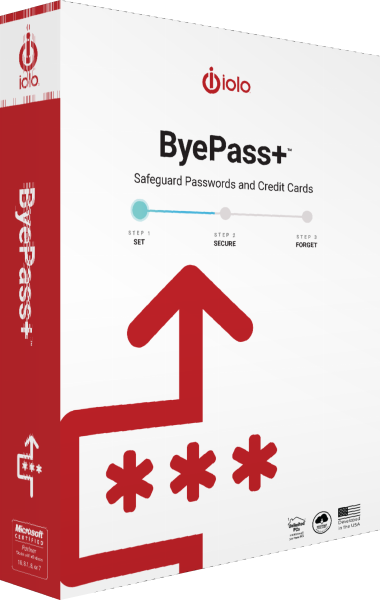
iolo ByePass+
Password management with autofill, a generator and secure notes
iolo ByePass+ manages passwords, payment-card details and secure notes with encrypted storage, autofill and a password generator. Set up the browser extension and use the documented migration process to transfer data from legacy ByePass.
Check the workflow
Test a saved login before depending on it on another device. Complete password changes on the service itself and confirm that the stored entry matches. Review account recovery and additional sign-in checks.