Product comparison
CamRio Watermark Expert vs Ashampoo Photo Converter 3
CamRio Watermark Expert adds and removes watermarks in photographs and videos. Ashampoo Photo Converter 3 applies a watermark as part of a batch image-processing sequence. The overlap is preparing consistently marked photographs; choose around whether the same job also needs resizing, format conversion or selected-area removal.
Compared products
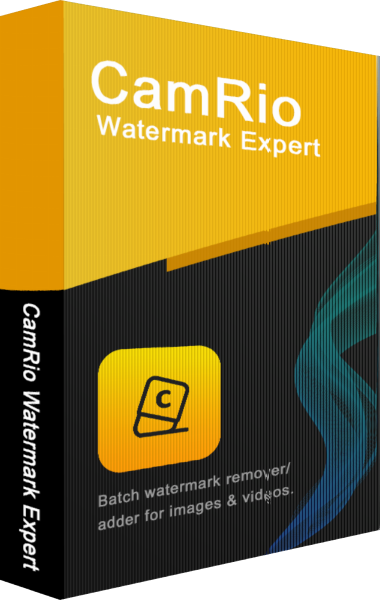
CamRio Watermark Expert
Add text or logo watermarks and remove selected marks from photos and videos, individually or in batches.
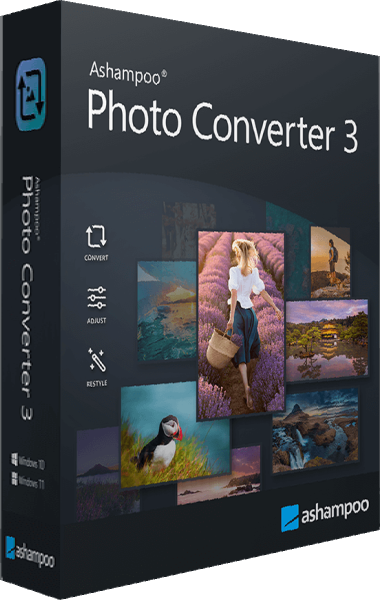
Ashampoo Photo Converter
Convert and resize image collections, apply adjustments and watermarks, and reuse saved command sets.
Compare watermark workflows
| Task | CamRio Watermark Expert | Ashampoo Photo Converter 3 |
|---|---|---|
| Main task | Dedicated watermark addition and removal for photos and videos | Batch image conversion and preparation, including watermark overlays |
| Photo overlay | Add text or a logo with size, color, rotation and opacity controls | Add a positionable watermark within the image-processing workflow |
| Several photographs | Apply a shared design through Batch Process | Process files or folders with an ordered sequence of image operations |
| Image preparation | Set the mark and inspect the exported photo | Resize, rotate, adjust appearance, apply effects and choose an output format |
| Removal scope | Highlight a selected photo area for removal | The documented watermark operation adds an overlay; check any separate retouching need |
| Repeatable output | Review shared placement on each source shape before a batch | Reuse saved command sets and verify operation order and destination |
Which workflow fits?
Choose CamRio for dedicated watermark operations
CamRio Watermark Expert combines text and logo addition with selected-area removal for photos and videos. Prepare the overlay or removal region, test a small sample and inspect the saved result. For collections, check files with different dimensions before applying a shared setup.
Choose Photo Converter for watermarks combined with batch exports
Ashampoo Photo Converter 3 fits a collection that needs resizing, appearance adjustments or a new format alongside a watermark. Build the processing sequence and compare a sample with the original before repeating it. Save a reusable command set after placement and output settings work for the intended images.
Separate watermark addition from selected-area removal
Photo Converter's documented watermark overlay is relevant to adding a mark. It does not establish the same selected-area removal workflow as CamRio. If the task includes processing an existing mark, evaluate that operation separately from preparing a newly watermarked export.
Operation order can change how a mark appears: resizing before adding an overlay can give a different result from resizing afterward. Test portrait and landscape photographs and inspect the destination and any option that deletes originals before running a large batch.
Check a sample export
- Use representative portrait and landscape photos, keeping original copies separately.
- Decide whether the task adds a mark, processes an existing mark or also changes image size and format.
- Compare placement and readability at the final output dimensions, and review the command order.
- Export a small batch to a separate folder and inspect each result before saving the setup for reuse.
Save processed copies separately from the source collection. Review both the full image or frame and the affected region. These comparisons describe documented workflows and do not report measured removal quality or speed rankings.