Product comparison
Tipard Blu-ray Copy vs Ashampoo Burning Studio 27
Both products support disc-copying and saved-disc workflows. Tipard Blu-ray Copy adds Blu-ray-specific selection and compression modes. Ashampoo Burning Studio 27 combines copying and image work with video-authoring, music, data and file-backup modules. Start by selecting the correct project type.
Compare Blu-ray backup workflows
| Task | Tipard Blu-ray Copy | Ashampoo Burning Studio 27 |
|---|---|---|
| Main task | Full-disc or selected Blu-ray backup | CD, DVD and Blu-ray copying and recording alongside other modules |
| Saved structures | Blu-ray folder and ISO input/output; Write Data for prepared folders | Image creation and recording, plus writing prepared Blu-ray video folders |
| Movie selection | Main Movie title/chapter, audio and subtitle controls | Use disc copying for an existing disc; new movie authoring is a separate module |
| Capacity | BD-25/BD-50 targets with BD-50 to BD-25 compression | Review recording capacity in the chosen module; file-backup compression is a separate feature |
| Audio choices | Keep selected soundtracks or optionally convert supported HD audio to Dolby AC3 | Check retained tracks in the copied structure; audio ripping and compilation tools serve other projects |
| Broader work | Focused Blu-ray backups with labels and copy count | Audio CDs, video/slideshow authoring, covers, file-backup plans and disc verification |
Which workflow fits?
Choose Blu-ray Copy for disc-oriented backups
Tipard Blu-ray Copy suits retaining a complete Blu-ray structure or choosing movie content before copying. Select Full Disc, Main Movie, Clone or Write Data around the source and result. Review target capacity, selected languages and HD-audio conversion before saving a disc, folder or ISO backup.
Choose Burning Studio for several kinds of disc project
Ashampoo Burning Studio 27 provides the compared workflow. Ashampoo Burning Studio 27 suits tasks that move between copying a supported disc, recording an image, creating a new video presentation and preparing music or file archives. Use the prepared Blu-ray folder workflow when authoring is already complete, and verify the resulting navigation on the intended player.
Check the copy and output scope
File-backup compression and password protection are separate from Blu-ray movie compression. Likewise, creating a new menu is different from retaining an existing disc structure. Compare copying on a supported unprotected source, then evaluate any additional modules independently.
A full copy at the original capacity and a BD-50 to BD-25 compressed backup are different results. Compression can change picture quality. Tipard's Remove HD Audio option converts Dolby TrueHD or DTS-HD Master Audio to Dolby AC3; leave it disabled when retaining the original HD audio format is important.
Verify the finished copy
- Start with a supported unprotected disc and identify the content that must remain.
- Compare the copying and image workflows separately from new video authoring or file backup.
- If using Tipard BD-50 to BD-25 compression, inspect fine detail and rapid movement after encoding.
- Verify the saved structure and a recorded test disc before preparing further copies.
Keep the source and a clearly named verified master separately. Inspect detailed and fast-moving scenes as well as dialogue and subtitles. Keep Blu-ray folders intact and test one physical copy in the intended player before recording the remaining copies.
Compared products
Review the selected catalog products and confirm the required sources, copy modes, output types and recording controls.
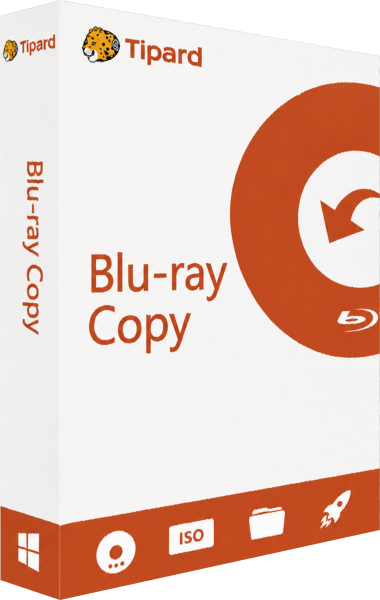
Tipard Blu-ray Copy
Copy Blu-ray content to disc, folder or ISO, with full-disc backups, movie selection and BD-25/BD-50 targets.
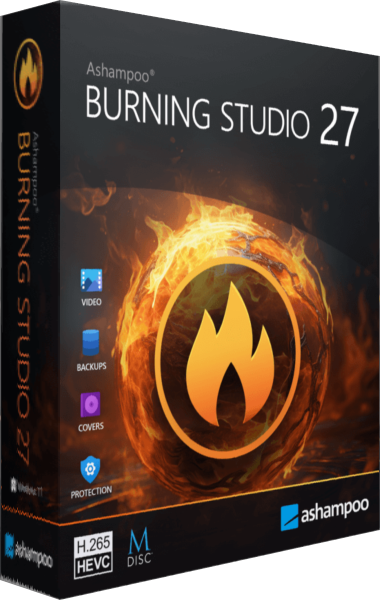
Ashampoo Burning Studio
Burn data and multimedia discs, extract audio, work with disc images and prepare file-backup projects.