Product comparison
Tipard Blu-ray Player vs Nero MediaHome 2026
Tipard Blu-ray Player centers on opening movie discs, saved disc structures and media files. Nero MediaHome 2026 centers on finding, organizing and presenting a collection. Both can play local media, but their Blu-ray workflows and collection-management tools serve different needs.
Compare playback workflows
| Task | Tipard Blu-ray Player | Nero MediaHome 2026 |
|---|---|---|
| Main workflow | Open a Blu-ray, DVD, saved disc structure or supported media file | Browse a media library, arrange albums and play or present selected files |
| Blu-ray sources | Blu-ray disc, BDMV folder and ISO playback | Self-created or unprotected Blu-ray/AVCHD content played as video files; no commercial or copy-protected Blu-ray movie playback |
| DVD and images | DVD disc, folder and ISO playback alongside Blu-ray sources | DVD-Video playback; do not infer movie ISO navigation from local-file playback |
| Collection organization | Playlist navigation for loaded content | Timeline, location, face and keyword views, photo/video albums and music playlists |
| Picture and presentation | Playback picture sliders, deinterlacing and JPEG frame snapshots | Photo enhancement and slideshows with titles, transitions and background music |
| Music | Supported local audio playback and available track or channel selection | Music-library browsing, playlists, audio CD importing and Gracenote lookup |
| Home viewing | Local playback with full-screen and aspect-ratio controls | PC playback and streaming to compatible home-network devices |
Which workflow fits?
Choose Tipard for opening discs and saved movie sources
Tipard Blu-ray Player suits watching Blu-ray and DVD content, opening saved ISO images or disc folders, and playing supported local video and audio. Select available audio tracks and subtitles, adjust the picture for viewing and capture a frame as JPEG. Keep saved disc folders intact so their content remains available.
Choose MediaHome for a browsable home collection
Nero MediaHome 2026 offers a different viewing workflow. Nero MediaHome 2026 suits finding personal recordings, grouping events into albums, organizing music or preparing a slideshow. Its streaming workflow can send supported media to compatible home-network devices. Begin with a small folder and check the intended destination before importing a larger library.
Disc and file playback scope
MediaHome does not play commercial or copy-protected Blu-ray movie discs. Its playback of unprotected Blu-ray/AVCHD video files should not be presented as equivalent to opening a protected movie disc with its navigation. For an overlapping test, use supported local files; evaluate Tipard's disc and ISO workflows separately.
Filename extensions and resolution labels do not describe every codec, audio track or subtitle variation. Check a representative source in the intended playback setup. Picture controls used while watching also differ from exporting a newly processed video file.
Check your media collection
- Separate the collection into movie discs, saved disc structures, personal videos, photographs and music.
- Use the same supported local video to check playback, audio and subtitles in both applications.
- In MediaHome, import a small folder and try date views, an album and a music playlist.
- For streaming, test the actual file, subtitles and audio on the intended home device; local playback alone does not establish compatibility.
Keep original media and independent recovery copies. Playlists, albums and library entries help organize viewing, but do not replace the source files. Evaluate picture and sound with the same scene and settings; this comparison does not report benchmark results or a tested quality winner.
Compared products
Match the required sources and collection tools to the selected catalog products.
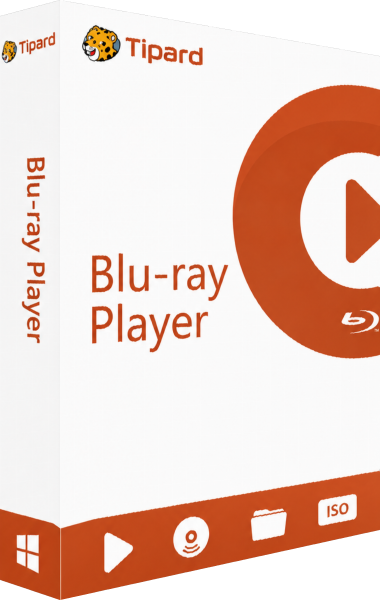
Tipard Blu-ray Player
Play Blu-ray, DVD and local media, choose audio and subtitles, adjust the picture, and capture video frames.
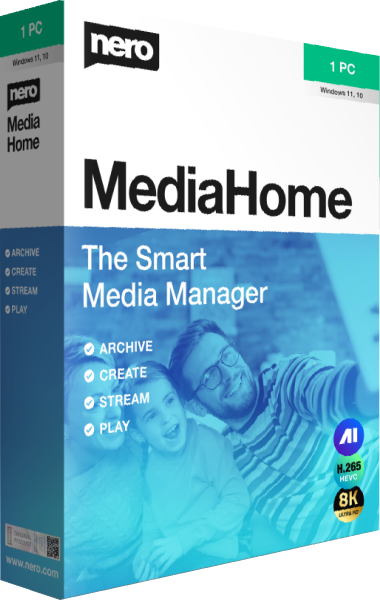
Nero MediaHome
Browse a media library, arrange albums and playlists, and play files on compatible home-network devices.