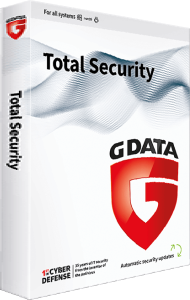
Protect devices and important files with G DATA Total Security 2025
G DATA Total Security 2025 combines malware protection with additional Windows tools for passwords, backup, encryption, and device access control. Choose the selected license around the devices and tasks you need to cover.
This overview focuses on the Windows suite. Applications for other platforms have different features, so review each installation rather than assuming every tool is available on every device.
Review malware and online protection
The suite uses malware scanning with DeepRay and BEAST analysis, alongside ransomware protection. Windows network and browsing tools include a firewall and BankGuard for protection against browser manipulation.
Keep protection updated and review warnings around unfamiliar files and requests. No security application can guarantee that every threat will be blocked. Verify recipients and payment details before completing sensitive transactions.
Use distinct passwords without memorizing every login
The Windows password manager stores login information and can generate passwords, with browser integration for filling credentials. Use different passwords for important accounts rather than repeating one memorable phrase.
Protect access to the password store and review available account sign-in protections. A generated password helps with account security, but should not be described as impossible to compromise.
Prepare and test recovery copies
Backup tools can automate copies to local storage or supported cloud destinations such as Google Drive and Dropbox. Password-protected backups help separate recovery data from everyday working files.
Choose the files that matter, check the destination, and test retrieval of a representative document or photograph. A backup on the same PC may be affected by loss or failure of that computer, so plan independent recovery copies.
Protect confidential files with encryption
Windows encryption tools protect selected information with a password and support external storage media. Keep the password available through a secure recovery plan before relying on an encrypted collection.
For a portable collection of documents, test access to a sample before transferring the whole set. Encryption protects access to stored data; it does not decide whether the files or their recipients are trustworthy.
Review external-device permissions and cleanup
Access control manages use of connected storage and other devices on the PC. Browser-cleaning and tuning tools address unwanted additions and selected maintenance tasks.
Review each change around your normal workflow. Keep permissions for devices you rely on, and inspect cleanup selections before applying them. Maintenance does not guarantee a faster computer in every situation.
Compare the suite with Internet Security
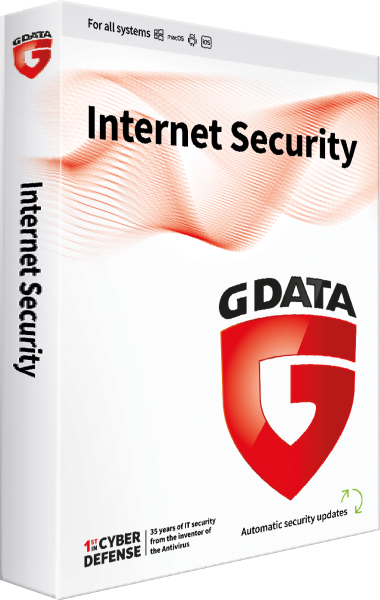
For the core online-protection package, compare G DATA Internet Security 2025. Total Security adds broader Windows utilities such as password management, encryption, and access control.
For a dedicated Mac application, see G DATA Antivirus for Mac 2025. Check device count, license term, and platform-specific functionality before choosing a package.