
Combine device security with privacy tools
Kaspersky Plus brings together malware protection, browsing security and privacy services for everyday use. It adds an unlimited VPN and a password manager to the security and maintenance focus of the Standard plan, subject to regional availability.
It suits a workflow that involves online accounts, shopping and connecting away from home. Review which services are activated on each device instead of assuming that installing the main security application completes every part of the setup.
Review malware and suspicious website alerts
Antivirus, anti-ransomware and anti-phishing tools help identify malicious files, suspicious behavior and deceptive websites. Windows features include firewall and online payment protection; available tools differ across platforms.
Keep updates enabled and examine detection reports before adding exceptions. When an unexpected message asks you to sign in or make a payment, verify the address and request independently, even if no warning appears.
Use the VPN as a separate privacy layer
The included unlimited VPN encrypts traffic carried through its connection. Kaspersky VPN functionality is unavailable in some regions, and its setup can involve a separate application.
Check that the intended connection is active before relying on it. A VPN does not validate a shopping site, prevent every phishing attempt or make an account anonymous after you sign in. Treat network privacy and account security as separate tasks.
Organize credentials in Password Manager
Kaspersky Password Manager stores credentials in an encrypted vault and supports autofill in supported browsers and applications. It can be installed separately from the main security application.
Set up the vault carefully and confirm that important entries contain the correct website and username. Before changing an existing password, make sure the updated entry is saved and that you still have a working way to access the account.
Review storage and application maintenance
The plan also offers cleanup, application-management and hard-drive health tools on supported platforms. These help you review storage usage and software rather than replacing a backup routine.
Check suggested removals before deleting anything, particularly archives and unfamiliar application files. If a health warning appears, preserve important data and investigate it; a monitoring tool cannot prevent every drive failure.
Compare Standard, Plus and Premium by purpose
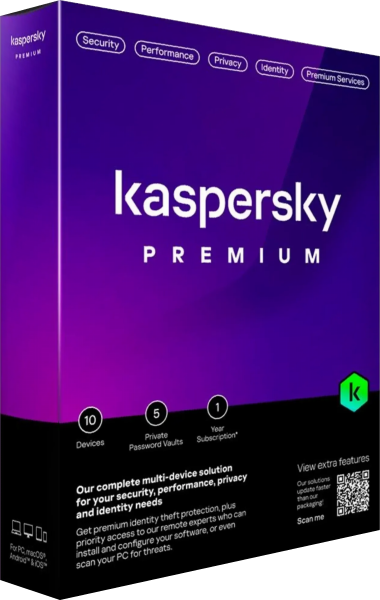
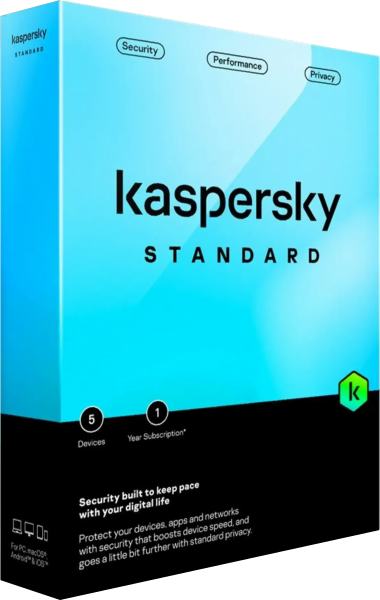
For a plan centered on antivirus and device maintenance, see Kaspersky Standard. Plus extends that focus with VPN and password-manager services. Kaspersky Premium adds further identity and support benefits, with the exact package depending on the region.
Check the services and device allowance of the selected package. Do not assume that every desktop feature appears on a phone or that every benefit advertised elsewhere in the product family belongs to Plus.
Keep protection and account access under review
After setup, check the security status, VPN connection and vault access individually. Keep account recovery information accessible and maintain an independent backup of documents you cannot replace.
For related categories, explore internet security software and VPN software. Compare the role each tool serves in your routine, then review alerts and settings when your devices or applications change.