Device protection, privacy and additional assistance
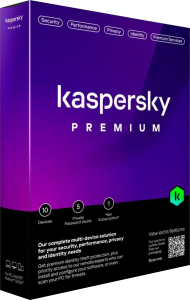
Kaspersky Premium combines antivirus and online protection with an unlimited VPN, password management and additional identity-related tools. Premium Support Services provide another route to assistance, subject to the selected package and regional availability.
Review each part of the plan after setup. The main security application, privacy services and support benefits serve different purposes, so confirm which are active on each device rather than assuming installation completes the whole process.
Keep malware and browsing protection under review
The security tools include antivirus, anti-ransomware and anti-phishing protection. Supported Windows functions include firewall and online payment protection, while the available tools vary across platforms.
Check detection reports when an application or download is blocked. Before adding an exception, identify the affected file and the reason for the alert. Continue verifying unexpected payment requests and sign-in pages even when the software displays no warning.
Use VPN and Password Manager deliberately
The plan includes an unlimited VPN and Password Manager. They can be installed separately from the main security application, and VPN functionality is unavailable in some regions.
Confirm the VPN connection before relying on it, and check that important account entries are saved correctly in the password vault. A VPN does not establish that a website is trustworthy, and signing in to an account still identifies you to that service.
Understand the identity-related tools
The Windows plan comparison lists Identity Protection Wallet and Remote Access Detection as Premium features. These add tools for handling sensitive information and identifying remote-access activity; their availability depends on the application and package.
Review any remote-access alert in the context of what you authorized. If you are not expecting a support session, investigate it before granting access. Keep account recovery details organized, and treat identity-related tools as assistance rather than a guarantee that misuse cannot occur.
Know what Premium Support Services cover
Depending on the region, support benefits can include priority assistance, help with installation, expert virus checks and PC health checks. Phone availability and service scope are not identical in every country.
Before requesting help, note the problem, any error message and the recent changes to the device. Use the support entry available through your activated service, and confirm what a remote session will involve before allowing access.
Review maintenance and family benefits separately
Premium also includes device-maintenance tools on supported platforms. Some packages offer Kaspersky Safe Kids as an additional benefit; check its activation conditions and service duration separately from the main plan.
Inspect cleanup recommendations before removing files. Keep important documents backed up, and do not treat a drive-health indicator as a substitute for recovery planning. When setting up family controls, check the actual behavior on each device rather than assuming every platform offers the same controls.
Choose between Standard, Plus and Premium
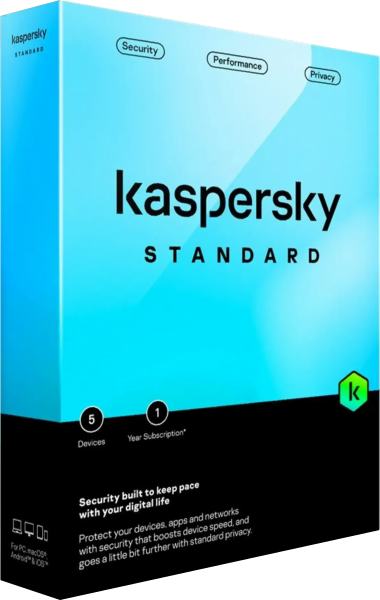
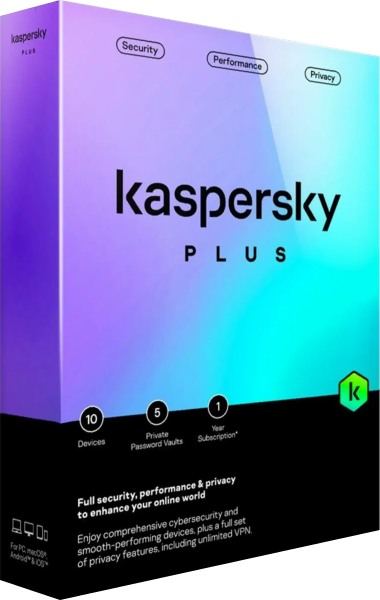
For the antivirus and maintenance focus, see Kaspersky Standard. For security combined with VPN and password management, see Kaspersky Plus. Premium adds identity-related tools and support benefits for people who need those services.
Compare the regional package, device allowance and functions you will use. Explore internet security software for related options, and review your protection setup when your devices or everyday applications change.